Add Baidu as an OAuth provider
This guide explains how to let users sign in to Casdoor with their Baidu account.
Learning outcomes
- Create a Baidu application and register the domain of Casdoor.
- Add Baidu as an OAuth provider in Casdoor.
What you need
- A Baidu developer account. See Baidu Open Auth.
- Administrator access to the Casdoor admin console
Create a Baidu application
-
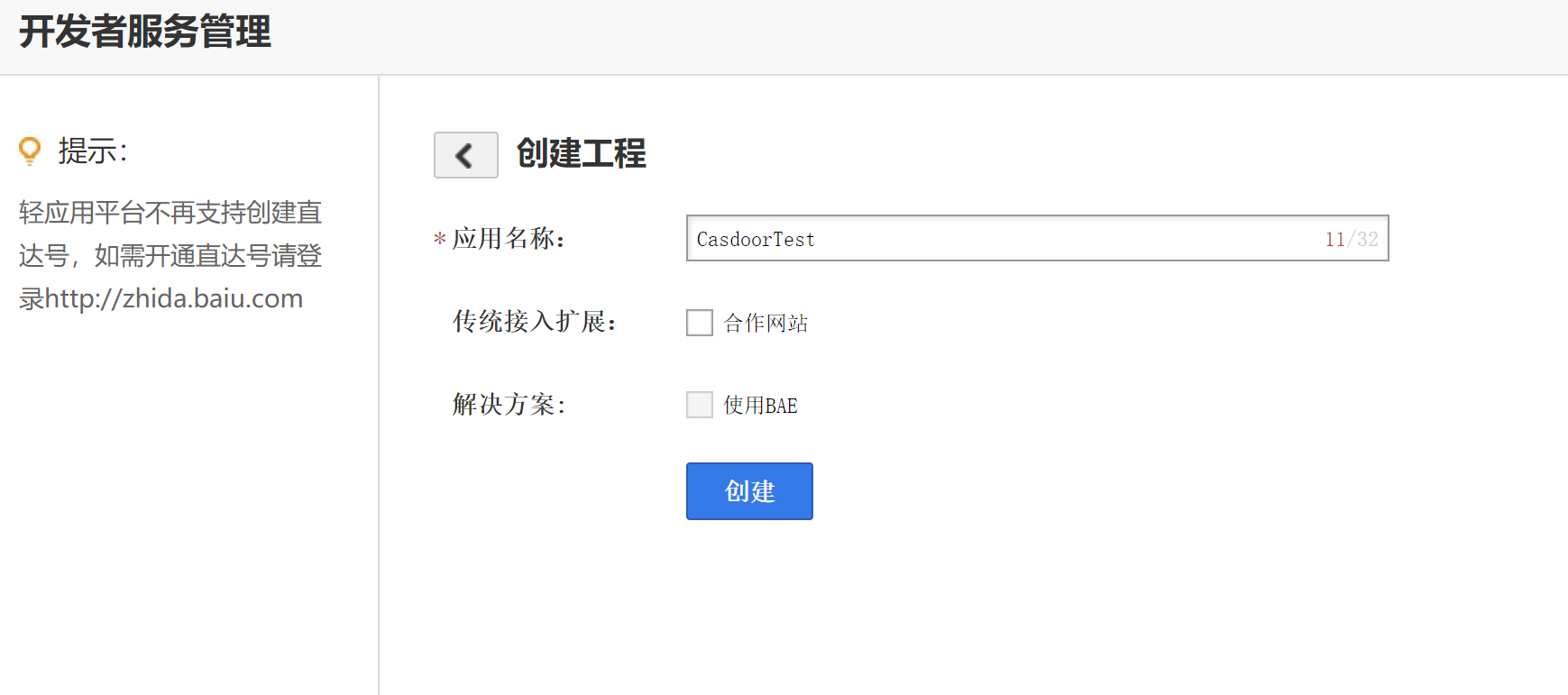
Create an application in the Baidu developer console.
-
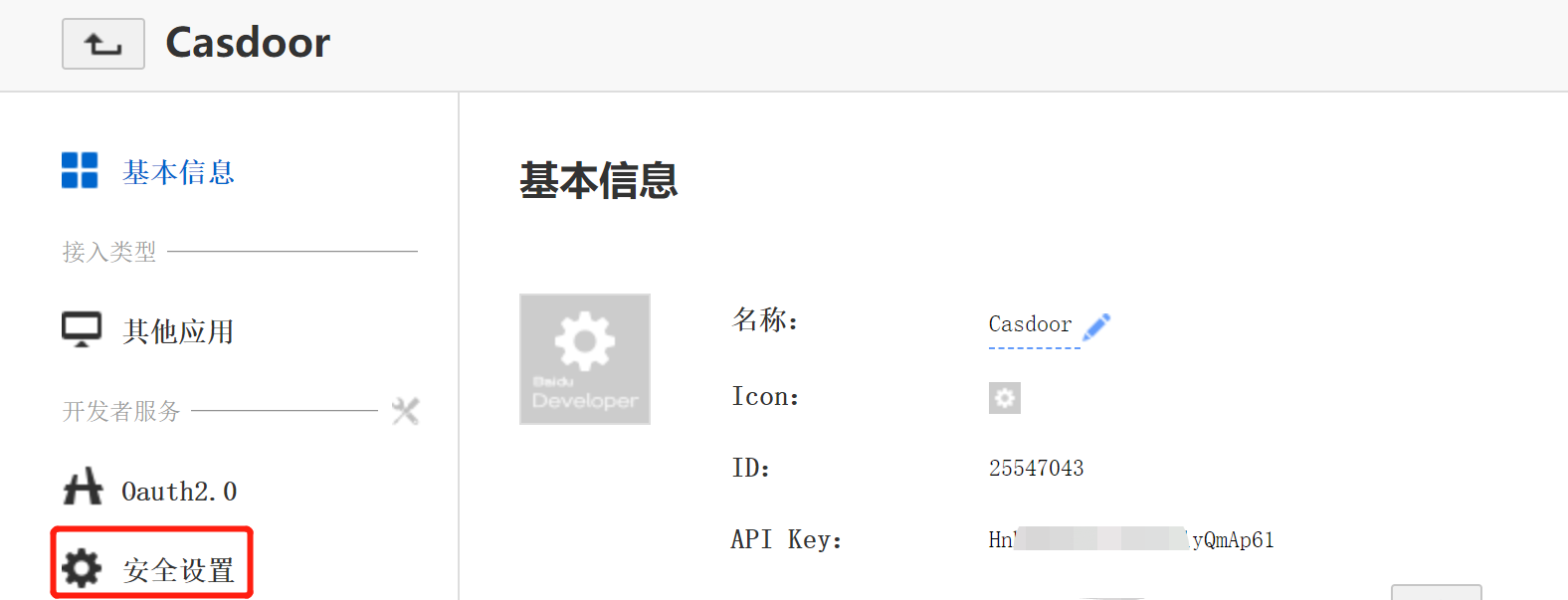
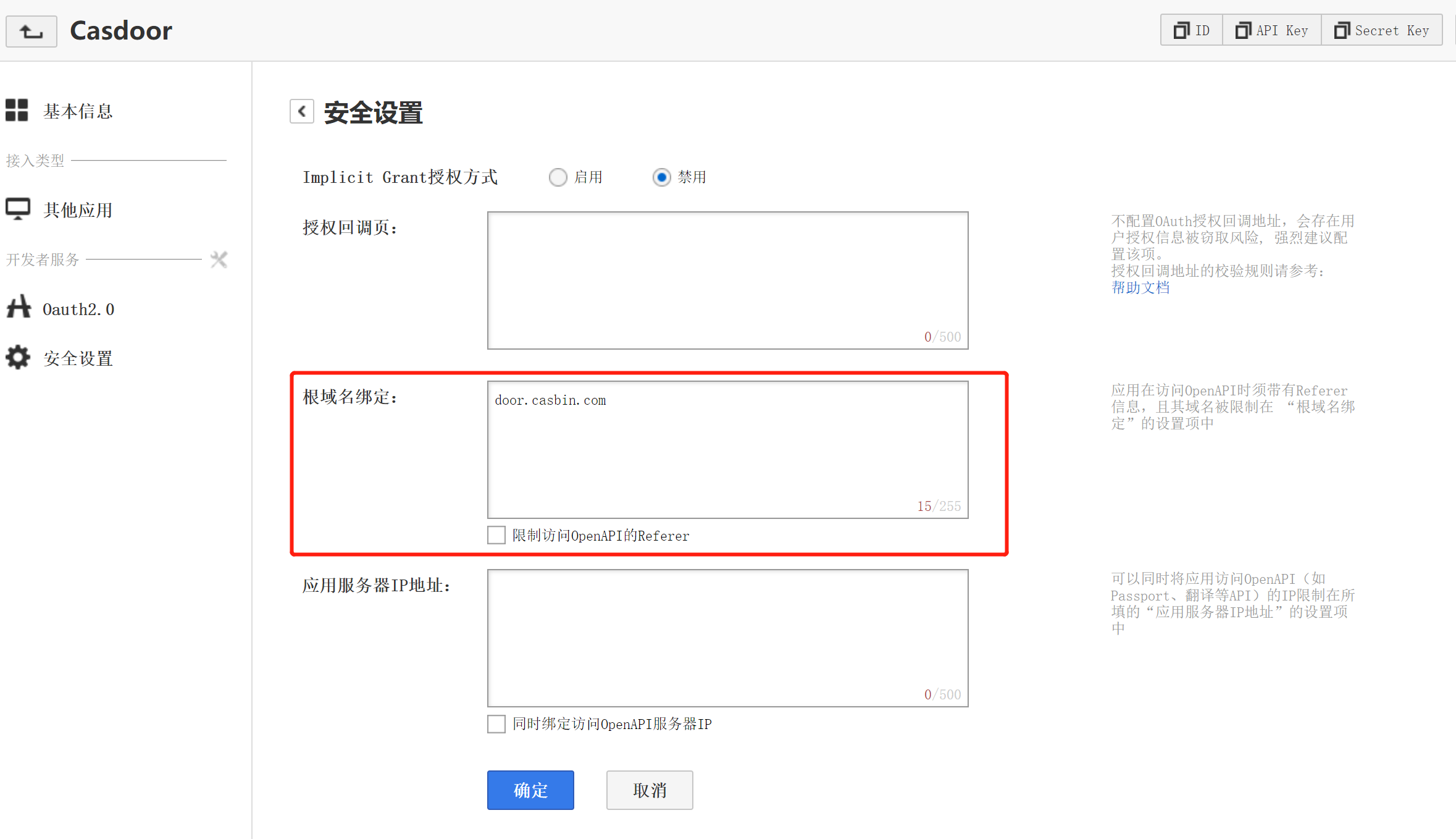
In the security settings of the application, add the domain of Casdoor in the domain setting.
 Vorsicht
Enter the domain in the domain setting, not the full callback URL in the callback URL field: Baidu often rejects the full URL there, and sign-in then fails. Baidu accepts only one domain or URL. :::
-
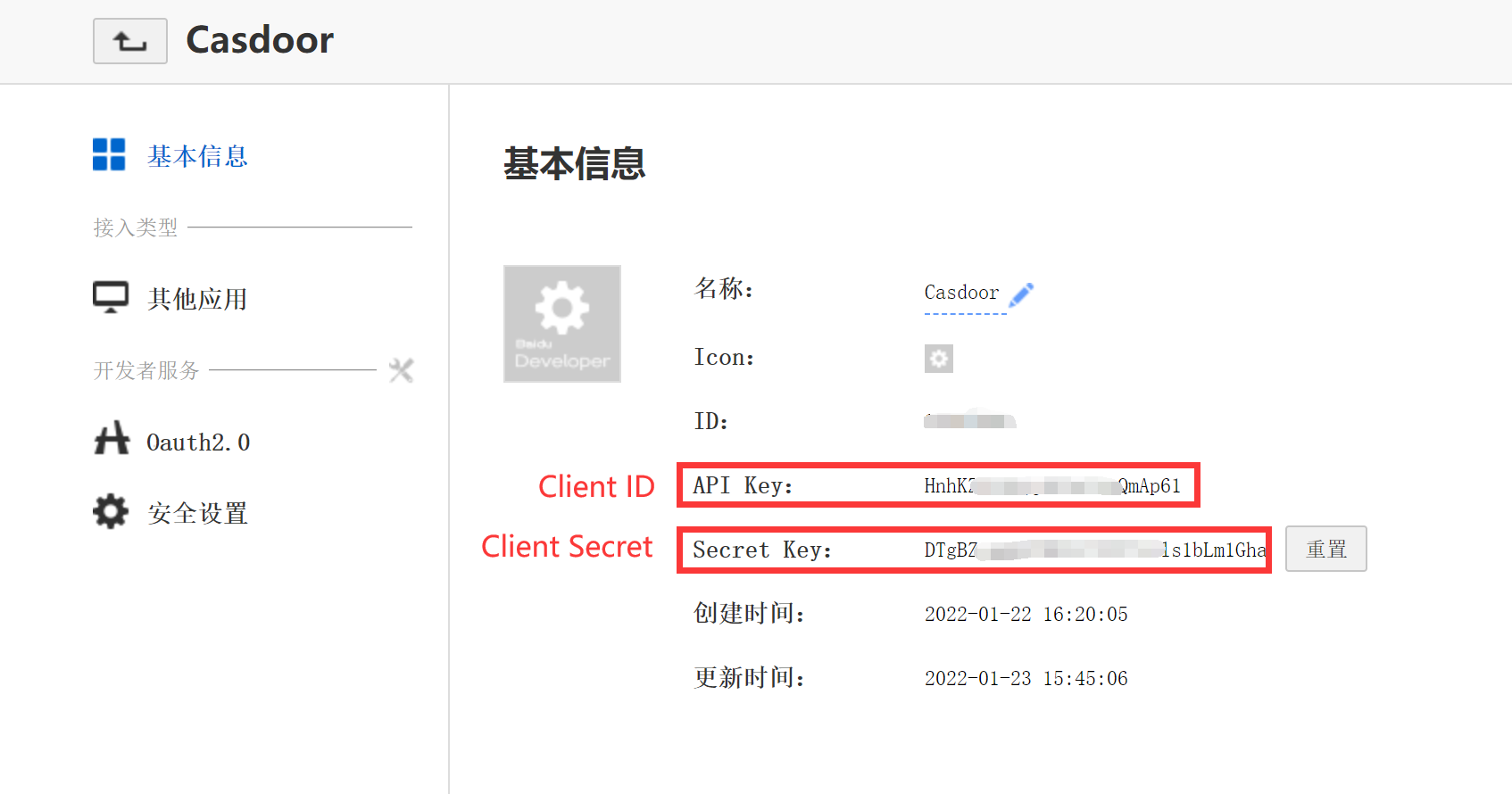
Copy the Client ID and the Client Secret.
Add the provider in Casdoor
-
In the Casdoor admin console, go to Identity > Providers and add a provider.
-
Set Category to
OAuthand Type toBaidu. -
Enter the Client ID and the Client secret.
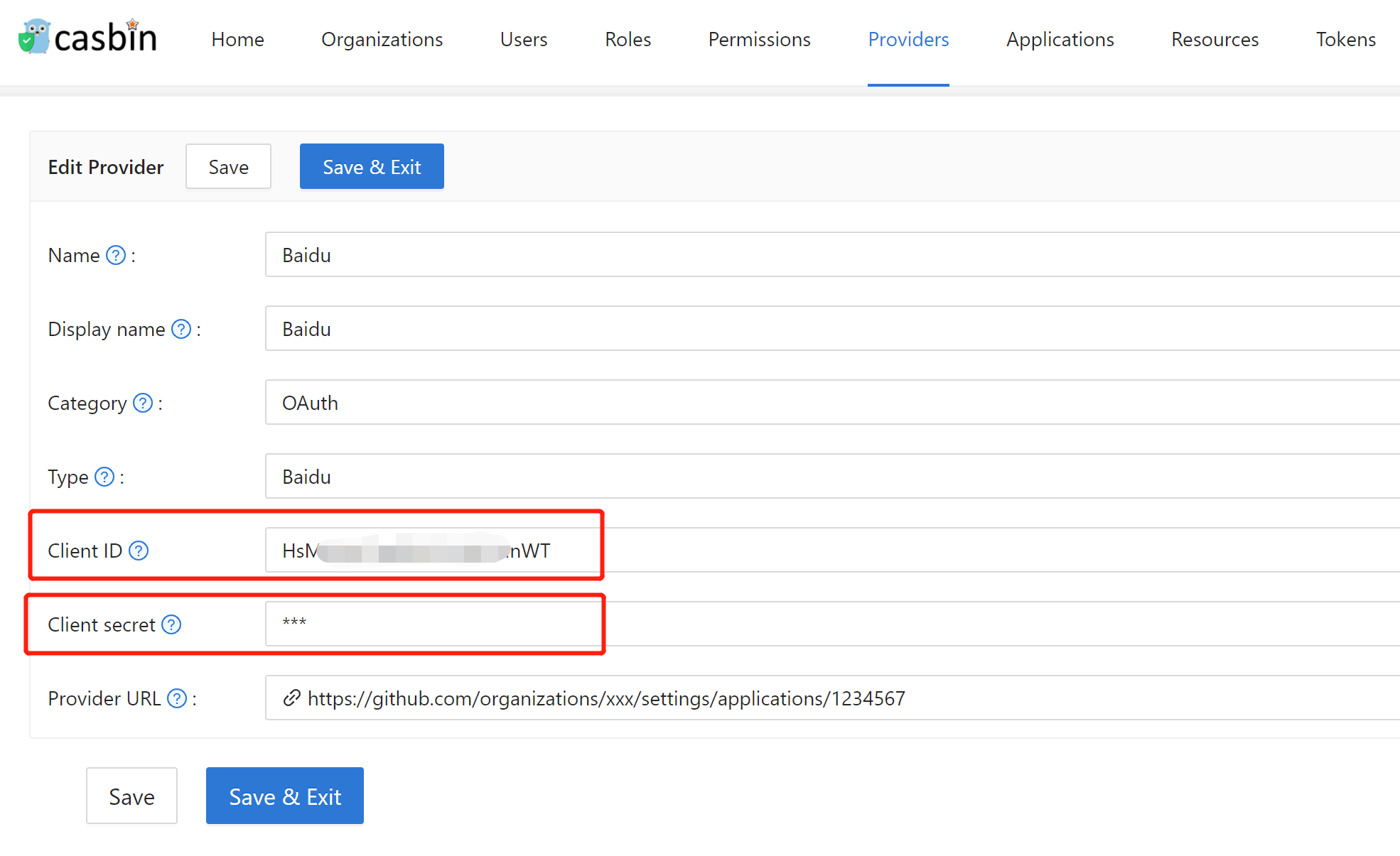
-
Save the provider.
Baidu returns a masked username, and Casdoor uses the masked value as the username.
Troubleshooting
If Baidu reports a wrong redirect URL:
- Add the domain in the domain setting, as described above.
- Reset the secret. Baidu may show an error, but the secret is updated after you reload the page.
- If sign-in still fails, delete the application and create a new one. Set the domain first.
Next steps
Add the provider to an application. See Add providers to an application.