Share an application between organizations
This guide explains shared applications. A shared application serves all organizations: the users of each organization sign in to the same application, and each organization uses its own client ID.
Learning outcomes
- Share an application.
- Build the client ID and the sign-in URL for an organization.
What you need
- An application of the
built-inorganization. Only thebuilt-inorganization can share applications.
Share the application
-
In the Casdoor admin console, open the edit page of the application.
-
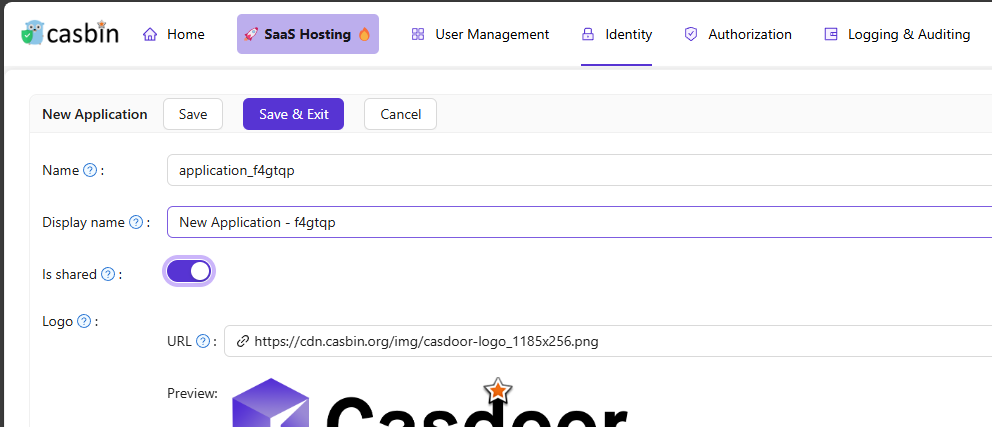
Turn on Is shared.
-
Save the application.
A shared application is available to all organizations. You can't limit it to some of them.
Use the application for an organization
To refer to the application for one organization, append -org-<organization-name> to its client ID or its name.
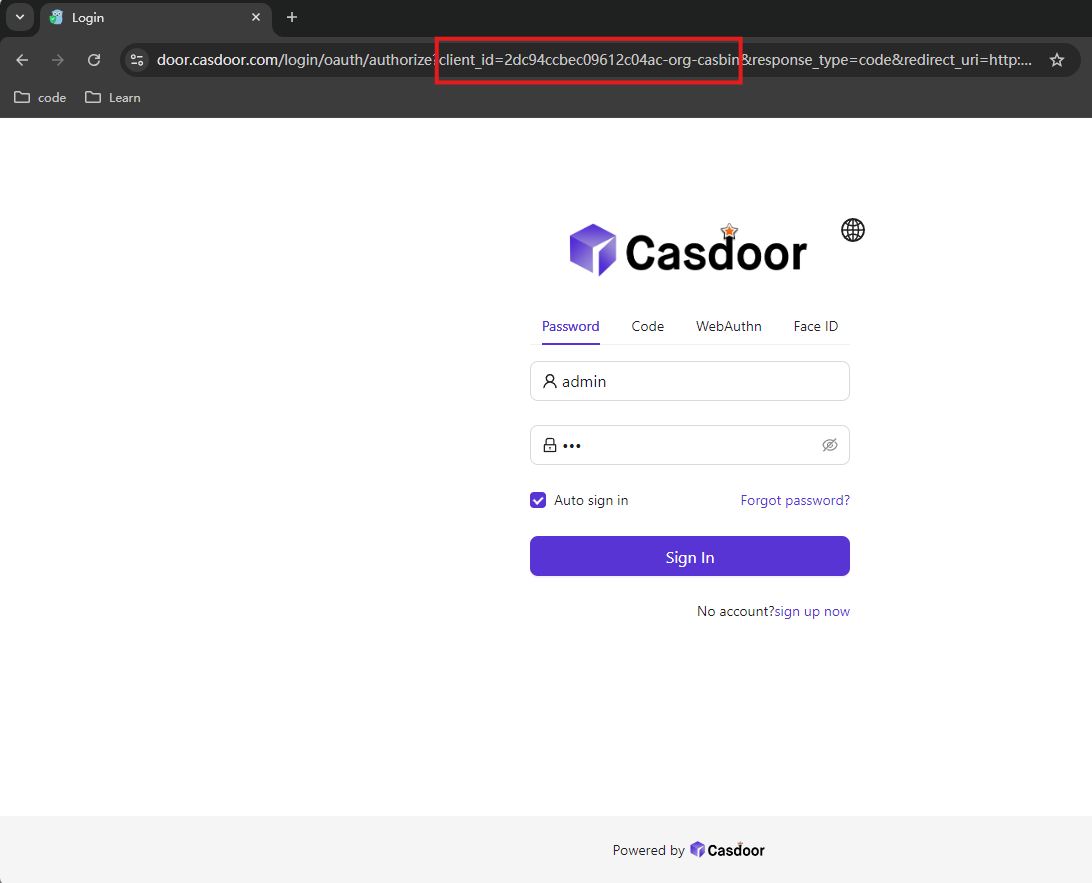
For example, the application has the client ID 2dc94ccbec09612c04ac. For the organization casbin, the client ID is 2dc94ccbec09612c04ac-org-casbin, and the authorization URL is:
https://door.casdoor.com/login/oauth/authorize?client_id=2dc94ccbec09612c04ac-org-casbin&response_type=code&redirect_uri=...&scope=read&state=casdoor
Users who sign in through this URL sign in to the organization casbin.
The suffix doesn't apply to a client ID that is a URL, such as the client ID of an MCP client that uses a client ID metadata document, since the URL may contain -org- itself. Such a client keeps its URL as the client ID and adds the organization parameter to the authorization request instead, for example organization=casbin. The discovery document of an organization, /orgs/<organization>/.well-known/openid-configuration, puts the organization in the path of its authorization_endpoint when the organization accepts URL client IDs, for example /orgs/casbin/login/oauth/authorize, so clients can append their parameters to it with ?. Casdoor redirects this address to the sign-in page with organization=casbin, and the iss of the authorization response is then the issuer of that organization.
Tokens of applications of other organizations
A shared application belongs to the built-in organization, so its tokens work like the tokens of any other application. An application of any other organization is different: when a user from outside that organization, such as a global administrator, signs in to it, the token and the session can call only these APIs:
/api/userinfo/api/user/api/login/oauth
Casdoor denies every other request that carries such a token. If the browser only sends the session cookie that such a request left behind, Casdoor signs that session out and handles the request as anonymous. This keeps the admin of the application from using the tokens of users of other organizations to manage Casdoor.
Invitations
For invitations to a shared application, Casdoor generates links with the -org-<organization-name> suffix, so that users register in the right organization.