Grafana
Grafana supports generic OAuth. Use Casdoor as the IdP so users sign in to Grafana with their Casdoor accounts. Ensure Grafana is installed and running.
Step 1: Create a Casdoor application for Grafana
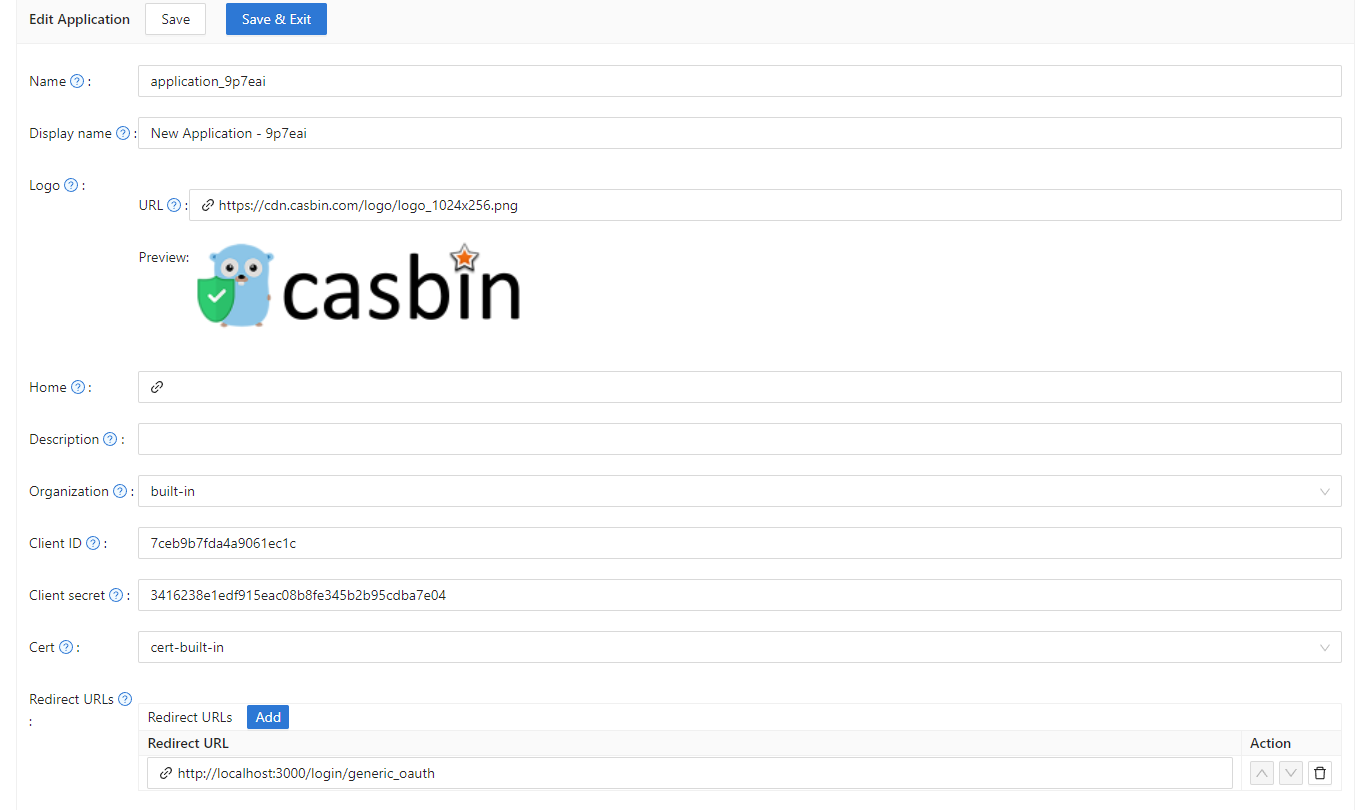
Create an application in Casdoor and add Grafana’s callback URL. Default Grafana OAuth callback path: /login/generic_oauth, so the full redirect URL is https://<grafana-host>/login/generic_oauth. Copy the Client ID and Client Secret.
Step 2: Configure Grafana
Edit the Grafana config (e.g. conf/defaults.ini or your custom config). Find or add [auth.generic_oauth] and set:
[auth.generic_oauth]
name = Casdoor
icon = signin
enabled = true
allow_sign_up = true
client_id = <client ID from previous step>
client_secret = <client secret from previous step>
auth_url = <Casdoor endpoint>/login/oauth/authorize
token_url = <Casdoor endpoint>/api/login/oauth/access_token
api_url = <Casdoor endpoint>/api/userinfo
scopes = openid profile email
Set scopes explicitly: Grafana's default is user:email, which does not request openid.
HTTPS
If Casdoor or Grafana is not using HTTPS, set tls_skip_verify_insecure = true.
Redirect after sign-in
If the post-login redirect is wrong, set root_url in [server]:
[server]
http_port = 3000
# The public-facing domain name used to access Grafana from a browser
domain = <your IP here>
# The full public-facing URL
root_url = %(protocol)s://%(domain)s:%(http_port)s/
Related links:
About Role Mapping
You may want to configure role_attribute_path to map your user's role to Grafana via role_attribute_path.
[auth.generic_oauth]
role_attribute_path = contains(roles[*].name || roles || `[]`, 'admin') && 'Admin' || contains(roles[*].name || roles || `[]`, 'editor') && 'Editor' || 'Viewer'
role_attribute_strict = true
allow_assign_grafana_admin = true
Grafana reads roles from the ID token first, then from the UserInfo response. With the default JWT token format, the ID token carries roles as objects, so the expression matches roles[*].name. With JWT-Standard, the ID token has no roles and Grafana falls back to UserInfo, where roles is a list of role names; the || roles part covers that case. See the Grafana docs for the JMESPath syntax.
Step 3: See if it works
Shutdown Grafana and restart it.
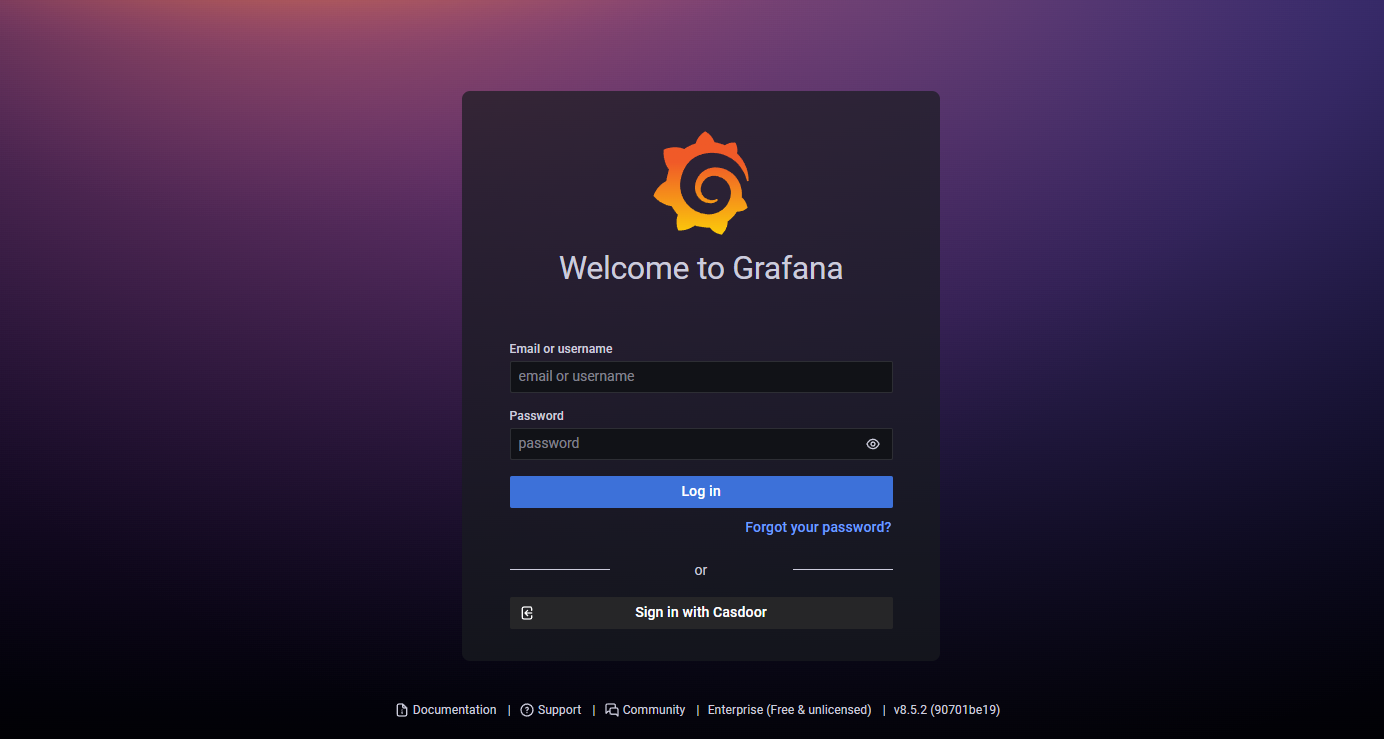
Go to the login page. You should see something like this: