ShardingSphere
shardingsphere-elasticjob-ui includes Casdoor; configure it as below.
Casdoor login was added to the ElasticJob UI after its last release (3.0.2), so it exists only on the master branch. Build the UI from master to use it.
Step 1: Deploy Casdoor
Deploy Casdoor. See Server installation. Ensure the server is running and you can sign in at the Casdoor login page as built-in/admin with the password that you set. See Sign in to the admin console.
Step 2: Configure Casdoor application and configure application in ShardingSphere
-
Create or use an existing Casdoor application
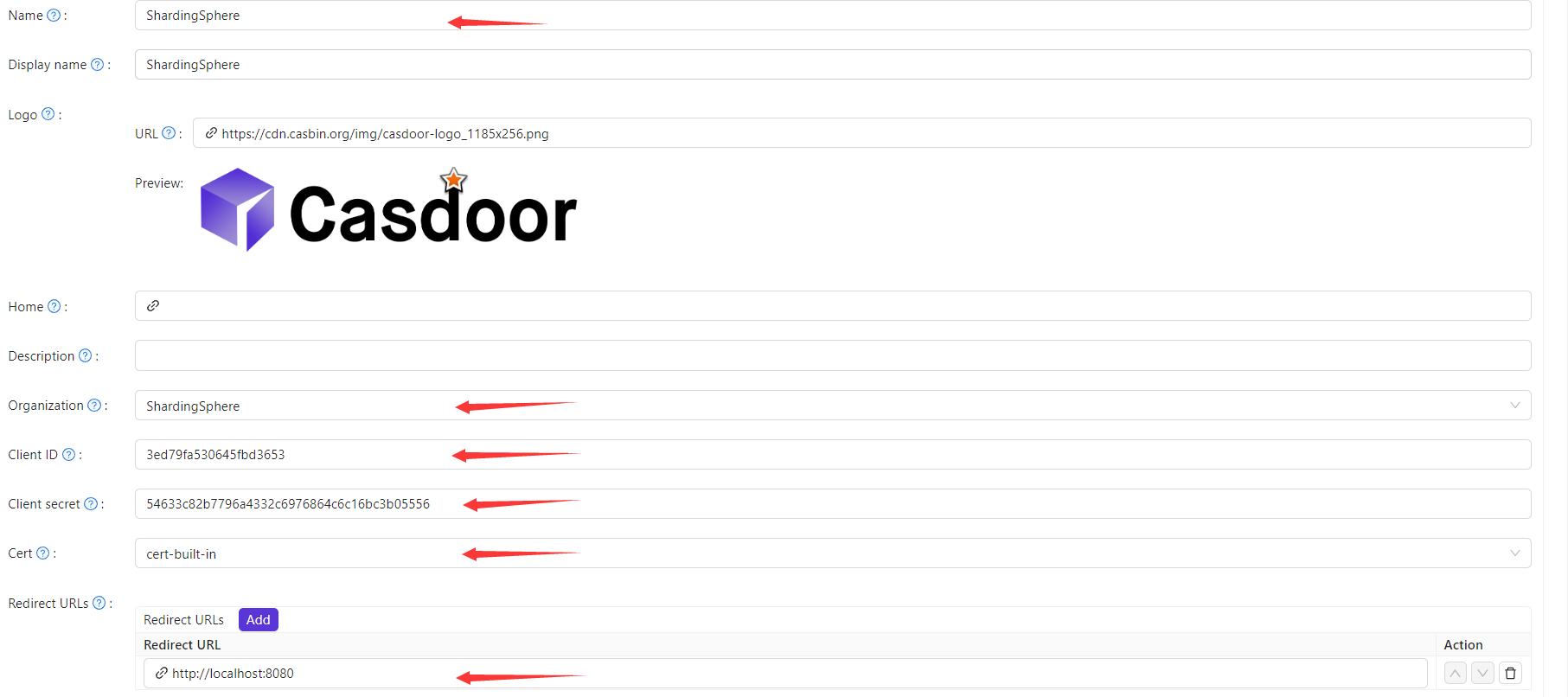 Set Redirect URLs to where your app should redirect after login; note the chosen values for the next step.
-
On the certificate editing page, copy your
Certificate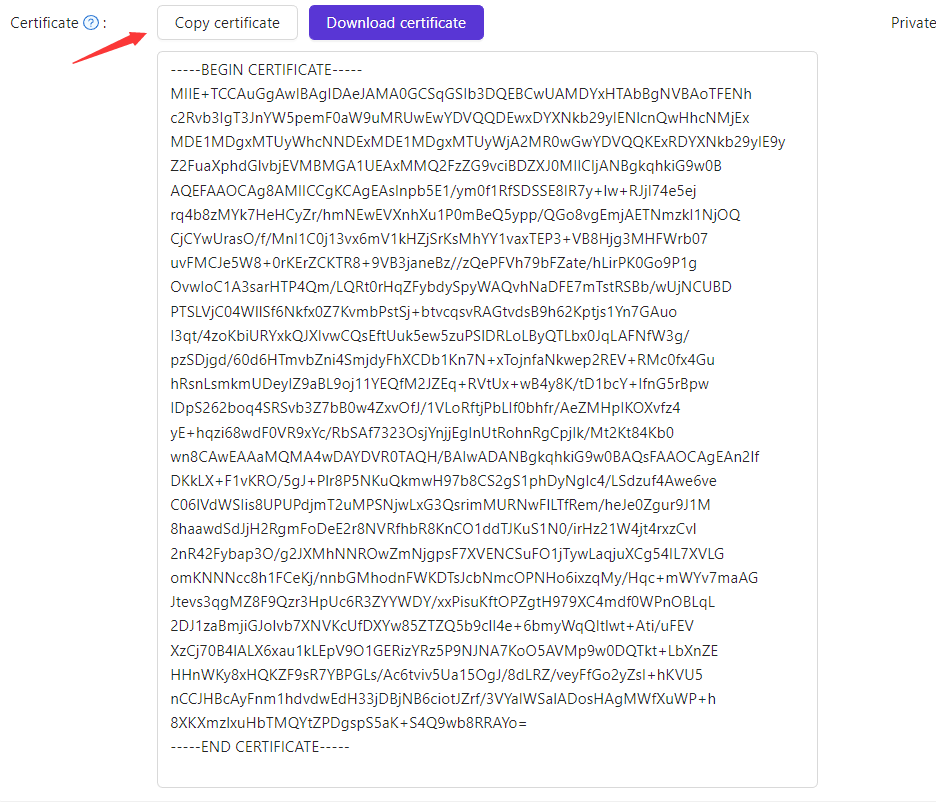
-
Configure the application in ShardingSphere
Locate the
application.properties(or equivalent) to configure.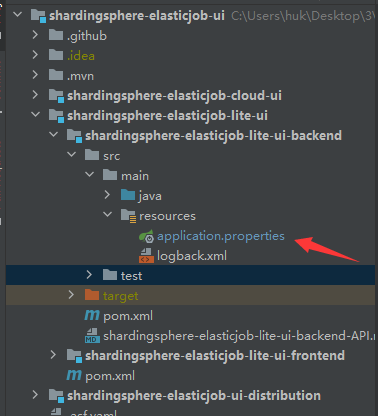
Next, we need to copy the data from the Casdoor application and paste it into the application.
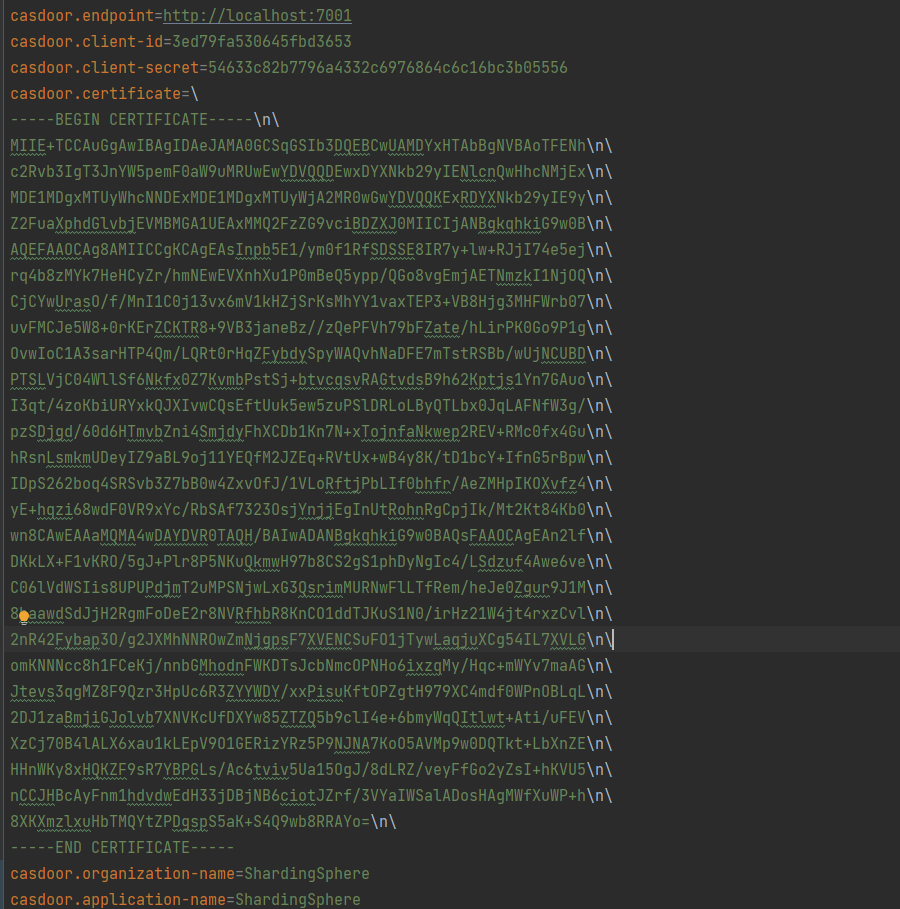
-
Test it