Store files on the local file system
This guide explains how to store uploaded files on the file system of the Casdoor server. Casdoor stores them in its files directory. For example, if Casdoor runs in /home/user/casdoor, the files are in /home/user/casdoor/files.
Learning outcomes
- Add a local file system storage provider.
- Choose a path prefix.
What you need
- Administrator access to the Casdoor admin console
Add the provider
-
In the Casdoor admin console, go to Identity > Providers and add a provider.
-
Set Category to
Storageand Type toLocal File System.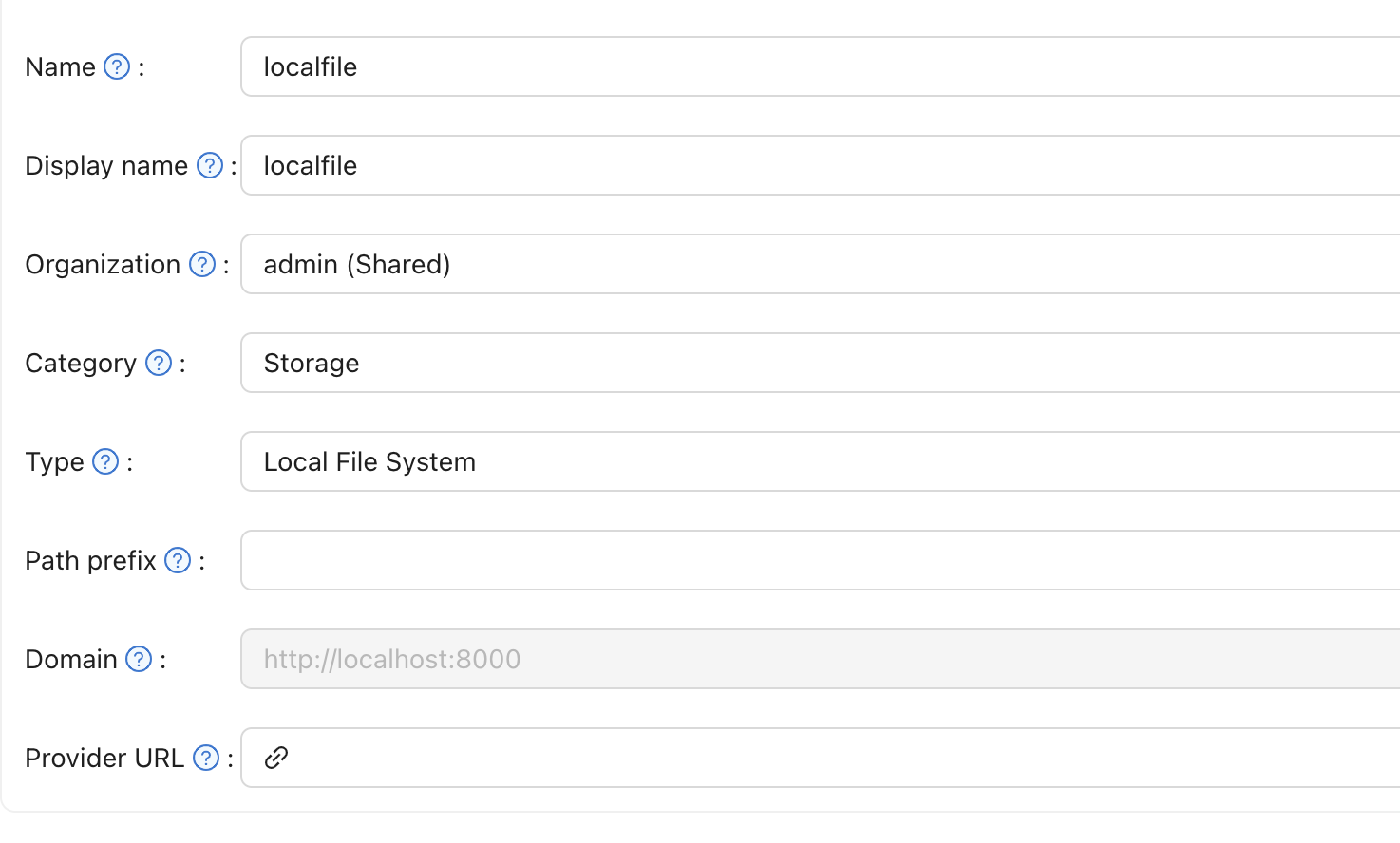
-
Optionally, set Path prefix. Casdoor then stores the files in a subdirectory with that name.
-
Save the provider.
With a path prefix:


Without a path prefix:


In a container, mount the files directory on a volume. Otherwise, the files are lost when the container is replaced.
How files are served
Casdoor serves the files of this provider under the path /files/, for example https://<your-casdoor-host>/files/<path-prefix>/<file-name>. To keep an uploaded file from running script on the domain of Casdoor, it sends every file that exists there with these response headers:
| Header | Effect |
|---|---|
X-Content-Type-Options: nosniff | The browser doesn't guess another content type from the content of the file |
Content-Security-Policy: default-src 'none'; sandbox | A file that the browser opens directly loads nothing and runs no script |
Content-Disposition: attachment | Only for active content: the browser downloads the file instead of showing it. Active content is a file with the extension .htm, .html, .mht, .mhtml, .svg, .svgz, .swf, .xht, .xhtml, .xml, .xsl, or .xslt, without regard to case |
Images in an <img> tag, such as avatars, still show, because the browser ignores these headers there. A path under /files/ that doesn't exist returns the Casdoor web application with its usual headers.