Overview
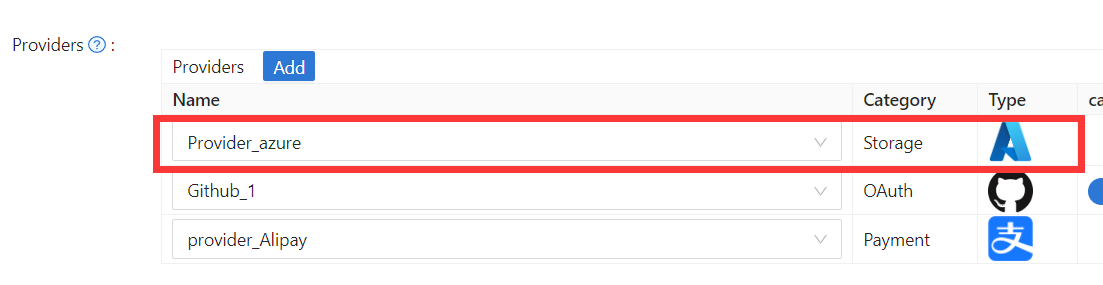
Casdoor can store resources (files, images) in storage providers. Configure at least one storage provider and add it to your application, then users can upload and manage resources.
Uploading
Users upload files or images to the storage configured for the application.
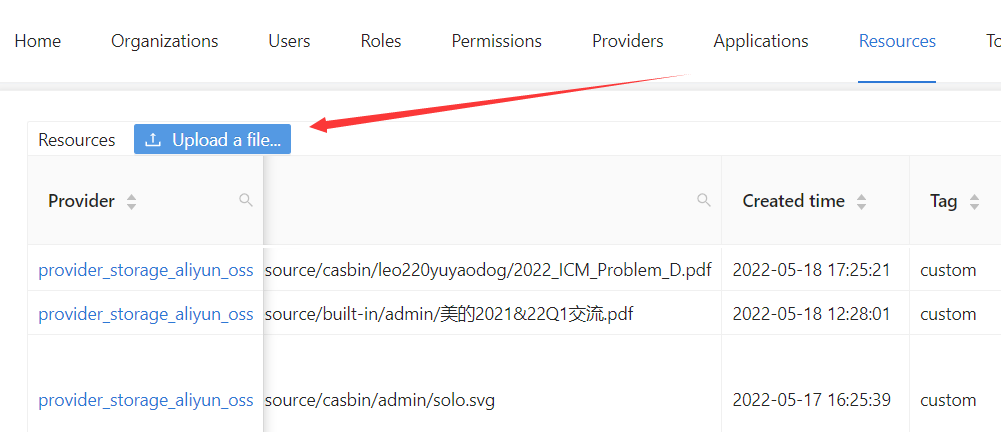
Global administrators can upload any file. For everyone else, including organization administrators, Casdoor accepts an upload only when it matches one of these rules:
| Upload | Rule |
|---|---|
| Avatar or ID card image of a user | The file is stored as <tag>/<organization>/<username>.<extension>, where <tag> is avatar or an ID card tag such as idCardFront, and is an image: .png, .jpg, .jpeg, .gif, .webp, .bmp, or .ico |
| Other files of a user | The file is stored under resource/<organization>/<username>/ and isn't active content that a browser runs: .html, .htm, .xhtml, .shtml, .svg, .svgz, .xml, .xsl, .js, .mjs, .php, .phtml, .jsp, .asp, .aspx, .swf, or .hta |
| Terms of use of an application | Only an organization administrator, for an application of their organization, as an .html file |
| Direct upload to the bucket of a storage provider | Only an organization administrator |
Casdoor rejects any other upload with Unauthorized operation.
Deleting
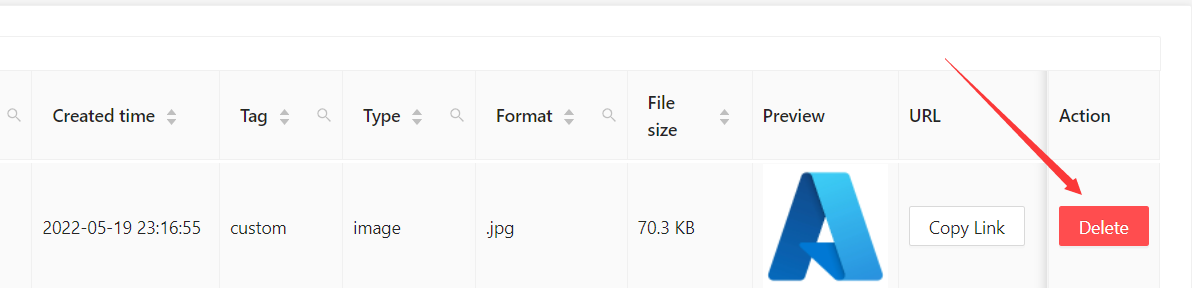
To remove a resource, open it and click Delete.