Use the default captcha
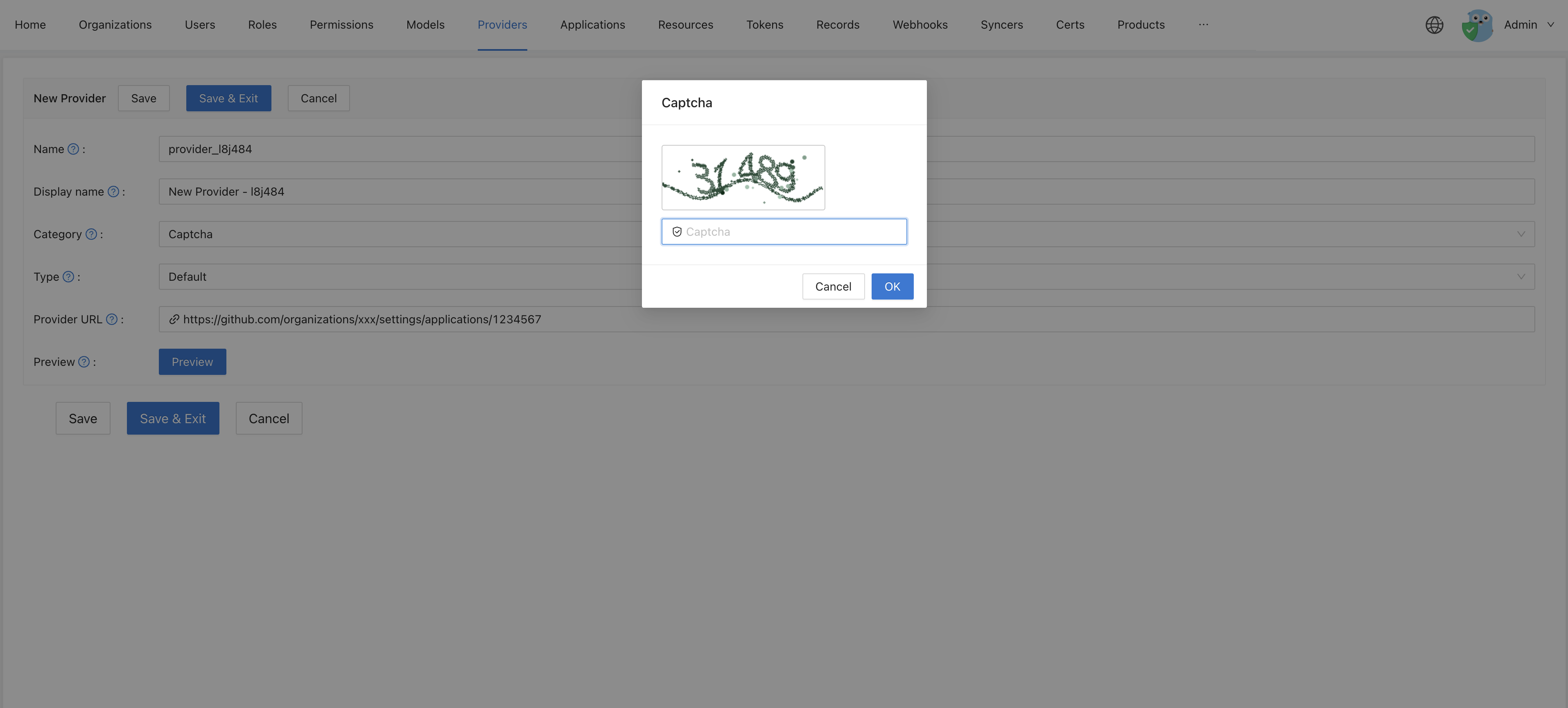
This guide explains how to use the built-in captcha of Casdoor. It shows an image with five digits that the user types. It needs no external service and no keys.
Learning outcomes
- Add the default captcha as a provider.
What you need
- Administrator access to the Casdoor admin console
Configura en Casdoor
-
In the Casdoor admin console, go to Identity > Providers and add a provider.
-
Set Category to
Captchaand Type toDefault.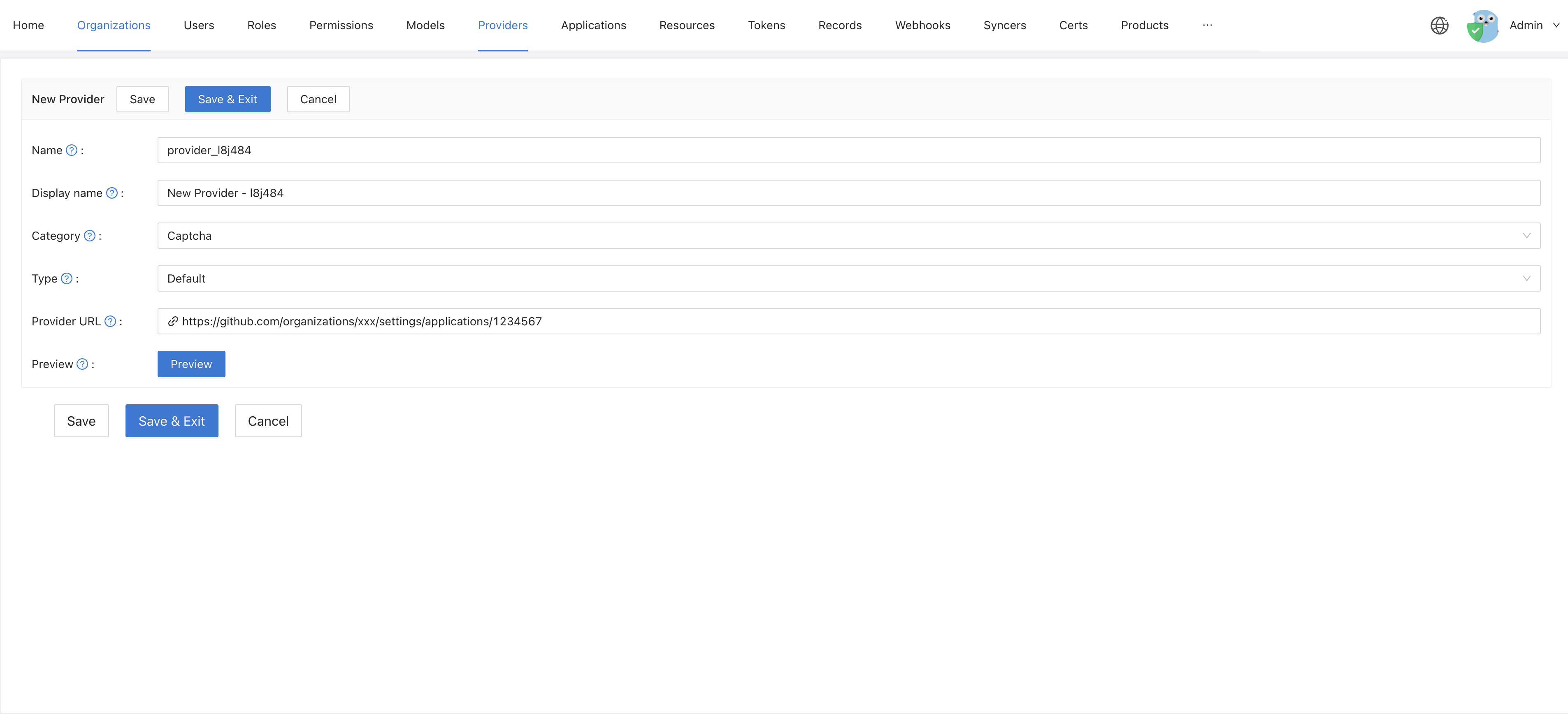
-
Click Preview to check the captcha.
-
Save the provider.
Next steps
Add the provider to an application and choose when the captcha appears. See Add the captcha to an application.