SMS providers
An SMS provider sends verification codes to the phone numbers of users, for example at sign-up, at sign-in with a code, and for multi-factor authentication. Casdoor sends SMS through casdoor/go-sms-sender.
Supported services
The Type of an SMS provider can be: Aliyun SMS, Alibaba Cloud PNVS SMS, Amazon SNS, Azure ACS, Baidu Cloud SMS, Huawei Cloud SMS, Infobip SMS, Msg91 SMS, OSON SMS, SmsBao SMS, SUBMAIL SMS, Tencent Cloud SMS, Twilio SMS, UCloud SMS, Volc Engine SMS, and Custom HTTP SMS, which calls an HTTP API of your choice.
To request another service, open an issue or a pull request in go-sms-sender.
Add an SMS provider
-
In the Casdoor admin console, go to Identity > Providers and add a provider.
-
Set Category to
SMS.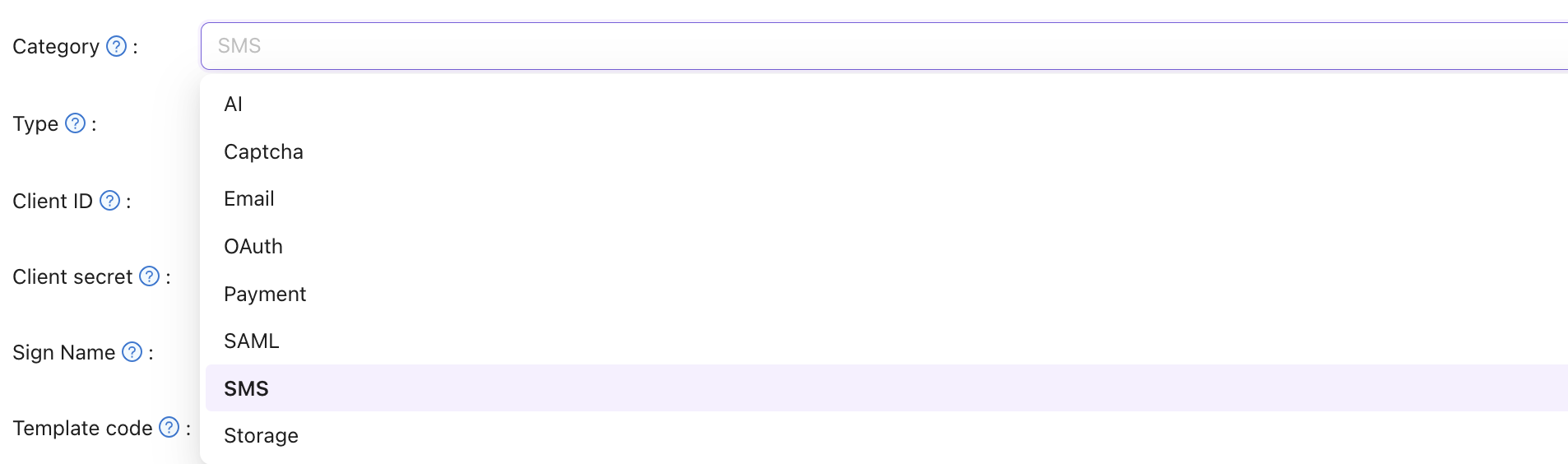
-
Select the Type of your SMS service.
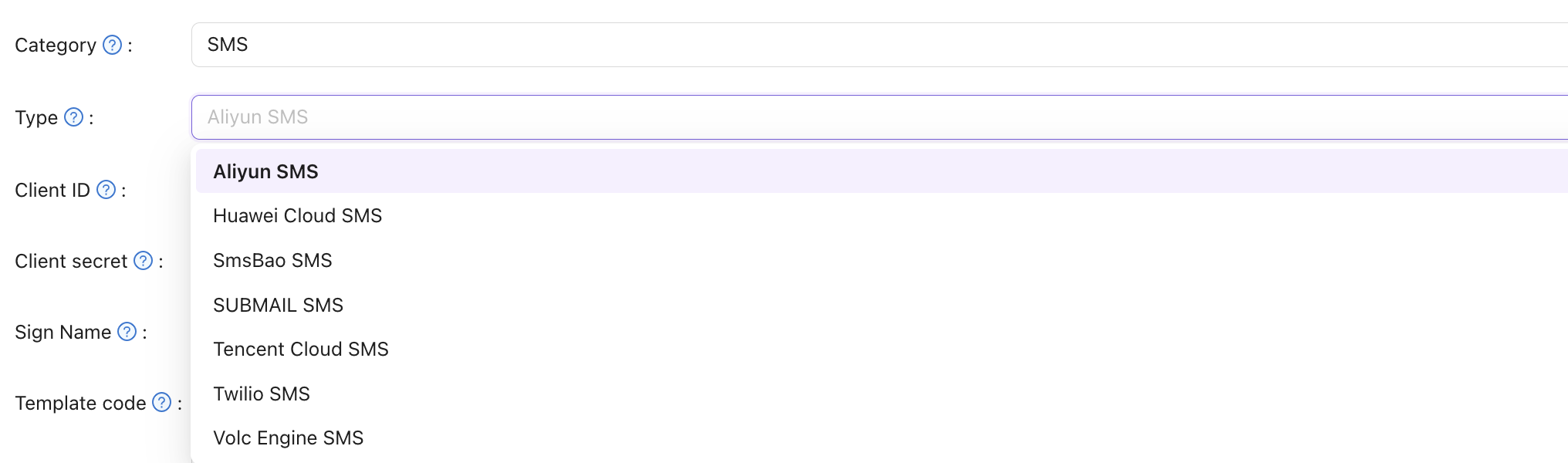
-
Fill in the credentials from the SMS service. The page of each service lists the fields.
-
Enter a phone number in SMS Test and send a test message.
-
Save the provider and add it to your application. See Add providers to an application.
Proxy
For SMS services that Casdoor calls over HTTP, such as Custom HTTP SMS, you can turn on Enable proxy. Casdoor then sends the requests through the SOCKS5 proxy that socks5Proxy in conf/app.conf sets. Use it when Casdoor can't reach the SMS API directly.