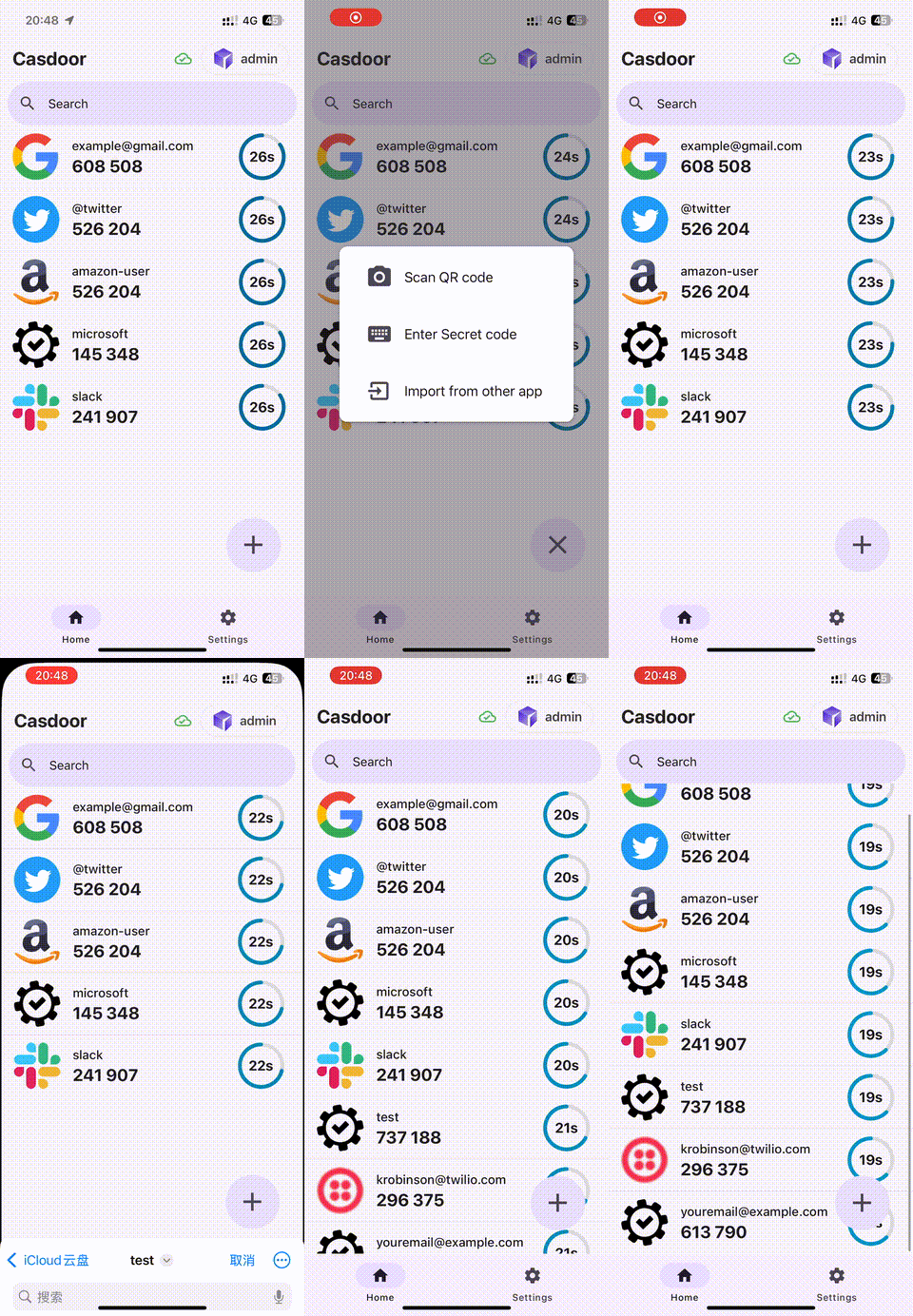
Casdoor Authenticator アプリの使用
このガイドでは、Casdoor Authenticator のインストール方法、Casdoor インスタンスへの接続方法、および他の認証アプリからのアカウント移行手順を解説します。
学習目標
- Android でアプリをインストールするか、iOS 向けにビルドします。
- アプリを Casdoor に接続し、アカウントを同期します。
- Google Authenticator や Microsoft Authenticator からアカウントをインポートします。
必要なもの
- Android または iOS デバイス
- アカウントを同期する場合: Casdoor インスタンスとその上のアカウント
Casdoor Authenticator について
Casdoor Authenticator は、Google Authenticator や Microsoft Authenticator と同様に、時間ベースのワンタイムパスワード (TOTP) を生成するオープンソースアプリ (ソースコード) です。多要素認証 (MFA) の第2要素として使用されます。
TOTP コードは、アプリとサービス間で共有されるシークレットと現在時刻から計算されます (RFC 6238)。コードの有効期間は30秒で、生成にはネットワーク接続が必要です。
| Feature | Description |
|---|---|
| MFA | Generates TOTP codes for any service that supports them |
| Offline use | Generates codes without an internet connection |
| Sync | Syncs accounts between devices through Casdoor |
| Privacy | Encrypts the stored data |
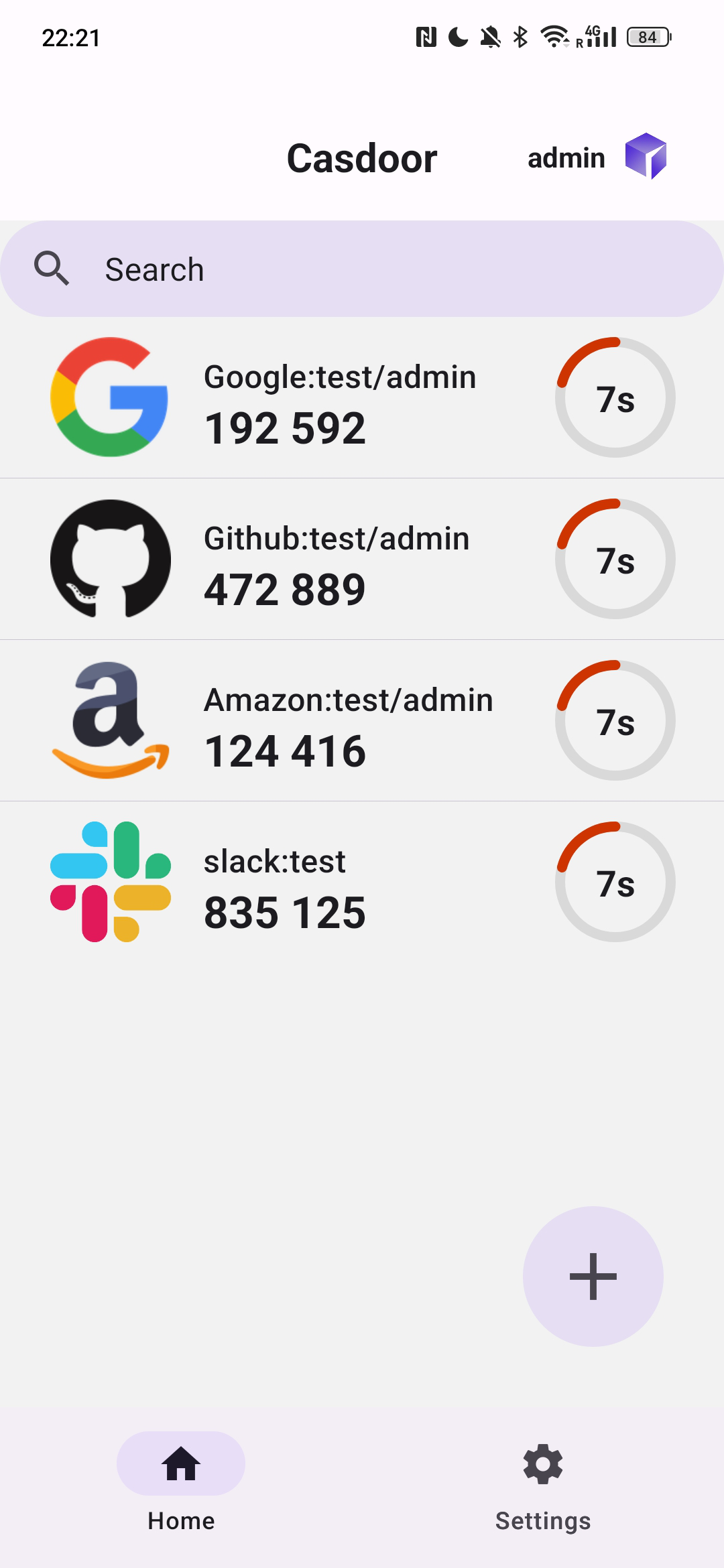
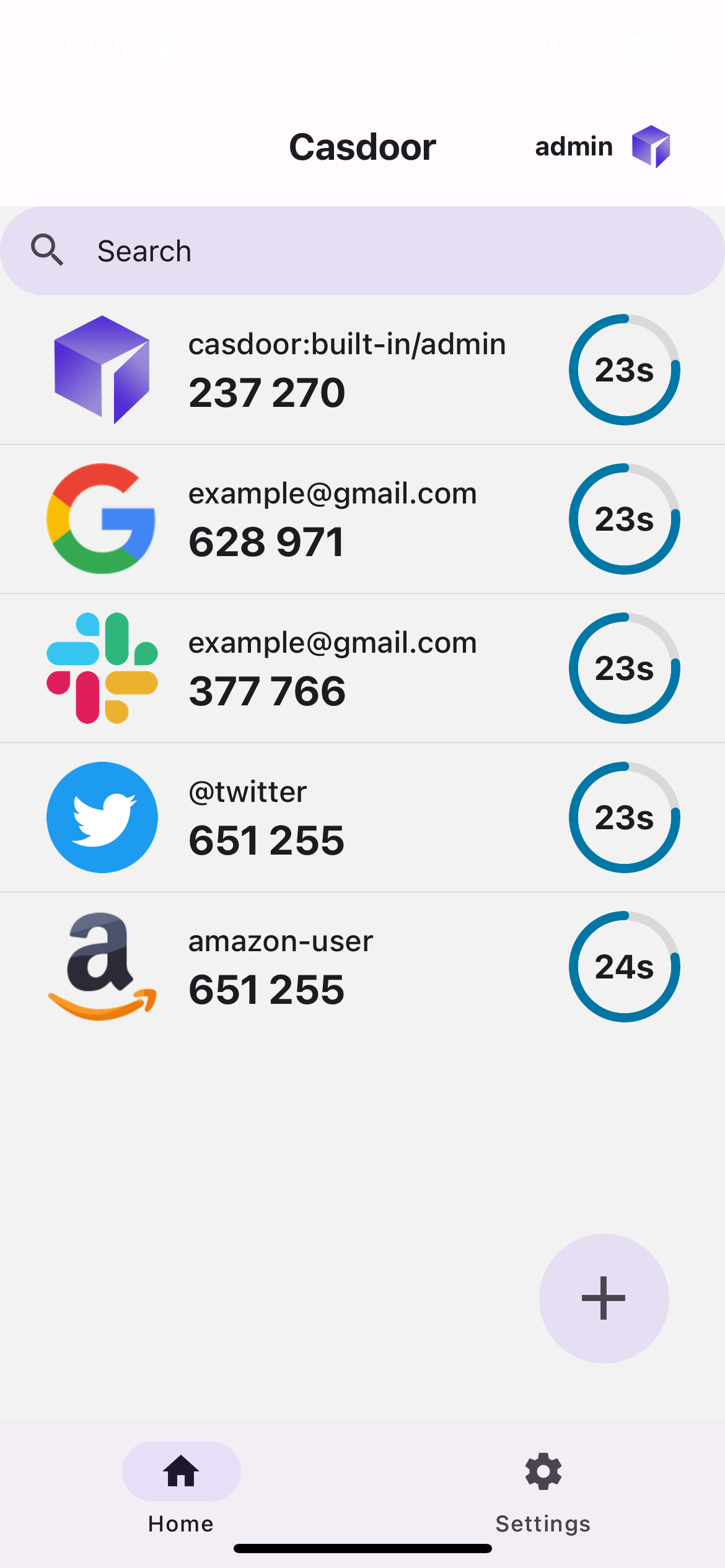
| Android | iOS |
|---|---|
 |  |
アプリのインストール
- Android: 最新 APK をダウンロードするか、Releases ページでバージョンを選択してください。
- iOS: このアプリはまだ App Store にはありません。ソースからビルドしてください。
Casdoor でアカウントストレージを有効にする
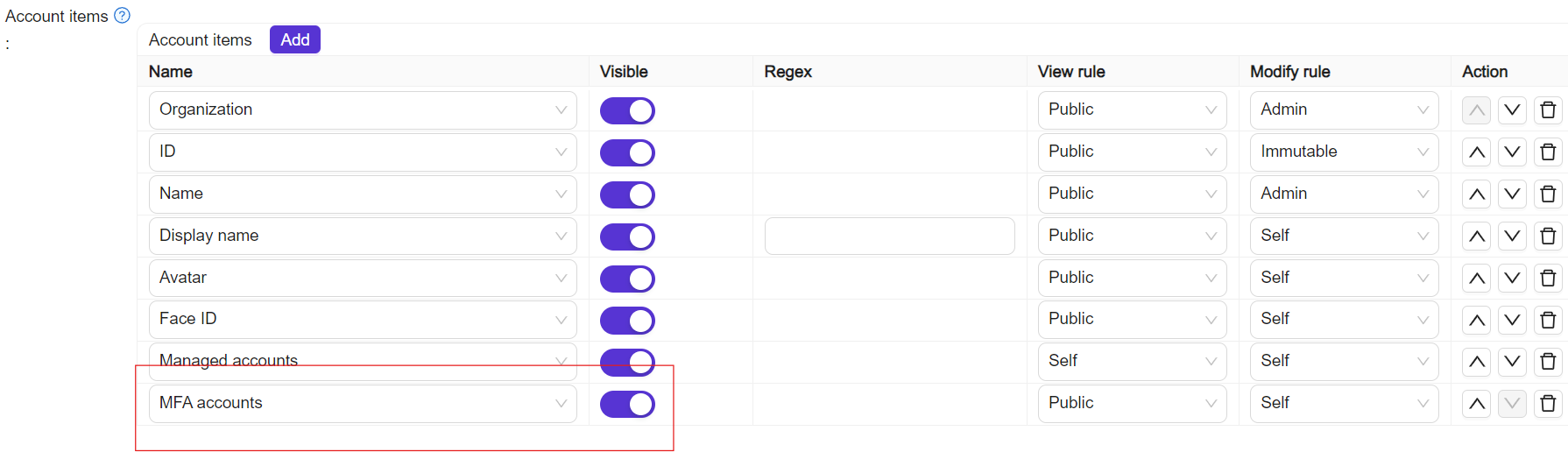
このステップはオプションです。アプリの TOTP アカウントを Casdoor に保存し、デバイス間で同期するには、Casdoor 管理コンソールの組織設定にある Account items に MFA accounts を追加してください。
アプリを Casdoor に接続する
アプリを開き、次の3つのいずれかの方法で接続します:
| メソッド | Steps |
|---|---|
| Manual | Tap Enter Server Manually, enter server URL, client ID, and organization name, then sign in. |
| QR code | Tap Scan QR Code, scan the QR from My Account → MFA accounts on the Casdoor server. |
| Demo | Tap Try Demo Server to use the preconfigured demo instance. |
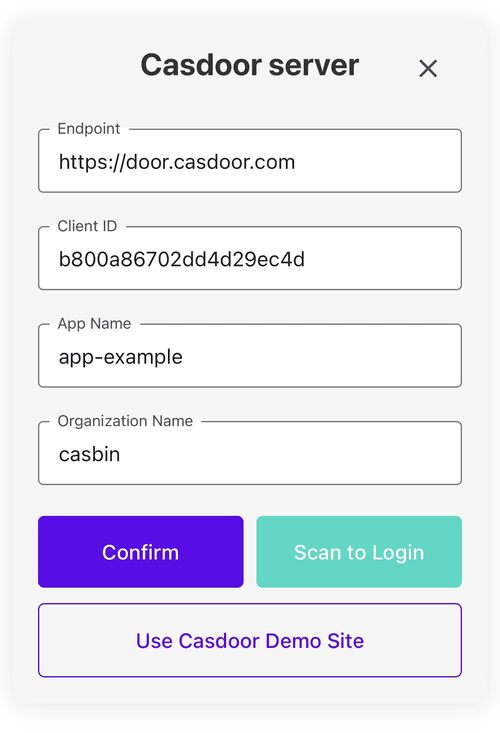
アプリに TOTP コードが表示され、アカウントの追加や管理が可能になります。
他のアプリからアカウントをインポートする
Google Authenticator からのインポート
-
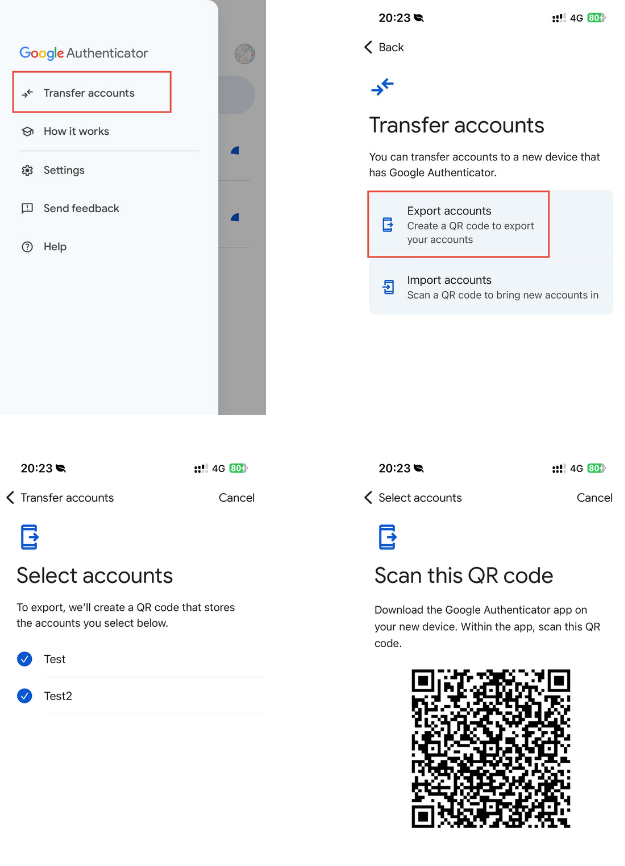
Google Authenticator でメニューを開き、Transfer accounts をタップします。
-
アカウントを選択し、Export をタップします。Google Authenticator に QR コードが表示されます。
-
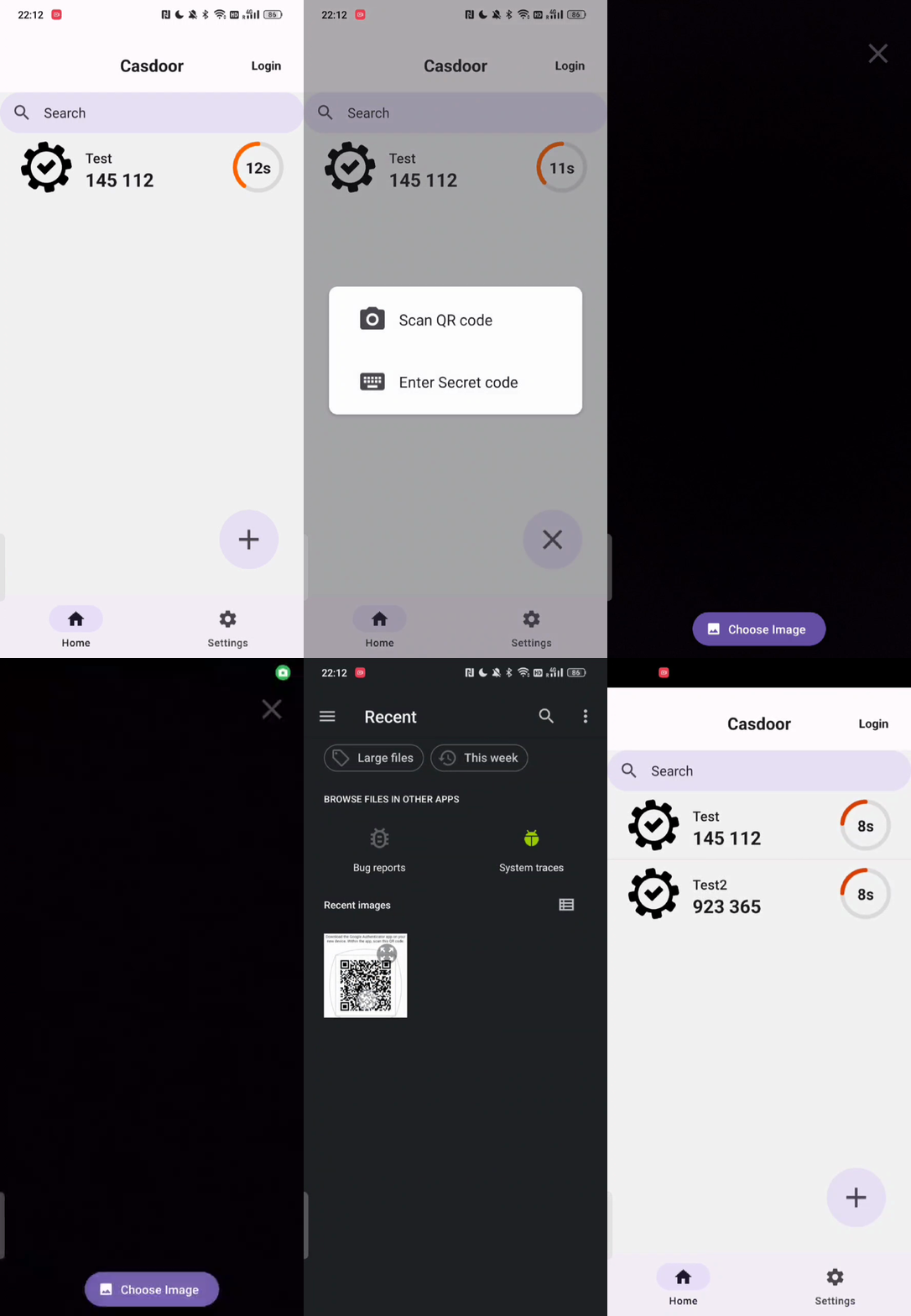
Casdoor Authenticator でその QR コードをスキャンします。
Microsoft Authenticator からのインポート
このインポートは Android のみで動作し、root 権限が必要です。これは Microsoft Authenticator のデータがプライベートディレクトリ /data/data/com.azure.authenticator/databases/ にあるためです。
-
Microsoft Authenticator がインストールされているデバイスで、そのディレクトリから
PhoneFactorデータベースファイルをコピーします。 -
Casdoor Authenticator でインポートメニューを開き、Import from Microsoft Authenticator をタップします。
-
PhoneFactorファイルを選択します。アプリが TOTP アカウントをインポートします。