OpenShift
OpenShiftはOIDCをサポートしているので、CasdoorをOpenShiftに統合できます。以下のステップは、Casdoorのオンラインデモを使用してOpenShift LocalとCasdoorを統合する方法を示しています。
ステップ1: Casdoorアプリケーションを作成する
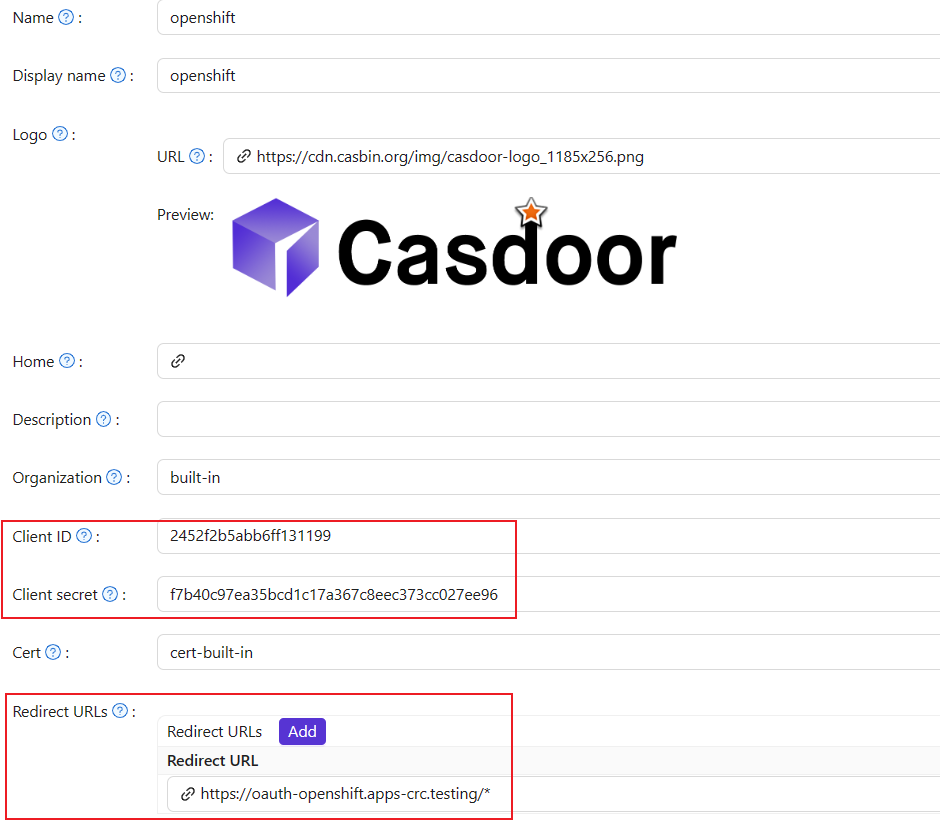
In Casdoor add an application. Note Client ID and Client secret. Set Redirect URL to https://oauth-openshift.apps.<cluster_name>.<cluster_domain>/* (adjust for your cluster).
ステップ2: OpenShift OAuth設定
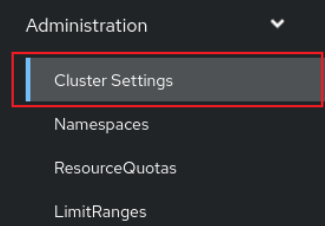
今、KubeadminとしてOpenShiftコンソールにログインします。ログインしたら、サイドメニューをブラウズしてクラスター設定を見つけてください。
Under Global Configuration, open OAuth.

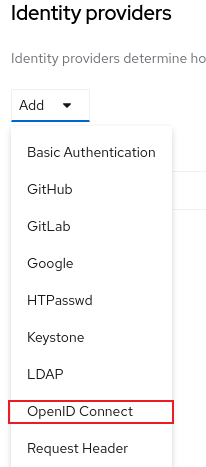
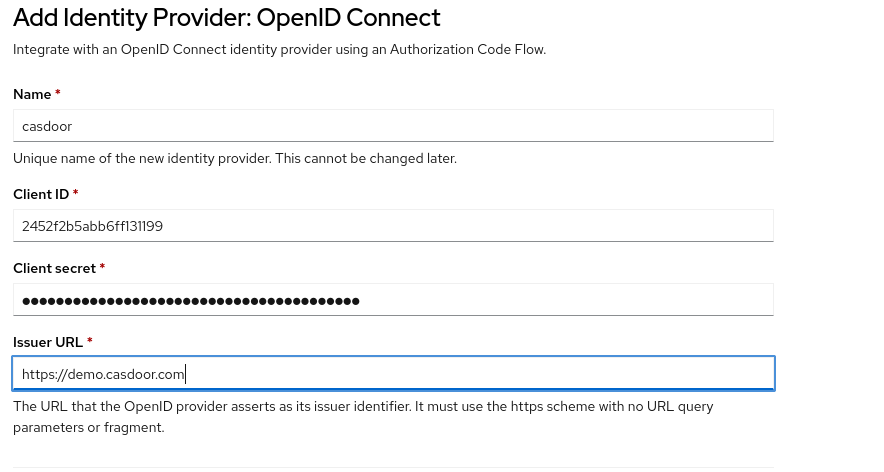
In Identity Provider → ADD, select OpenID Connect.
Enter Client ID and Client secret from step 1. Set Issuer URL to https://<casdoor-host> (HTTPS required).
ステップ3: OIDC認証をテストする
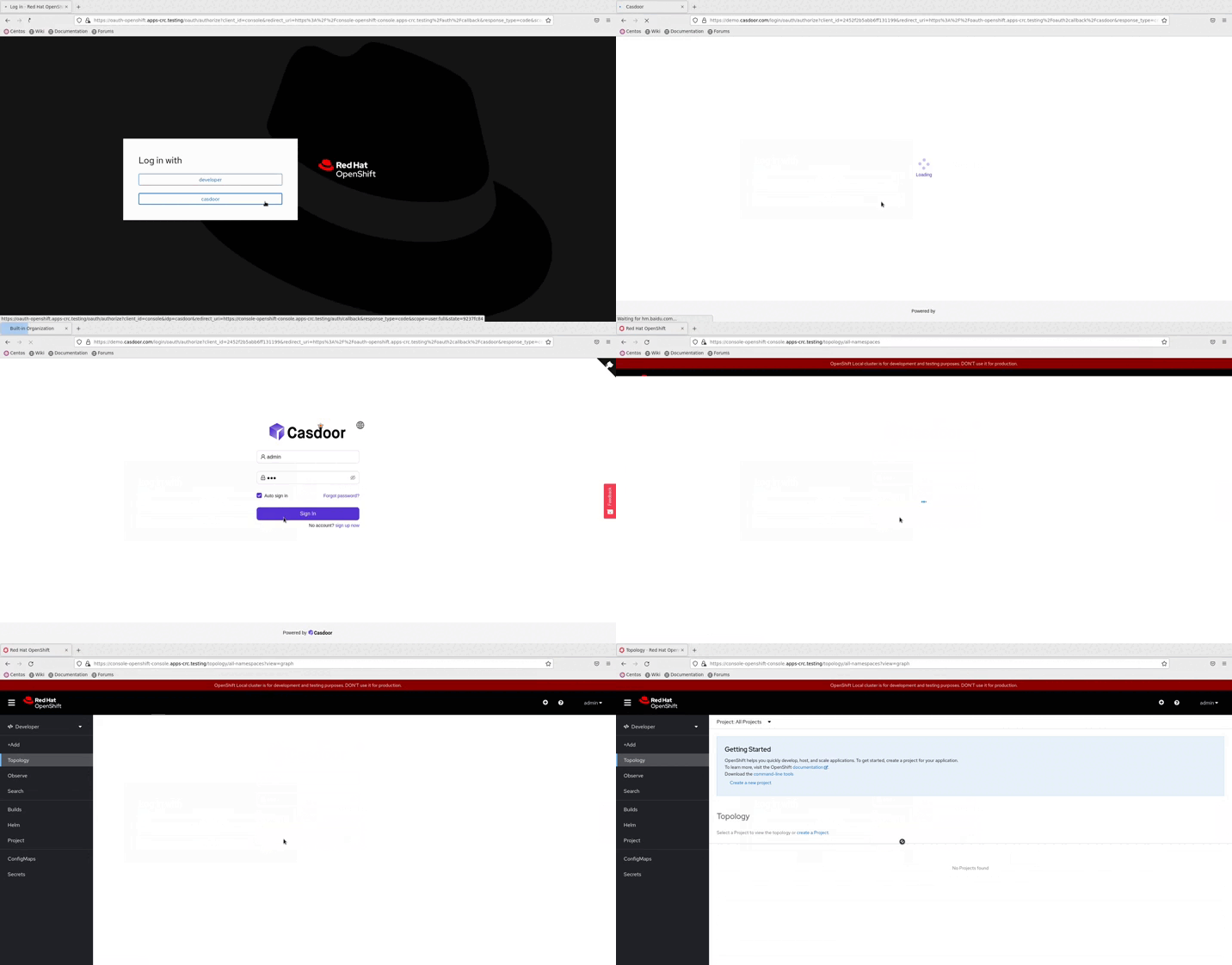
Open the OpenShift console in a browser. Select the Casdoor login option (the name configured above); you are redirected to the Casdoor login page.