Prometheus
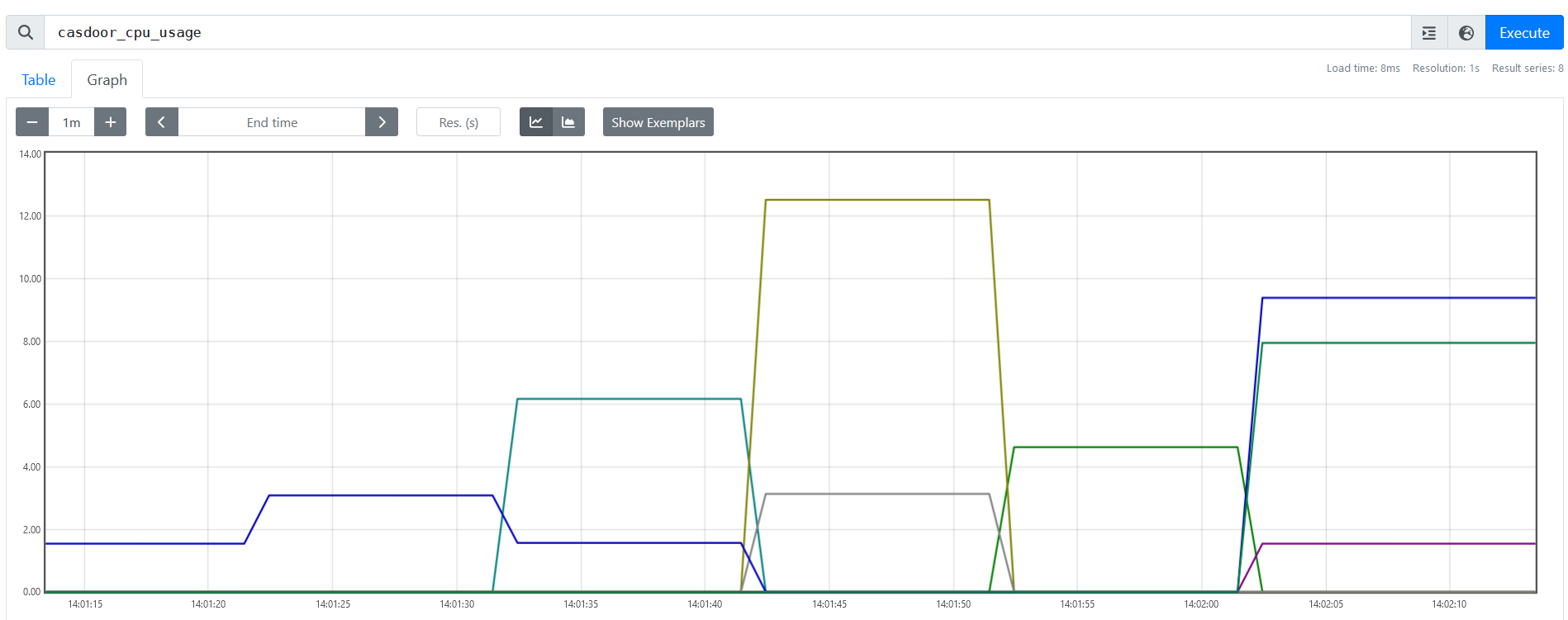
Configure o Prometheus para extrair métricas de tempo de execução do Casdoor (throughput da API, latência, CPU, memória etc.). Adicione um job de extração para o backend do Casdoor:
global:
  scrape_interval: 10s

scrape_configs:
  - job_name: 'prometheus'
    static_configs:
      - targets: ['localhost:9090']
  - job_name: 'casdoor'
    static_configs:
      - targets: ['localhost:8000']   # Casdoor backend address
    metrics_path: '/api/metrics'
    params:
      accessKey: ['<your-access-key>']
      accessSecret: ['<your-access-secret>']
/api/metrics requires authentication: it can be called by the browser session of a global administrator (a user of the built-in organization), or with a Prometheus-type key of the admin or built-in organization. A session of an organization administrator, or a Prometheus key of another organization, is refused with Unauthorized operation. Create a Prometheus key on the Keys page and pass its accessKey and accessSecret as query parameters (the params block above adds them to each scrape request). The key must be Active and not expired.
Depois que o Prometheus estiver em execução e extraindo dados, você pode consultar e visualizar as métricas do Casdoor (por exemplo, no Grafana).