Use Geetest
This guide explains how to use Geetest CAPTCHA V4 as the captcha of Casdoor.
Learning outcomes
- Create a Geetest application and get its keys.
- Add Geetest as a captcha provider in Casdoor.
What you need
- A Geetest account
- Administrator access to the Casdoor admin console
Get the Geetest keys
-
Open Geetest CAPTCHA V4 and create a product.
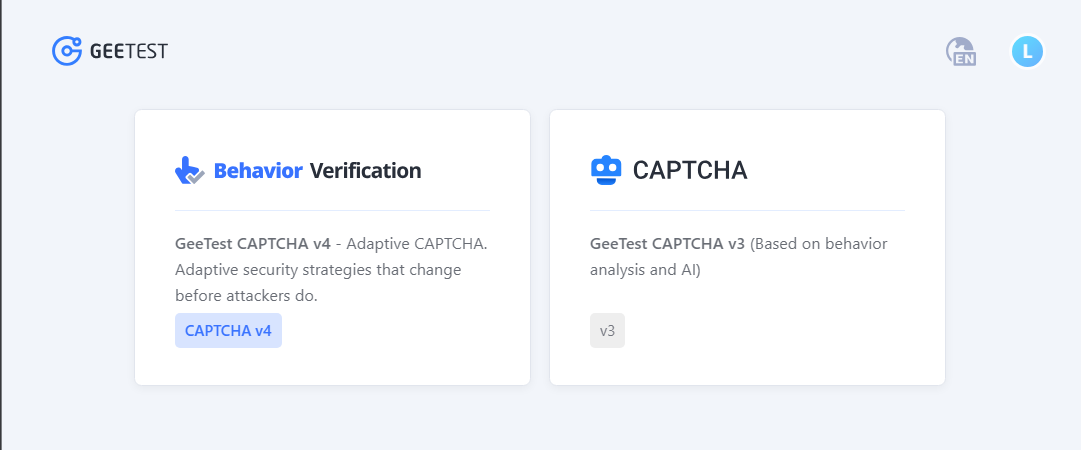
-
Create an application with its name and address.
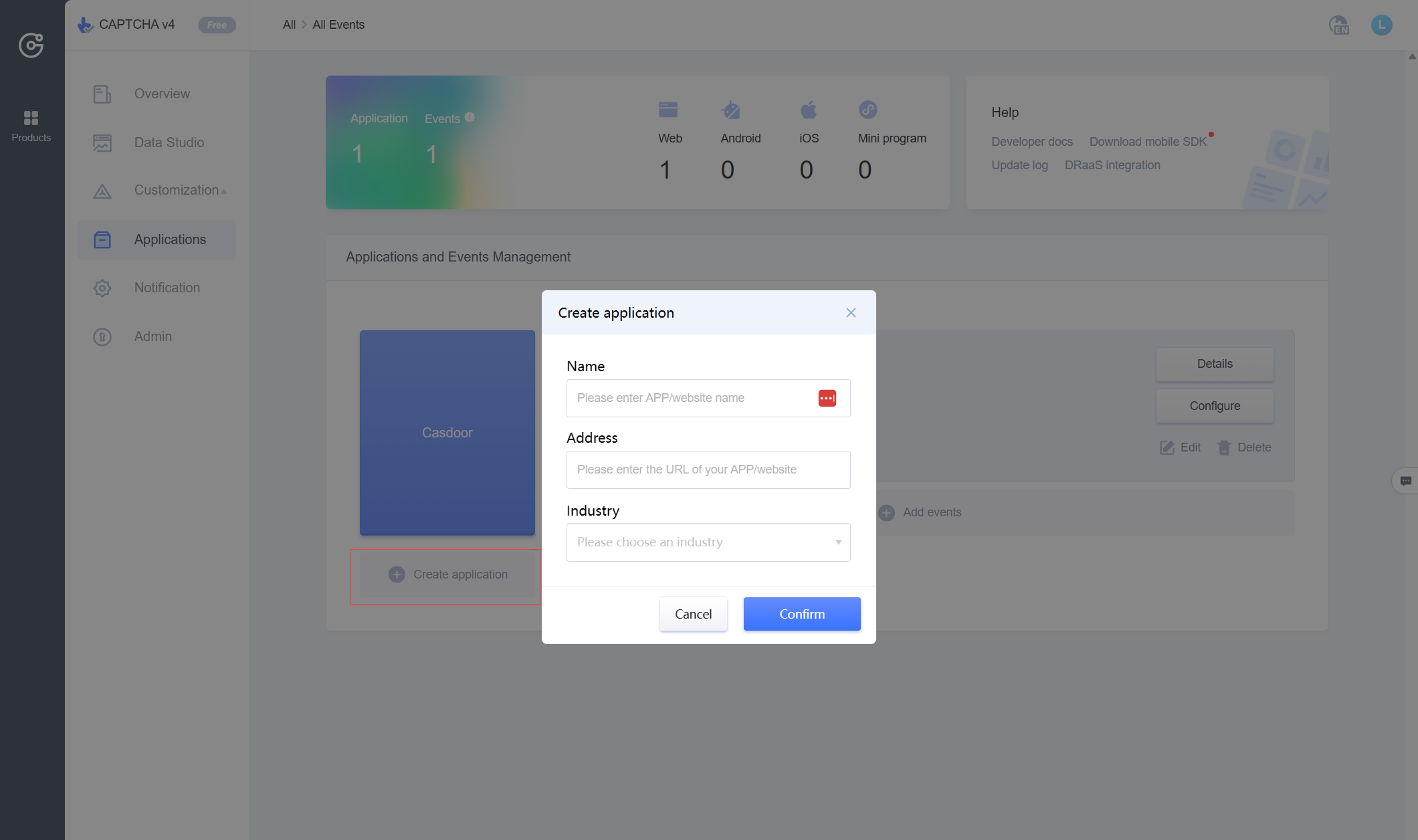
-
Add events and select web as the device.
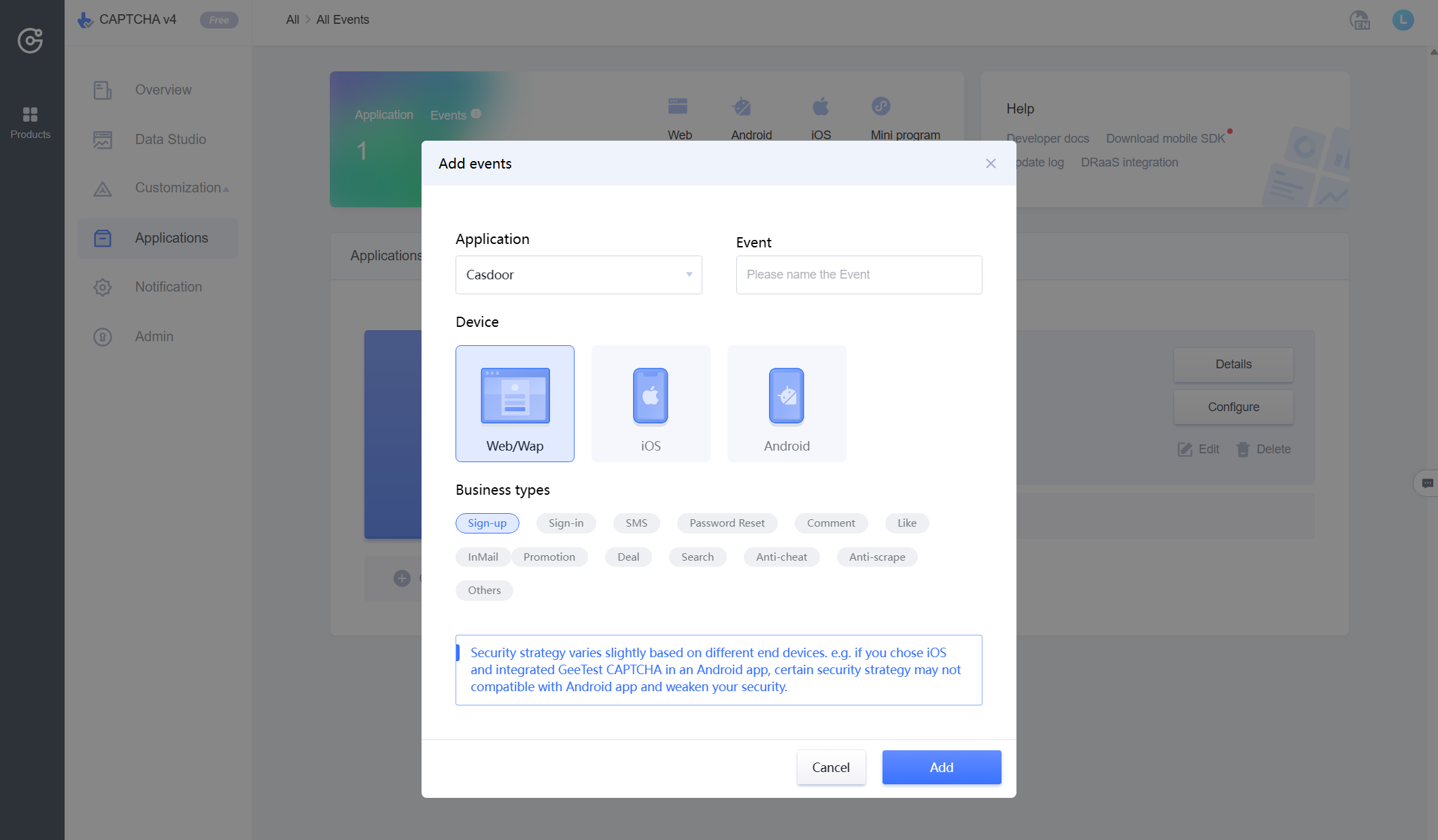
-
Copy the ID and the key.
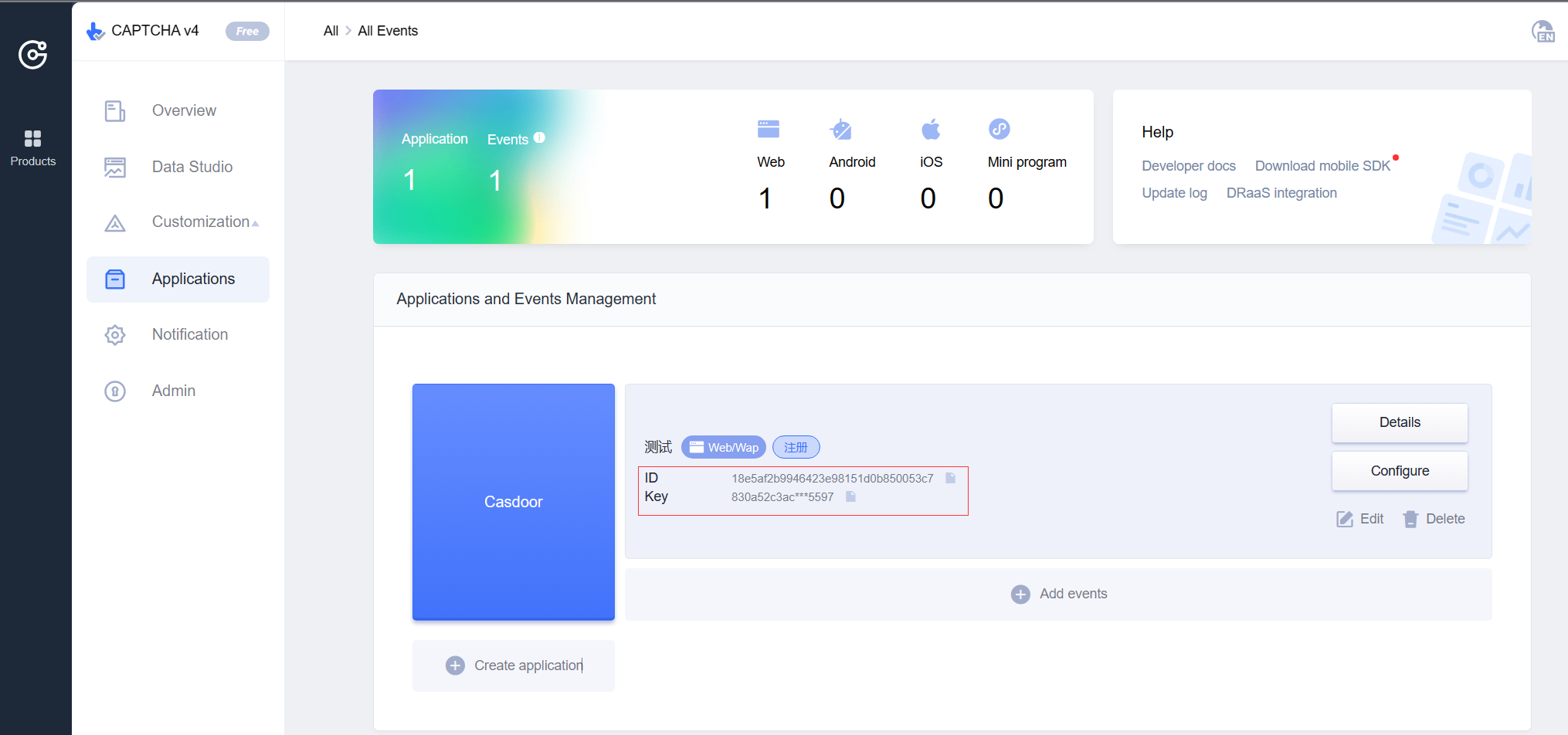
Add the provider in Casdoor
-
In the Casdoor admin console, go to Identity > Providers and add a provider.
-
Set Category to
Captchaand Type toGEETEST. -
Enter the ID as the Site key and the key as the Secret key.
-
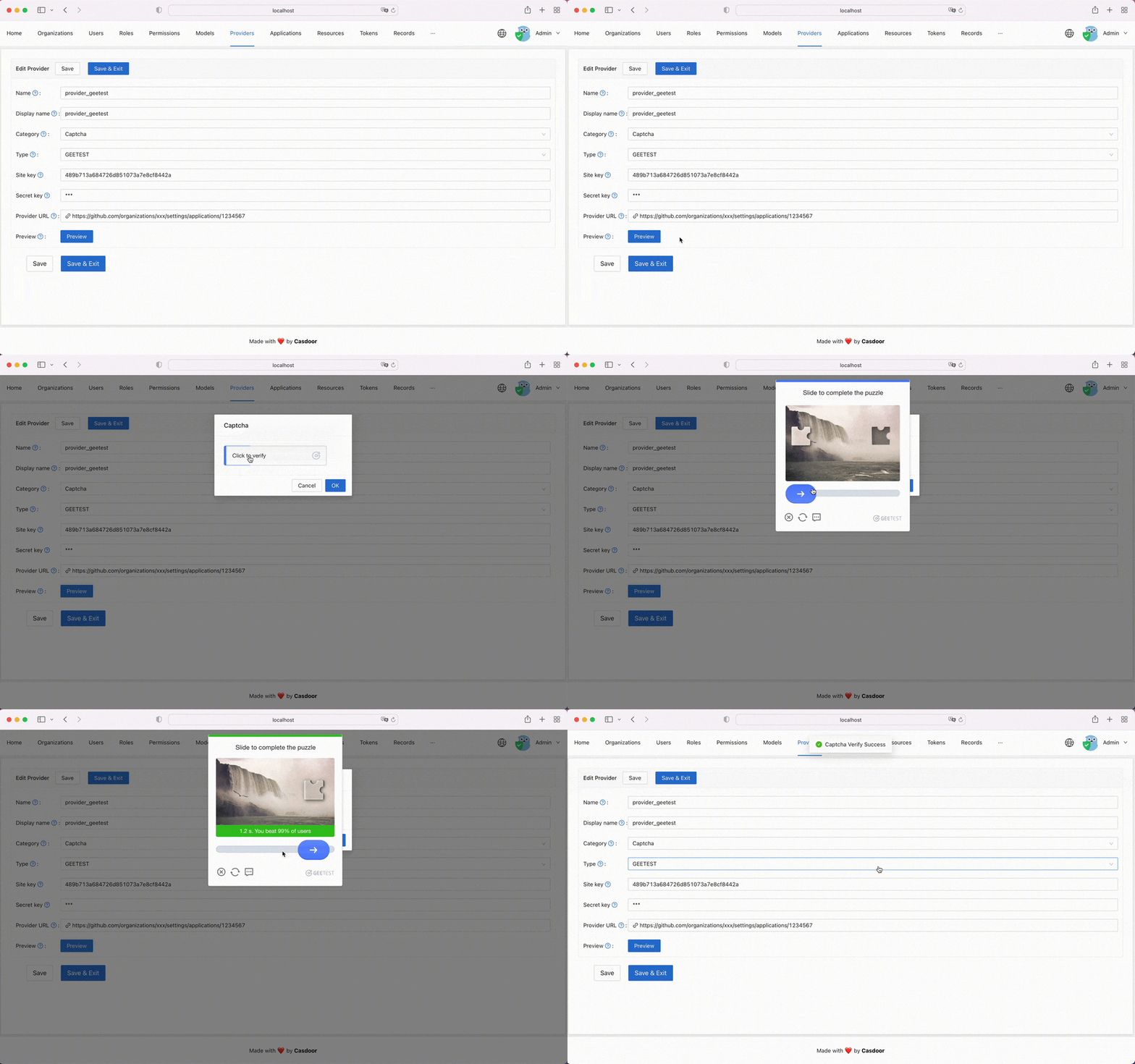
Click Preview to check the captcha.
-
Save the provider.
Add the captcha to an application
Open the edit page of the application, add the provider on the Providers tab, and save. See Add the captcha to an application.
