Sign users in to a .NET desktop app
This guide explains how to run the Casdoor example for .NET desktop apps and how to add the same sign-in flow to your own app. The example shows the Casdoor sign-in page in a WebView2 window.
Learning outcomes
- Configure and run the example app.
- Open the Casdoor sign-in window from your app.
- Exchange the authorization code for a token and read the user.
What you need
- .NET 6 SDK
- WebView2 Runtime. Windows usually has it preinstalled.
- An application in Casdoor. Without one, the example uses the Casdoor demo site and its application app-casnode.
Sample code
Run the example
-
Set the following values. All of them are strings.
Ім'я Опис Файл Domain Хост/домен вашого сервера Casdoor CasdoorVariables.csClientId ID клієнта вашого додатку Casdoor CasdoorVariables.csAppName Назва вашого додатку Casdoor CasdoorVariables.csCallbackUrl Шлях до URL-адреси зворотного виклику для вашого додатку Casdoor. Якщо не надано, буде casdoor://callbackCasdoorVariables.csClientSecret Секретний ключ клієнта вашого додатку Casdoor CasdoorVariables.cs -
Start the app.
- In Visual Studio: Open
casdoor-dotnet-desktop-example.slnand pressCtrl + F5. - On the command line: Run
dotnet runinsrc/DesktopApp.
- In Visual Studio: Open
-
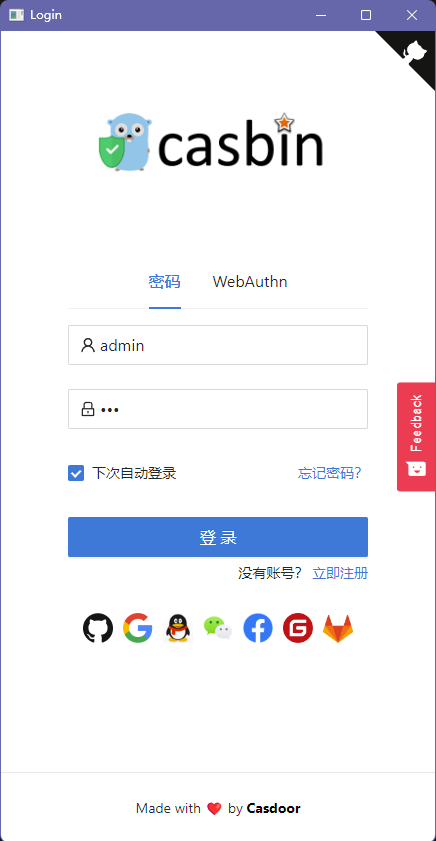
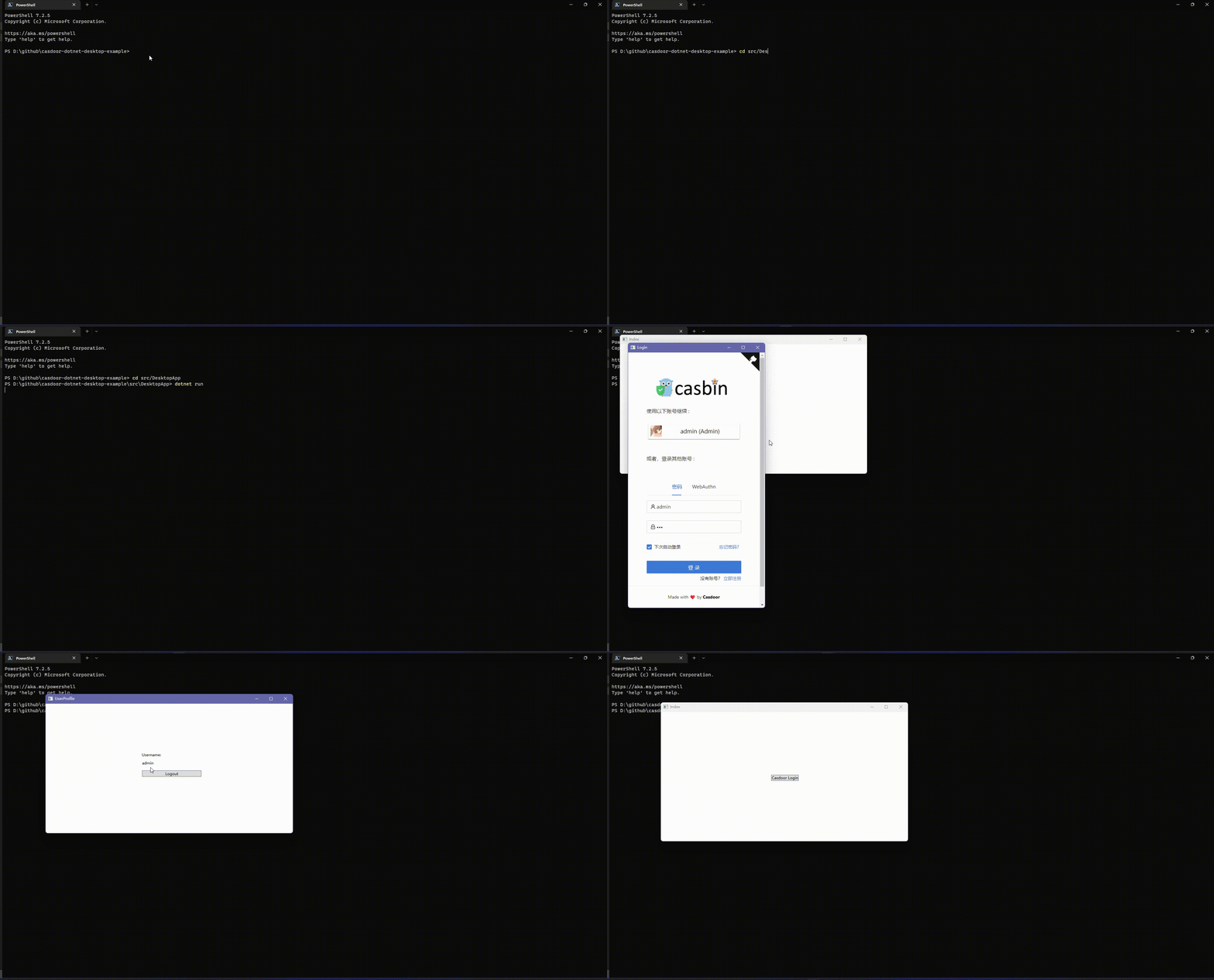
In the app window, click Casdoor Login.

The Casdoor sign-in page opens in a window.
-
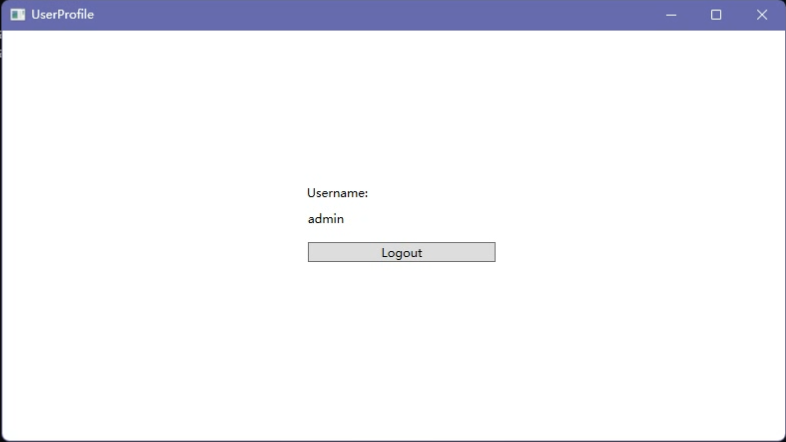
Sign in. The app shows the profile of the user.
Add sign-in to your app
Open the sign-in window
Create the sign-in window and subscribe to the event that delivers the authorization code:
var login = new Login();
// Triggered when login succeeds, you will receive an auth code in the event handler
login.CodeReceived += Login_CodeReceived;
login.ShowDialog();
Exchange the code for the user
In the event handler, exchange the authorization code for a token and read the user from it:
public async Task<string?> RequestToken(string clientId, string clientSecret, string code)
{
    var body = new
    {
        grant_type = "authorization_code",
        client_id = clientId,
        client_secret = clientSecret,
        code
    };

    var req = new RestRequest(_requestTokenUrl).AddJsonBody(body);
    var token = await _client.PostAsync<TokenDto>(req);

    return token?.AccessToken;
}

public async Task<UserDto?> GetUserInfo(string token)
{
    var req = new RestRequest(_getUserInfoUrl).AddQueryParameter("accessToken", token);

    return await _client.GetAsync<UserDto>(req);
}

...

var token = await _casdoorApi.RequestToken(
    CasdoorVariables.ClientId,
    CasdoorVariables.ClientSecret,
    authCode,
);

var user = await _casdoorApi.GetUserInfo(token);