Store files in Google Cloud Storage
This guide explains how to store the uploaded files of Casdoor, such as avatars, in Google Cloud Storage.
Learning outcomes
- Create a service account key with access to the bucket.
- Add Google Cloud Storage as a storage provider in Casdoor.
What you need
- A Google Cloud project with a Cloud Storage bucket
- Administrator access to the Casdoor admin console
Create a service account key
- Create a service account and grant it IAM permissions on the bucket. See Authentication for Cloud Storage.
- Create a key for the service account and download it as a JSON file.
Add the provider in Casdoor
-
In the Casdoor admin console, go to Identity > Providers and add a provider.
-
Set Category to
Storageand Type toGoogle Cloud Storage. -
Fill in the fields:
Casdoor field GCP / meaning Необхідний Service Account JSON Service account key (JSON content) Yes Endpoint Endpoint (optional) Ні Bucket Bucket name Так 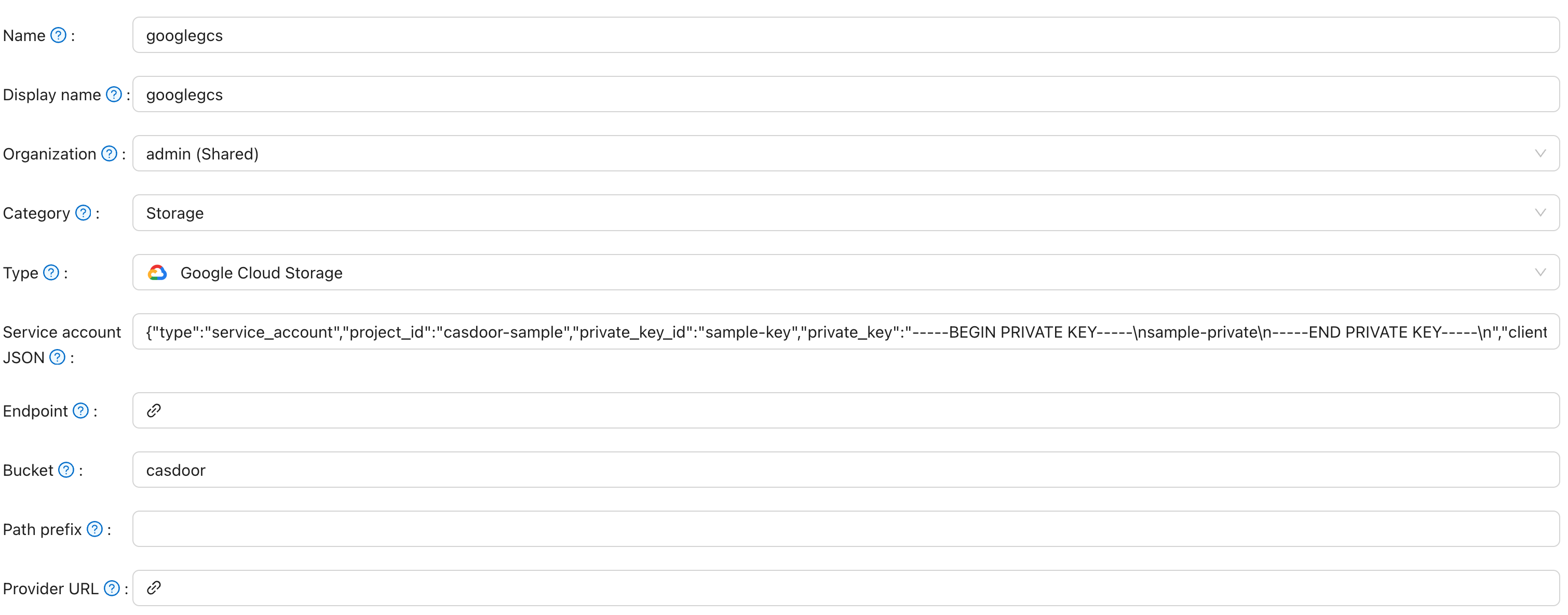
-
Save the provider.