Add Gitee as an OAuth provider
This guide explains how to let users sign in to Casdoor with their Gitee account.
Learning outcomes
- Create an OAuth application on Gitee.
- Add Gitee as an OAuth provider in Casdoor.
What you need
- A Gitee account
- Administrator access to the Casdoor admin console
Create a Gitee application
-
Open Gitee OAuth applications and create an application, or open an existing one.

-
Fill in the name, the description, and the homepage. Set the authorization callback URL to the callback URL of Casdoor,
https://<your-casdoor-host>/callback. See Redirect URL and callback URL.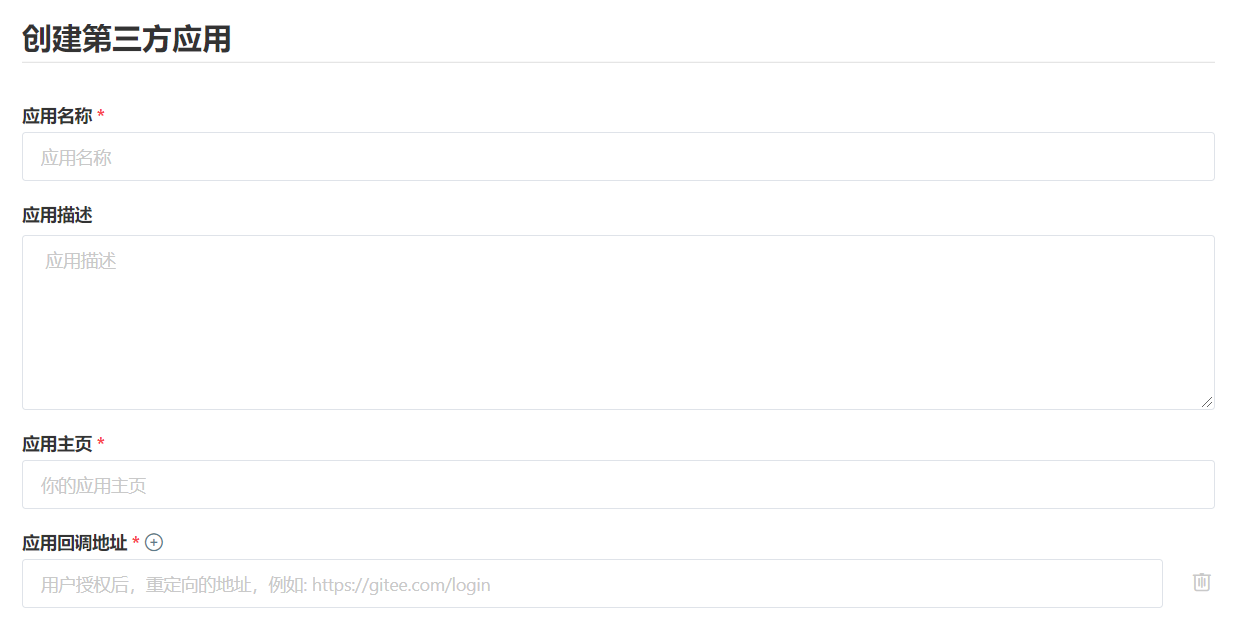
-
Select the permissions that you need, including
emails, so that Casdoor can read the email address. Without the email scope, the authorization can fail.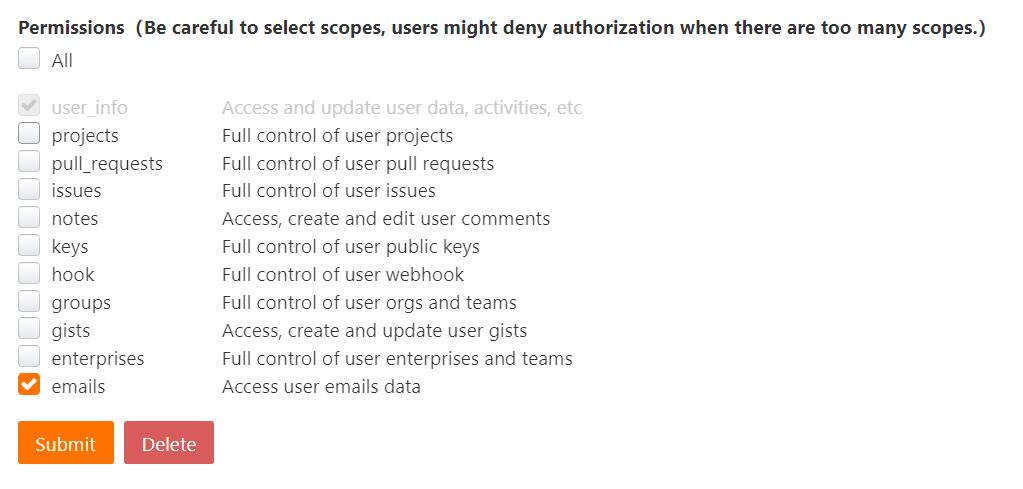
-
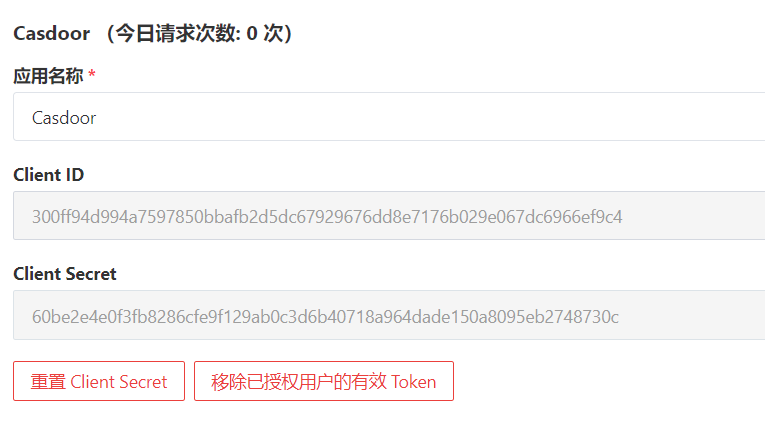
Create the application and copy the Client ID and the Client Secret.
Add the provider in Casdoor
-
In the Casdoor admin console, go to Identity > Providers and add a provider.
-
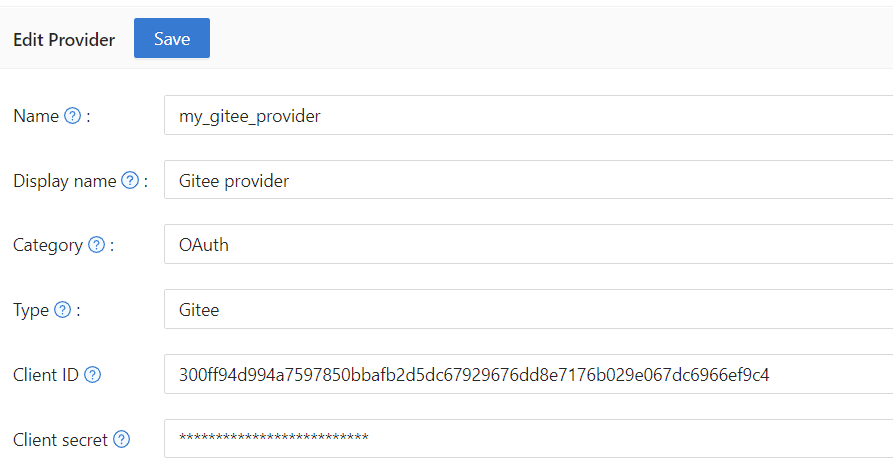
Set Category to
OAuthand Type toGitee. -
Enter the Client ID and the Client secret.
-
Save the provider.
Next steps
Add the provider to an application. See Add providers to an application.