添加 Google 作为 OAuth 提供商
本指南说明如何允许用户使用其 Google 账号登录 Casdoor。
学习成果
- 在 Google Cloud 中创建一个 OAuth 客户端。
- 在 Casdoor 中添加 Google 作为 OAuth 提供商。
- 从 Google 读取用户的电话号码。
所需条件
- 一个 Google Cloud 项目。参见 Google API Console。
- Casdoor 管理控制台的管理员访问权限
在 Google Cloud 中创建 OAuth 客户端
-
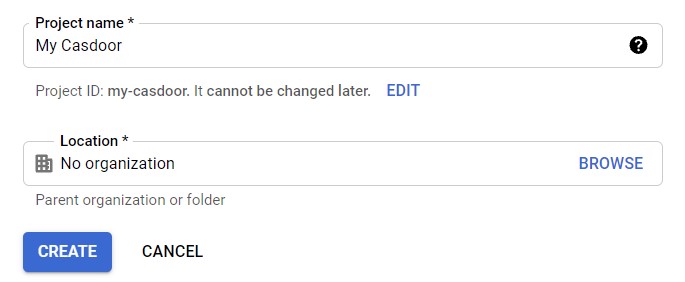
创建或选择一个项目。
-
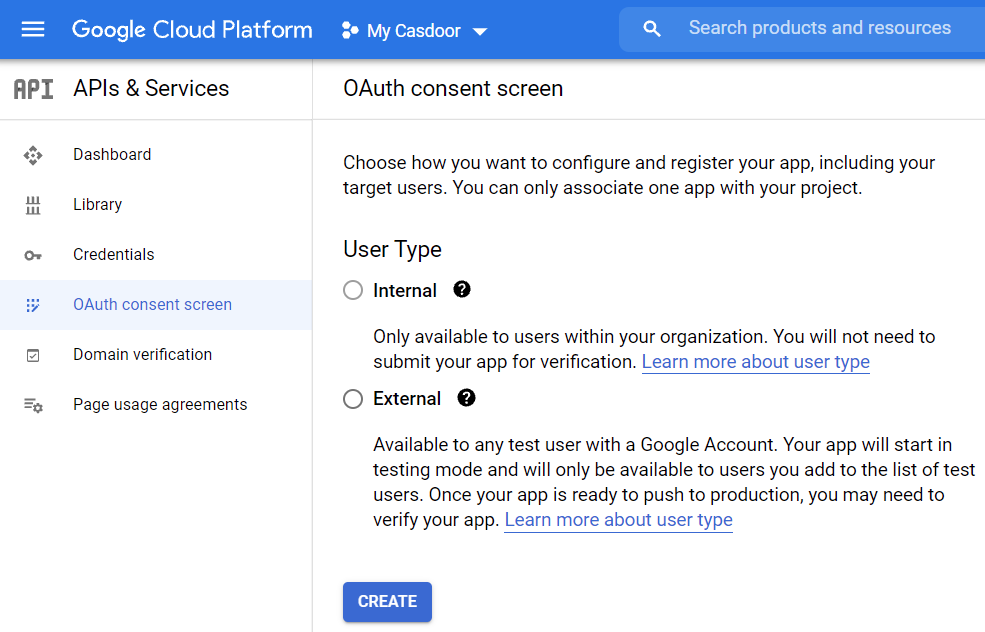
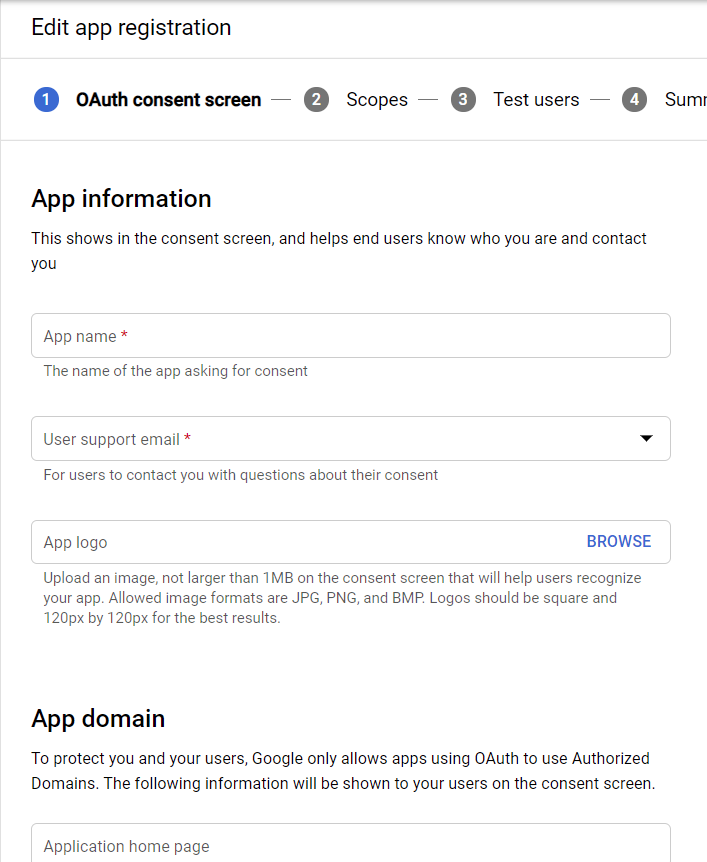
转到 APIs & Services > OAuth consent screen 并配置同意屏幕。
-
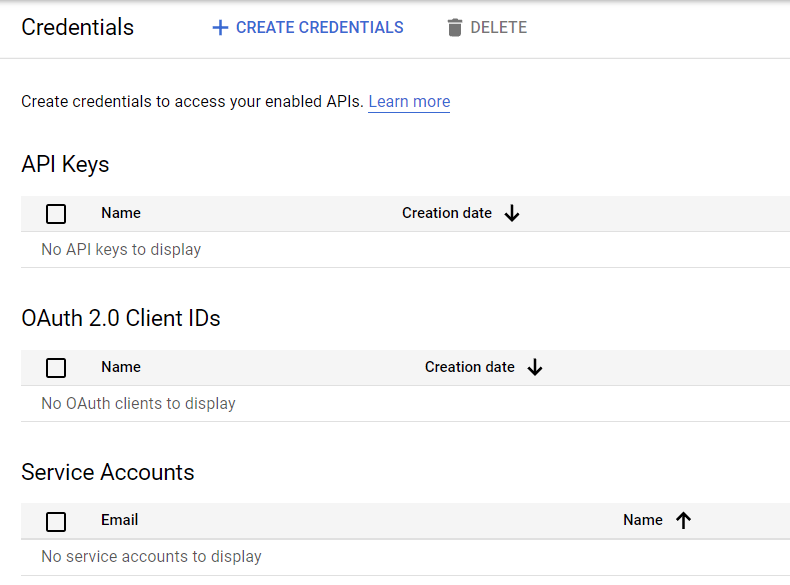
转到 Credentials,点击 Create credentials,然后选择 OAuth client ID。
-
选择应用程序类型,例如 Web application,并将 Casdoor 的回调 URL
https://<your-casdoor-host>/callback添加到 Authorized redirect URIs。这是 Casdoor 的 URL,而不是你自己应用的 URL。参见 Redirect URL and callback URL。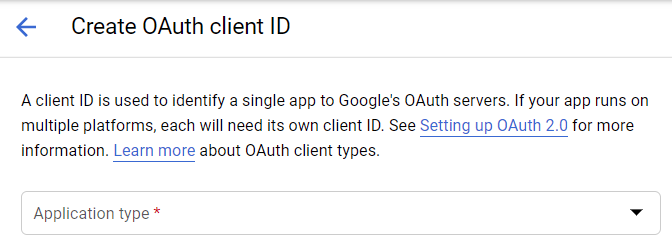
-
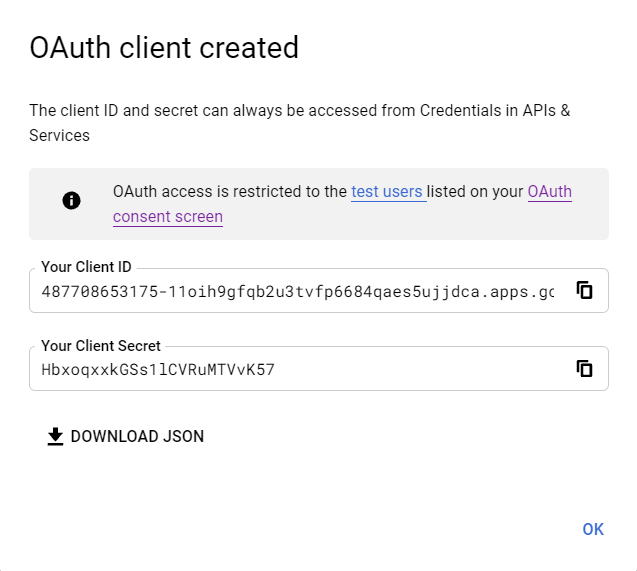
创建客户端并复制 Client ID 和 Client secret。
在 Casdoor 中添加提供商
-
在 Casdoor 管理控制台中,转到 Identity > Providers 并添加一个提供商。
-
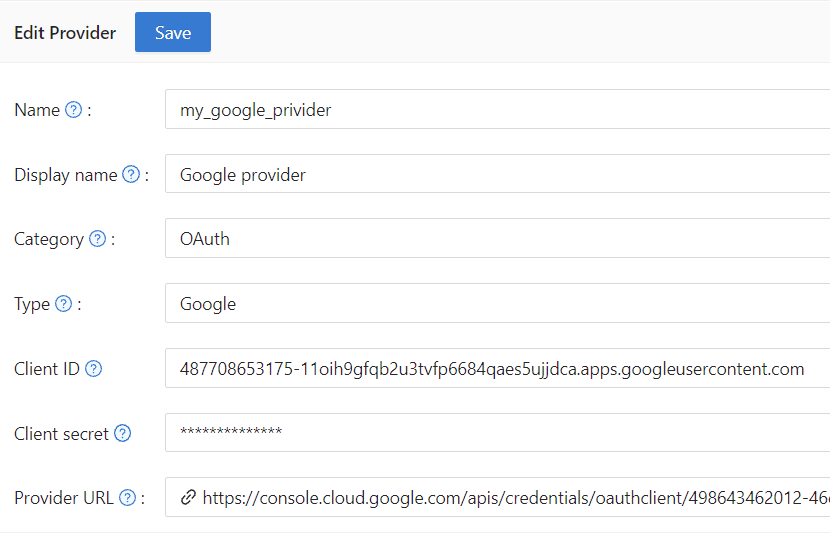
将 Category 设置为
OAuth,将 Type 设置为Google。 -
输入 Client ID 和 Client secret。
-
保存提供商.
读取用户电话号码
Google 仅在包含额外 scope 时返回电话号码。例如,当你开启 Get password 时需要它。
-
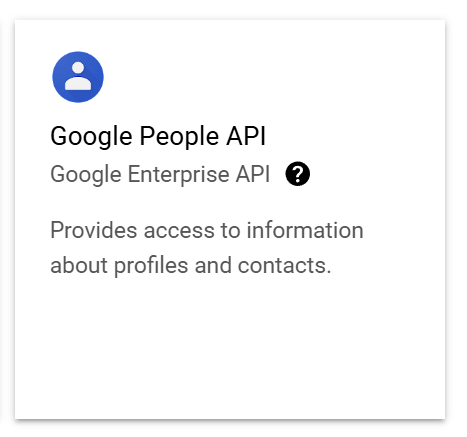
在 Google Cloud 中,启用 Google People API。
-
在 Casdoor 中,将 scope
https://www.googleapis.com/auth/user.phonenumbers.read添加到该提供商。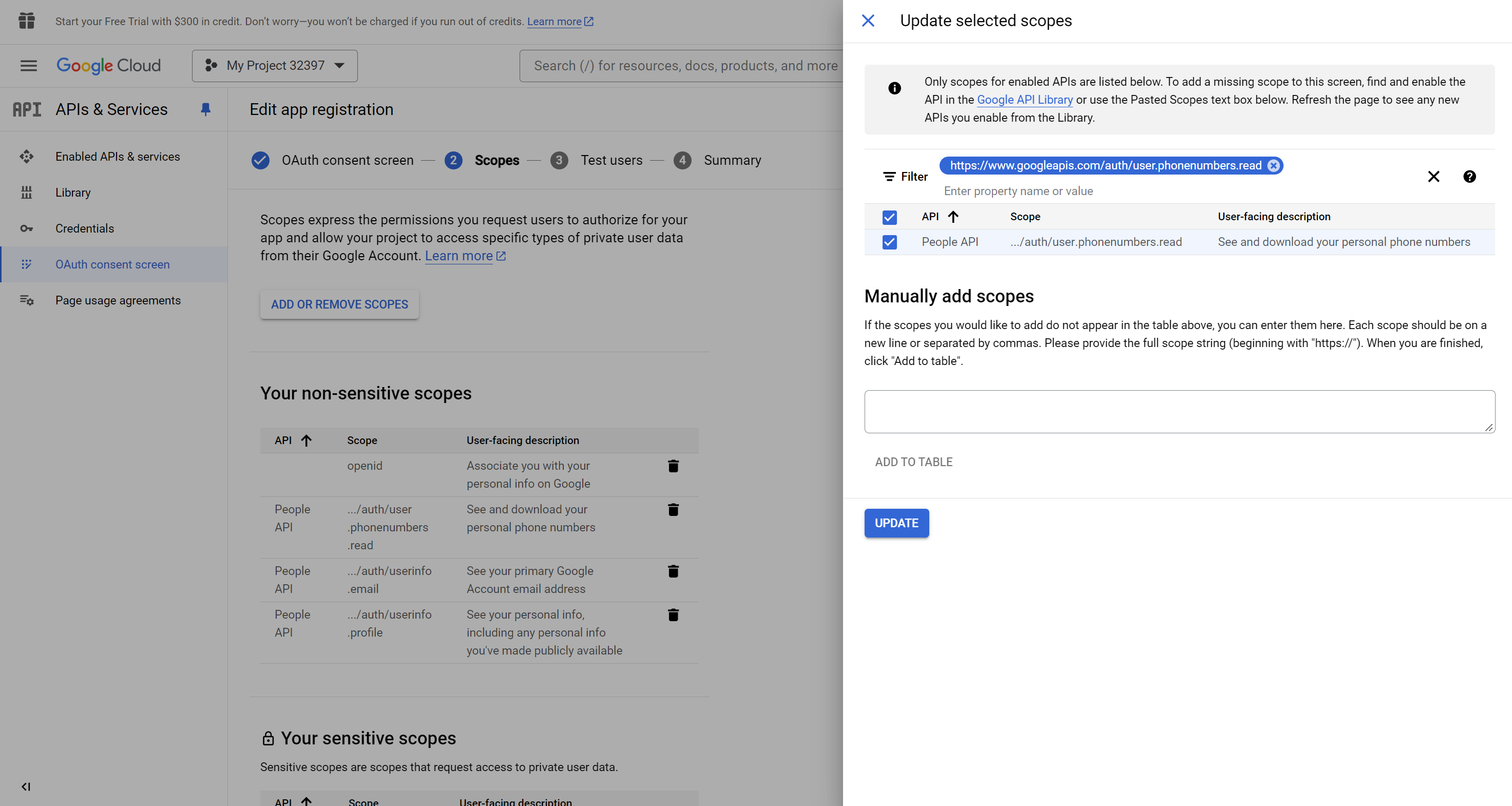
下一步
- 将该提供商添加到应用中。参见向应用添加提供商。
- 在登录页面上提供 Google One Tap。参见 Google One Tap。