Store files in Amazon S3
This guide explains how to store the uploaded files of Casdoor, such as avatars, in Amazon S3.
Learning outcomes
- Create an access key and prepare the bucket.
- Add Amazon S3 as a storage provider in Casdoor.
- Serve the files through a VPC endpoint or CloudFront.
What you need
- An AWS account and an S3 bucket
- Administrator access to the Casdoor admin console
Prepare AWS
-
Create an access key and a secret access key. 见 管理访问密钥。
-
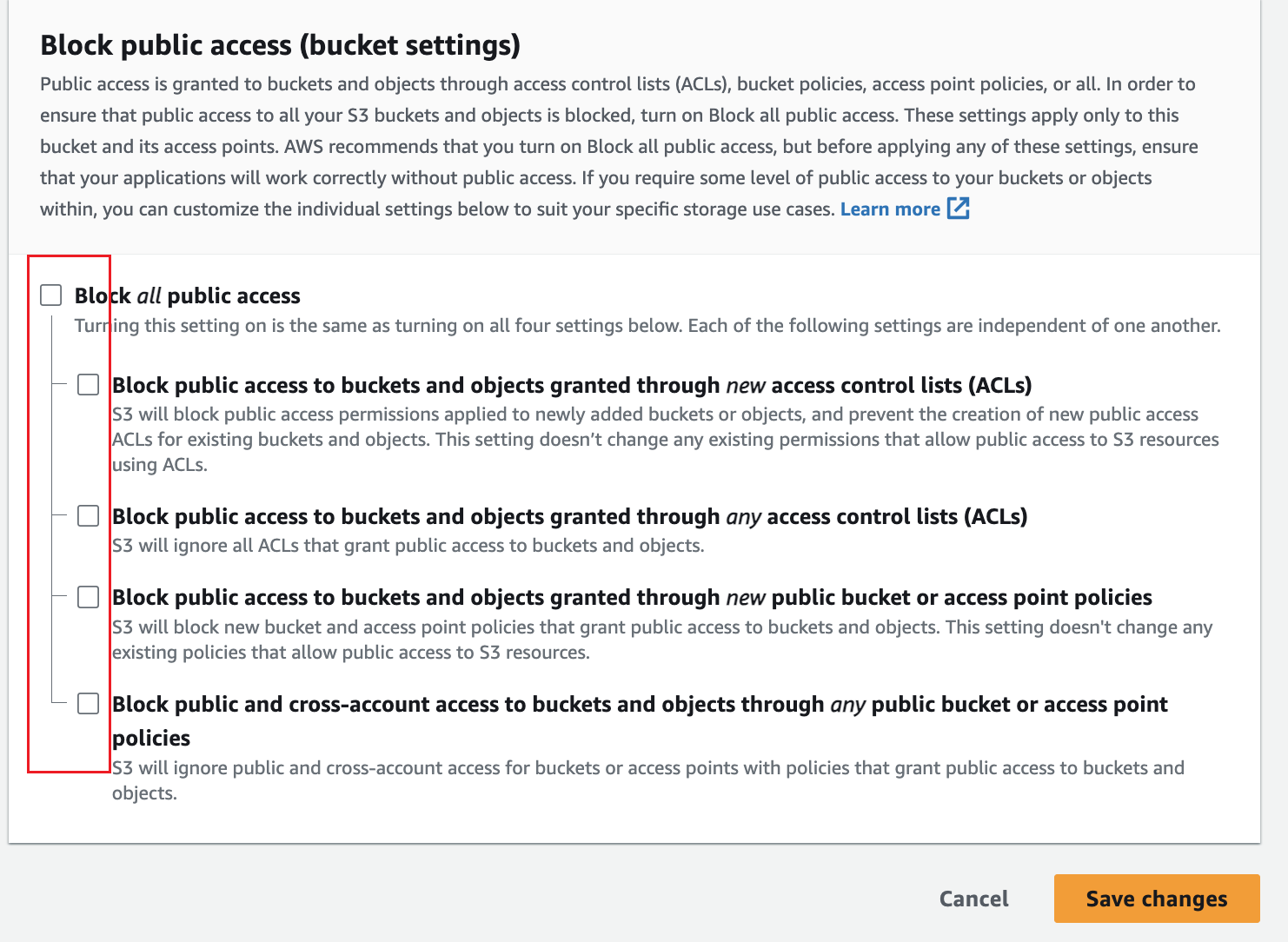
In the Permissions of the bucket, turn off Block all public access, or add a bucket policy that allows Casdoor, and save.
-
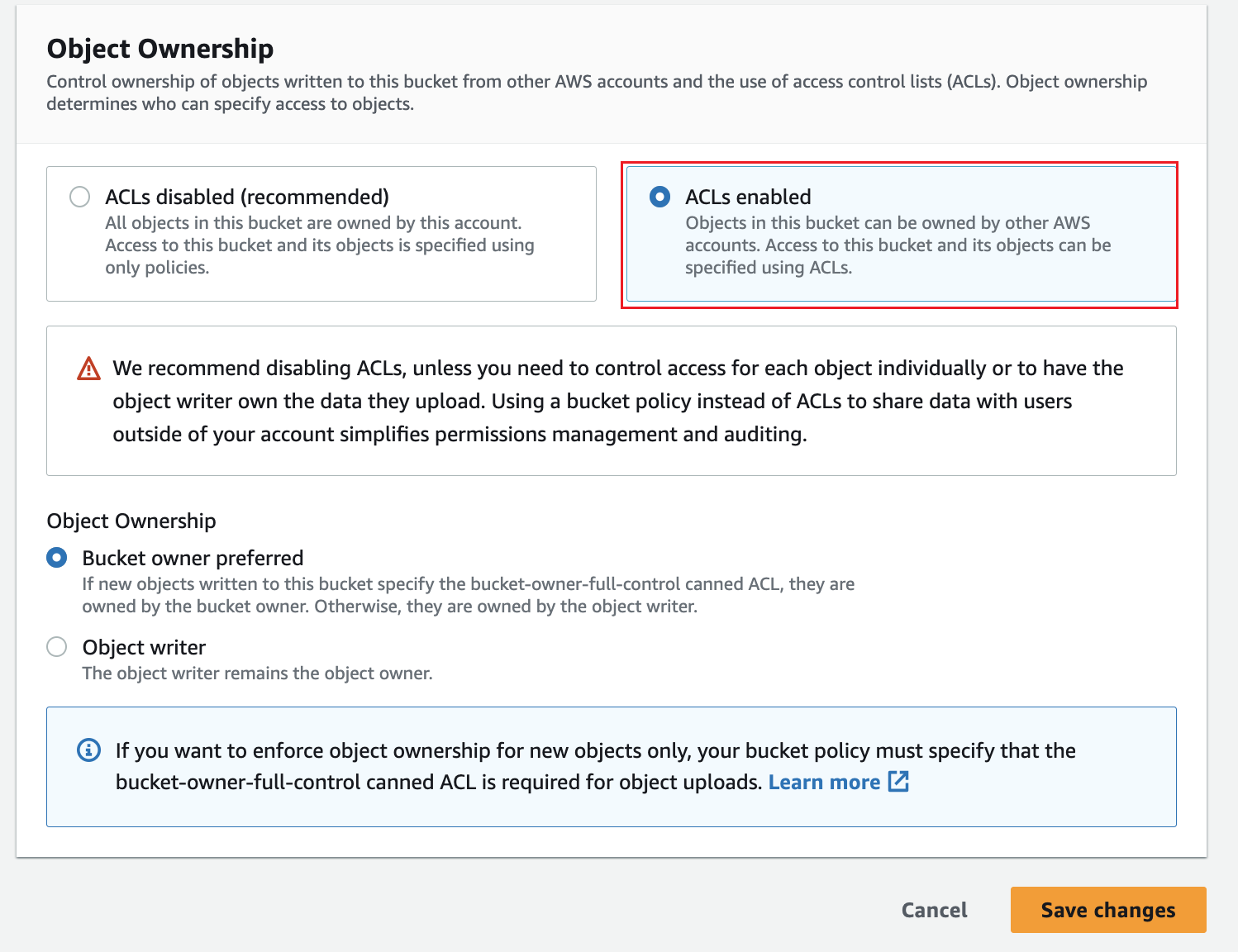
In Object Ownership, turn on ACLs and set the ownership that you need.
在 Casdoor 中添加提供商
-
In the Casdoor admin console, go to Identity > Providers and add a provider.
-
Set Category to
Storageand Type toAWS S3. -
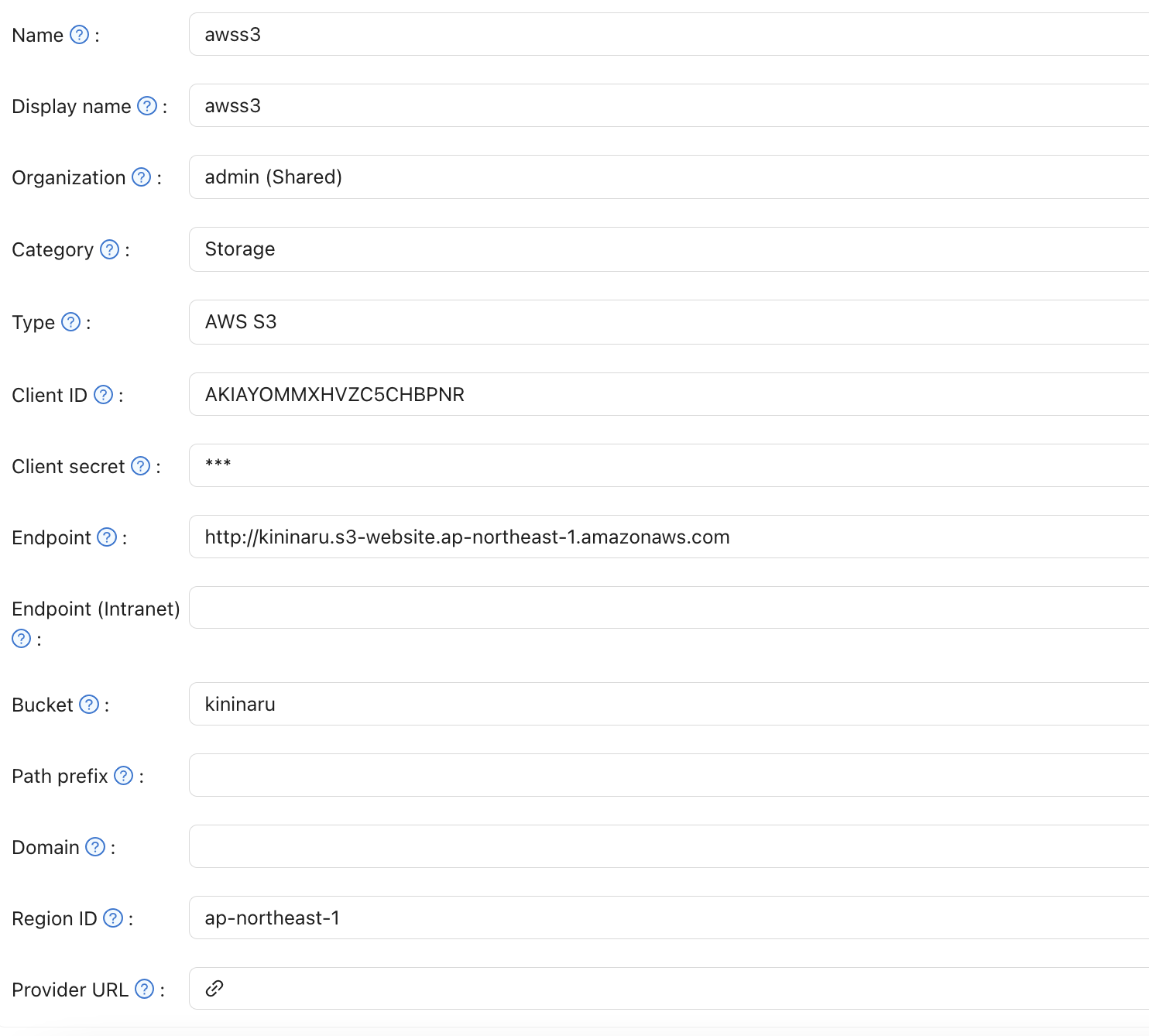
Fill in the fields:
字段 在 AWS / S3 中 必需 Client ID Access key 是 Client secret Secret access key 是 Endpoint Endpoint 是 Endpoint (Intranet) VPC endpoint 不 Bucket Bucket name 是 Path prefix — 不 Domain CloudFront domain 不 Region ID AWS region 是 For the format of the endpoint, see Website endpoints.
-
Save the provider.
Optional settings
-
Access through a VPC: Set Endpoint (Intranet) to a VPC endpoint. See Access AWS services through AWS PrivateLink.
-
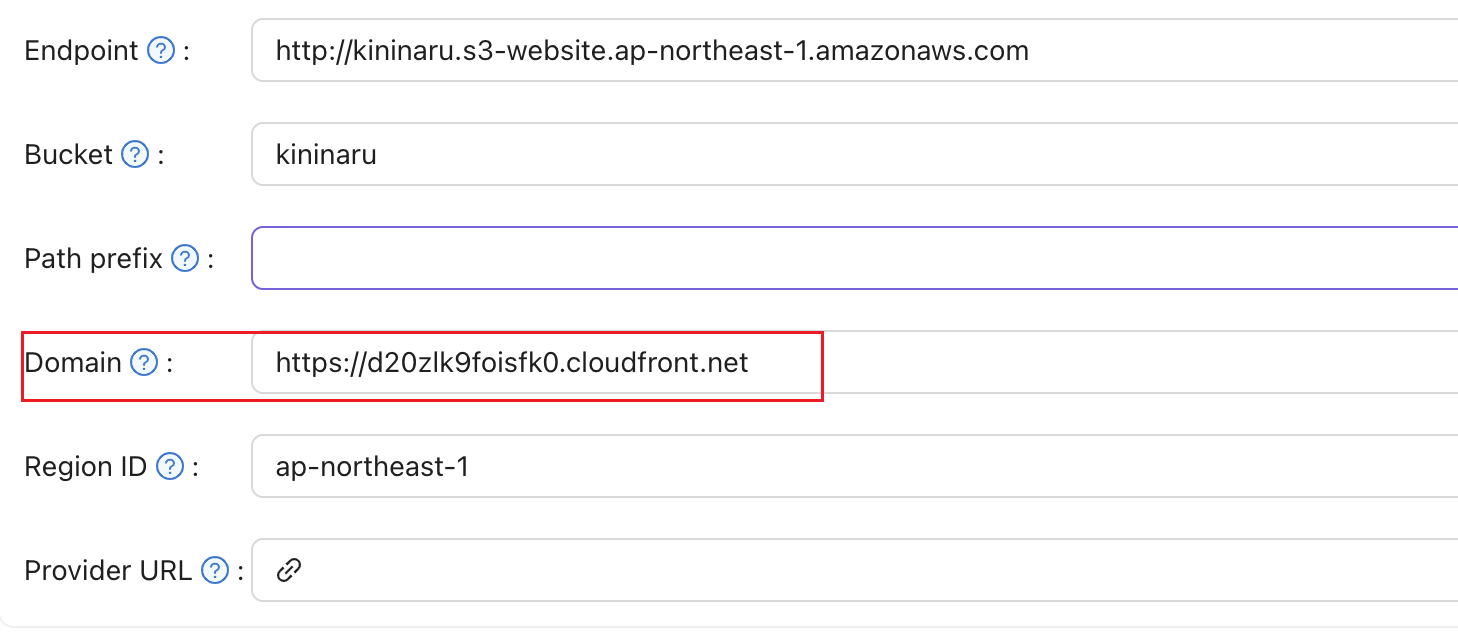
Delivery through CloudFront: Create a distribution and set Domain to the domain of the distribution.