Store files on the local file system
This guide explains how to store uploaded files on the file system of the Casdoor server. Casdoor stores them in its files directory. For example, if Casdoor runs in /home/user/casdoor, the files are in /home/user/casdoor/files.
Learning outcomes
- Add a local file system storage provider.
- Choose a path prefix.
What you need
- Administrator access to the Casdoor admin console
Add the provider
-
In the Casdoor admin console, go to Identity > Providers and add a provider.
-
Set Category to
Storageand Type toLocal File System.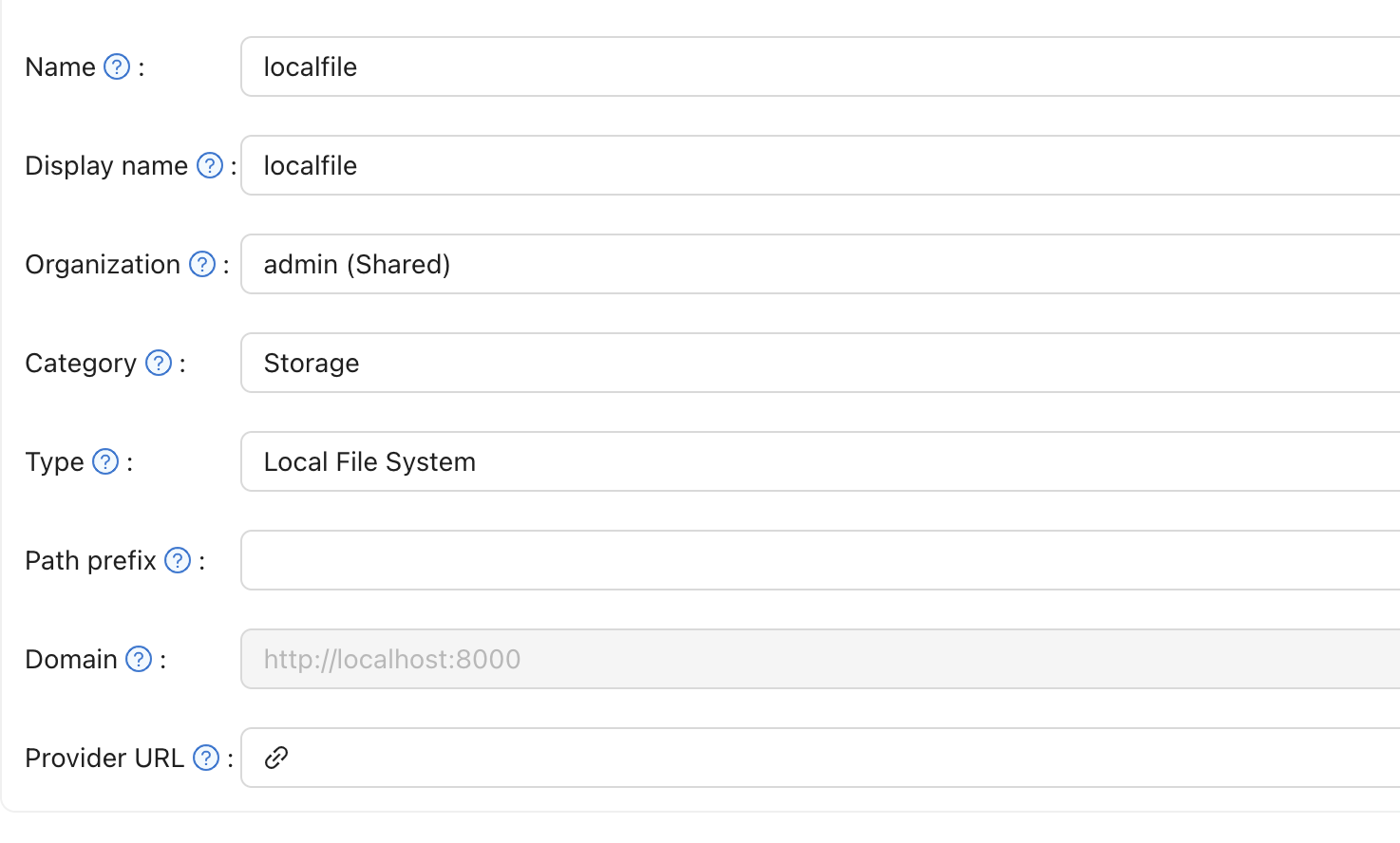
-
Optionally, set Path prefix. Casdoor then stores the files in a subdirectory with that name.
-
Save the provider.
With a path prefix:


Without a path prefix:


备注
In a container, mount the files directory on a volume. Otherwise, the files are lost when the container is replaced.