Email provider overview
Add an email provider
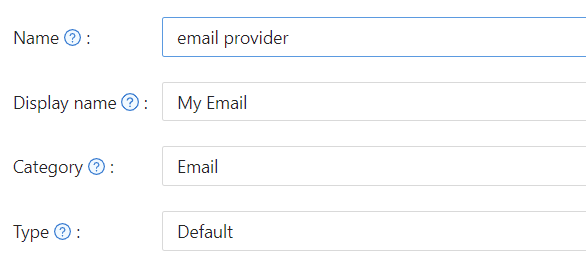
- Click Add and choose Email under Category.
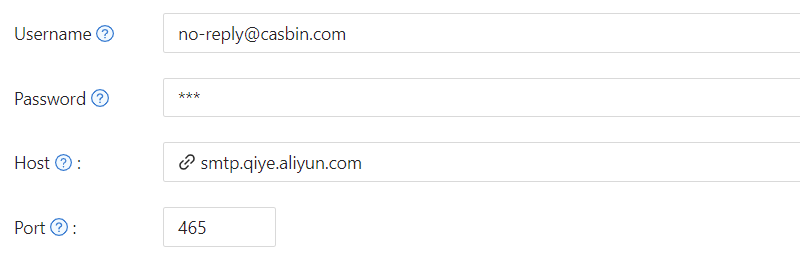
- Enter Username, Password, Host, and Port for your SMTP server.
- Set Email Title and Email Content (templates), then save.
SSL mode
The SSL mode setting controls how the SMTP connection negotiates TLS:
| Value | Behavior |
|---|---|
| Auto (default) | Lets gomail decide based on port. Port 465 uses implicit SSL; other ports attempt STARTTLS. |
| Enable | Forces SSL/TLS on regardless of port. Use this when your server requires implicit TLS on a non-standard port. |
| Disable | Disables SSL/TLS. Use only for servers on trusted internal networks. |
Existing providers that had Disable SSL checked are treated as Disable automatically; no manual migration is needed.
Proxy
If the Casdoor server cannot reach the SMTP server directly (e.g. Gmail from a restricted network), enable Enable proxy. Email is then sent via the SOCKS5 proxy defined in Casdoor’s config.
Email content and placeholders
Templates support placeholders and the <reset-link> block for password reset.
| Placeholder | Description |
|---|---|
| %{'{'}user.friendlyName{'}'} | User’s display or friendly name. |
| %s | Verification code (for auth emails). |
| %link | Password reset URL. Use only inside <reset-link>...</reset-link>. |
Password reset link
To let users reset the password by clicking a link in the email:
- Put the link text and
%linkinside<reset-link>tags. - The block is shown only in password-reset emails; it is removed for signup/login verification.
Plain text example:
You have requested a verification code at Casdoor. Here is your code: %s, please enter in 5 minutes. <reset-link>Or click %link to reset</reset-link>
HTML example:
<!DOCTYPE html>
<html>
<body>
    <h2>Password Reset Request</h2>
    <p>Hello %{'{'}user.friendlyName{'}'},</p>
    <p>Your verification code is: <strong>%s</strong></p>
    <p>This code will expire in 5 minutes.</p>
    <reset-link>
        <p>Alternatively, you can <a href="%link">click here to reset your password</a> directly.</p>
    </reset-link>
    <p>If you didn't request this, please ignore this email.</p>
</body>
</html>
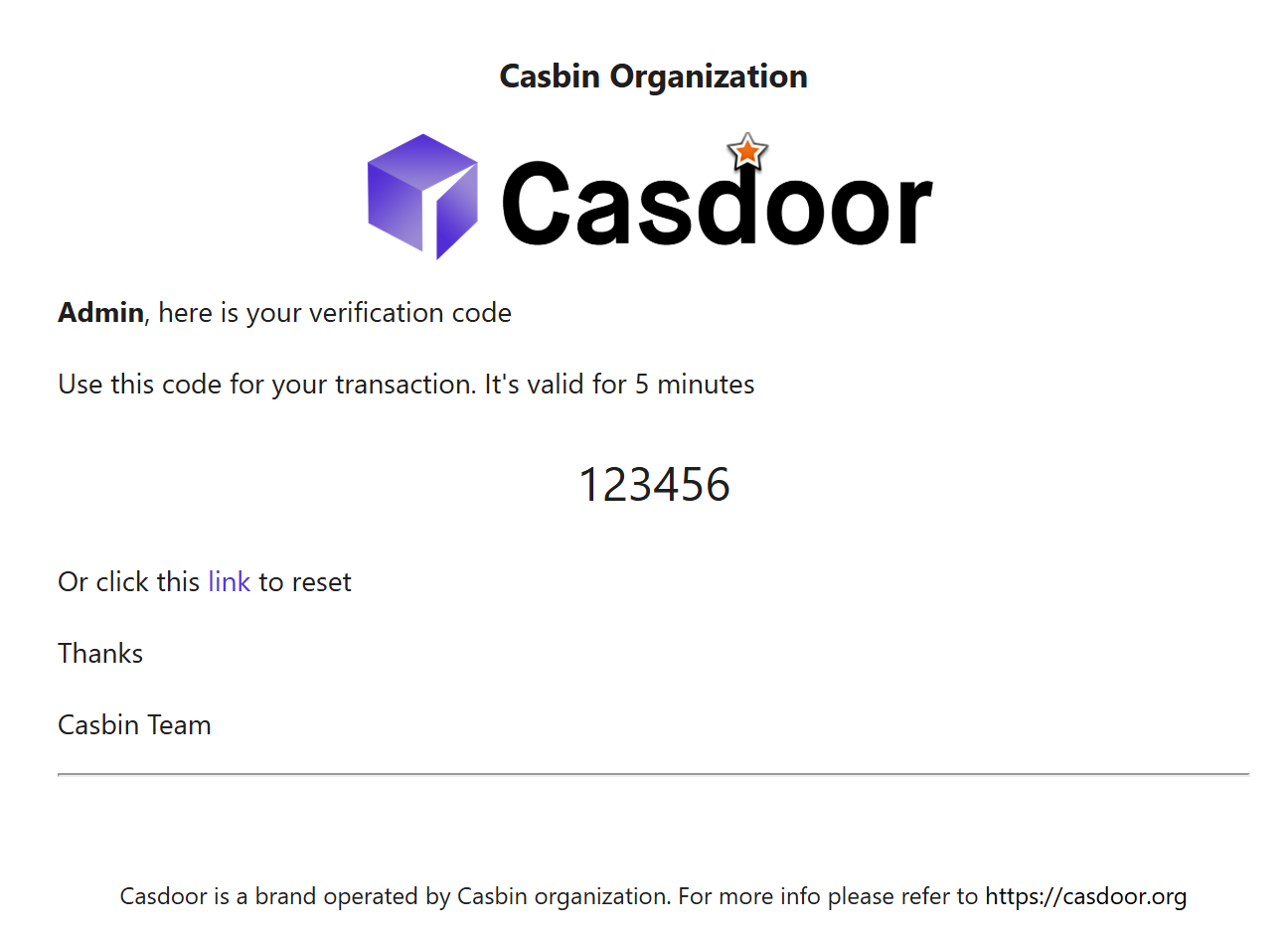
The <reset-link> block is omitted for non–password-reset emails (signup, login verification).