Qt desktop app
The casdoor-cpp-qt-example shows Casdoor sign-in in a Qt desktop app.
Run the example
前提条件
初期化
Set these 7 string parameters:
| 名前 | 説明 | ファイル |
|---|---|---|
| endpoint | あなたのCasdoorサーバーホスト/ドメイン | mainwindow.h |
| client_id | あなたのCasdoorアプリケーションのクライアントID | mainwindow.h |
| client_secret | あなたのCasdoorアプリケーションのクライアントシークレット | mainwindow.h |
| certificate | Casdoorアプリケーションの証明書の公開鍵 | mainwindow.h |
| org_name | あなたのCasdoor組織の名前 | mainwindow.h |
| app_name | あなたのCasdoorアプリケーションの名前 | mainwindow.h |
| redirect_url | あなたのCasdoorアプリケーションのコールバックURLのパスは、提供されていない場合はhttp://localhost:8080/callbackになります | mainwindow.h |
Default endpoint: http://localhost:8000 if not set.
Running
Qt Creator
casdoor-cpp-qt-example.proを開くcasdoor-cpp-qt-example.proでOpenSSLのINCLUDEPATHを設定するCtrl + Rを押して開始
プレビュー
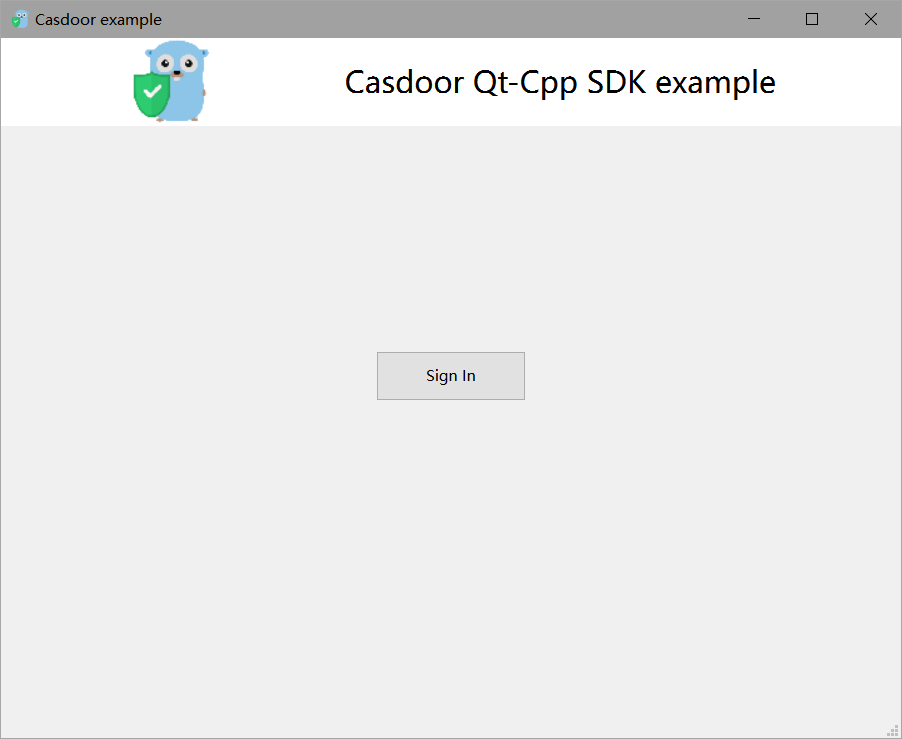
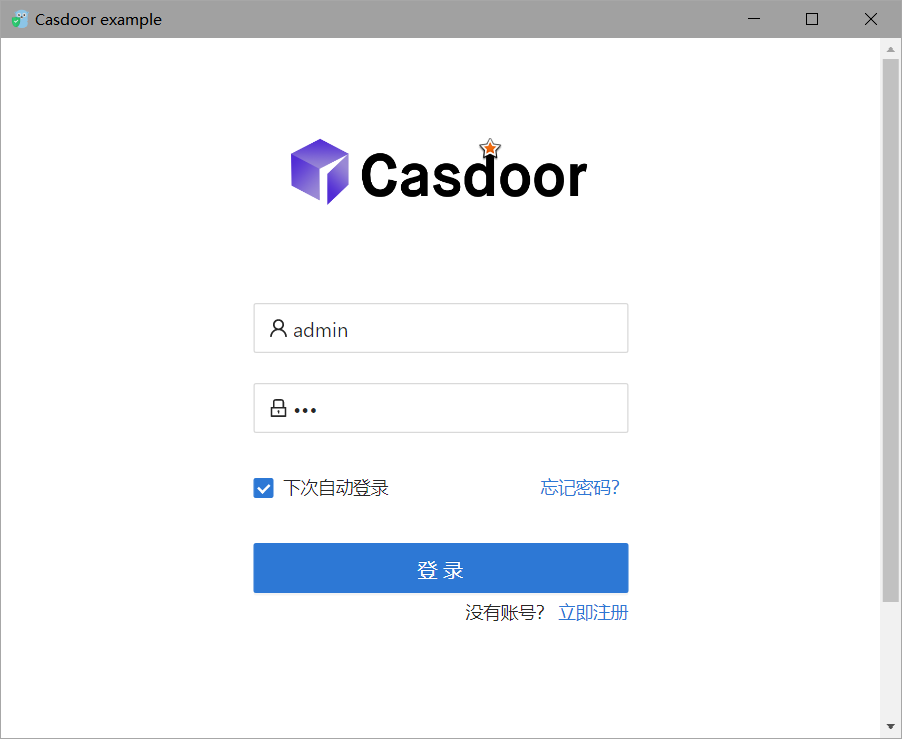
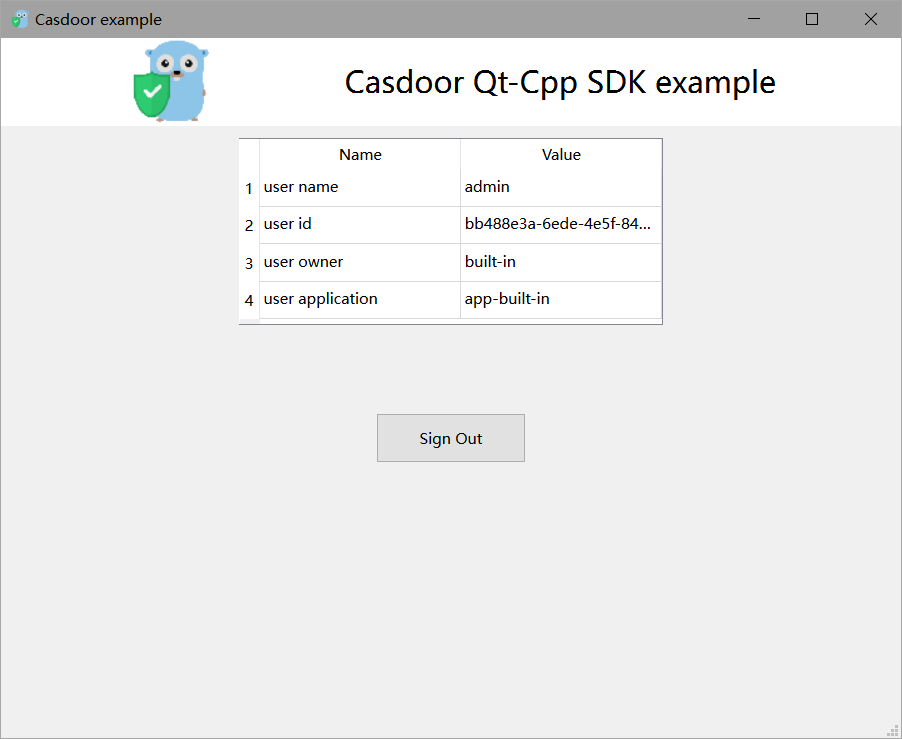
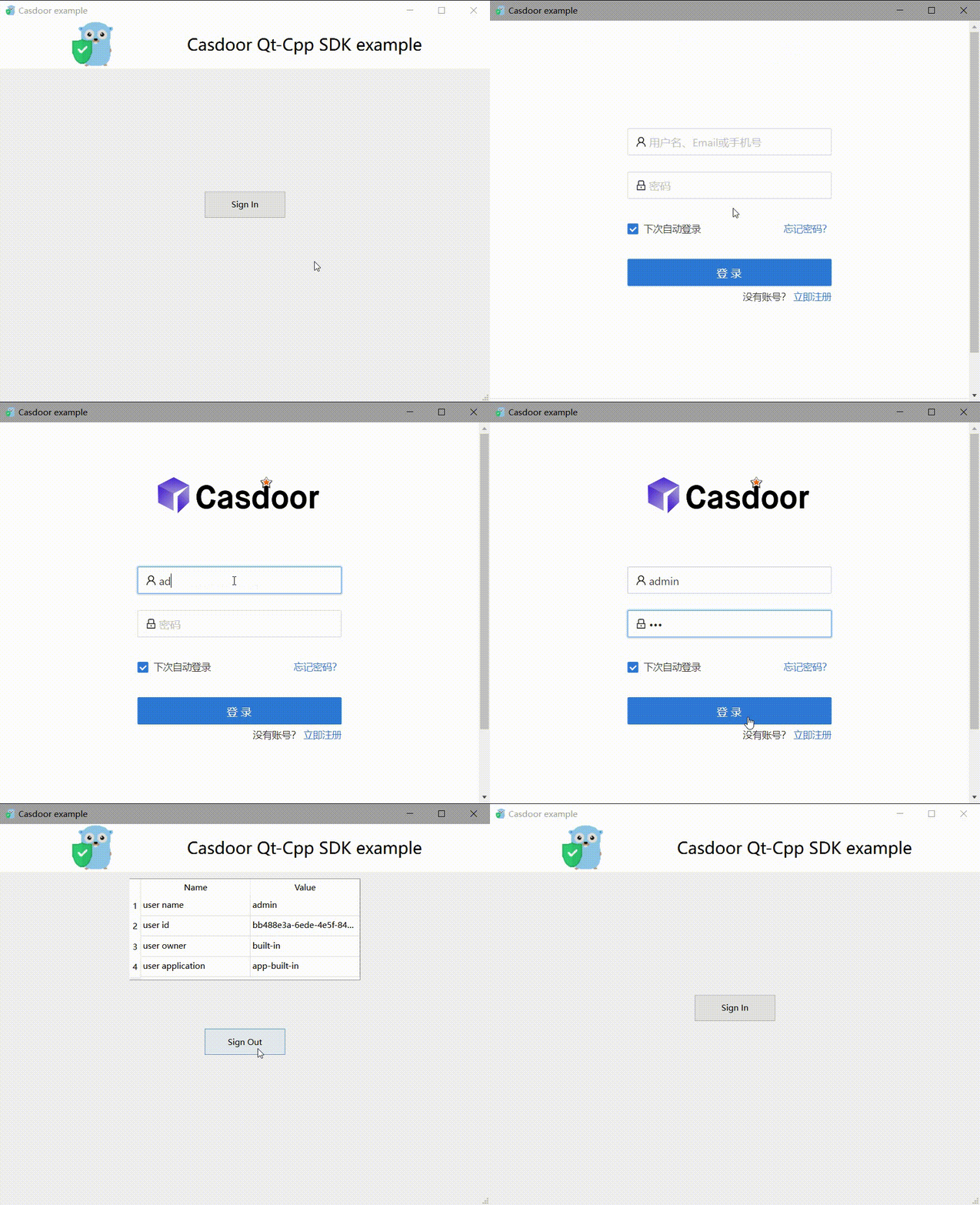
Click Sign In to open the login window. After sign-in, the user profile is shown.
Integration
Open the login window
// Load and display the login page of Casdoor
m_webview->page()->load(*m_signin_url);
m_webview->show();
Listen for the callback (TCP)
// Initialize the TcpServer object and listen on port 8080
m_tcpserver = new QTcpServer(this);
if (!m_tcpserver->listen(QHostAddress::LocalHost, 8080)) {
    qDebug() << m_tcpserver->errorString();
    close();
}
connect(m_tcpserver, SIGNAL(newConnection()), this, SLOT(on_tcp_connected()));
認証コードを使用してユーザー情報を取得する
// Get the token and parse it with the JWT library
std::string token = m_casdoor->GetOAuthToken(code.toStdString());
auto decoded = m_casdoor->ParseJwtToken(token);