Spring Cloud Gateway
The casdoor-springcloud-gateway-example は、Spring Cloud Gatewayで casdoor-spring-boot-starter をOAuth2プラグインとして使用する方法の例です。 使用する手順は以下の通りです。
ステップ1: Casdoorをデプロイする
Deploy Casdoor in production mode. See Server installation. Ensure the server is reachable and you can sign in at the login page (e.g. admin / 123).
ステップ2: Spring Cloud Gatewayを初期化する
Use the example code as-is or adapt it to your application.
ゲートウェイサービスと少なくとも1つのビジネスサービスが必要です。 この例では、casdoor-gatewayがゲートウェイサービスで、casdoor-apiがビジネスサービスです。
ステップ3: 依存関係を含める
Spring Cloud Gatewayプロジェクトにcasdoor-spring-boot-starter依存関係を追加します。
Apache Mavenの場合:
<!-- https://mvnrepository.com/artifact/org.casbin/casdoor-spring-boot-starter -->
<dependency>
    <groupId>org.casbin</groupId>
    <artifactId>casdoor-spring-boot-starter</artifactId>
    <version>1.x.y</version>
</dependency>
Gradleの場合:
// https://mvnrepository.com/artifact/org.casbin/casdoor-spring-boot-starter
implementation group: 'org.casbin', name: 'casdoor-spring-boot-starter', version: '1.x.y'
ステップ4: プロパティを設定する
初期化には6つのパラメータが必要で、すべて文字列型です。
| 名前(順番通り) | 必須 | 説明 |
|---|---|---|
| endpoint | はい | CasdoorサーバーURL、例:http://localhost:8000 |
| clientId | はい | Application.client_id |
| clientSecret | はい | Application.client_secret |
| certificate | はい | Application.certificate |
| organizationName | はい | Application.organization |
| applicationName | いいえ | Application.name |
Initialize these parameters via Java properties or YAML.
プロパティの場合:
casdoor.endpoint=http://localhost:8000
casdoor.clientId=<client-id>
casdoor.clientSecret=<client-secret>
casdoor.certificate=<certificate>
casdoor.organizationName=built-in
casdoor.applicationName=app-built-in
YAMLの場合:
casdoor:
  endpoint: http://localhost:8000
  client-id: <client-id>
  client-secret: <client-secret>
  certificate: <certificate>
  organization-name: built-in
  application-name: app-built-in
Configure gateway routing as well. YAMLの場合:
spring:
  application:
    name: casdoor-gateway
  cloud:
    gateway:
      routes:
        - id: api-route
          uri: http://localhost:9091
          predicates:
            - Path=/api/**
ステップ5: CasdoorAuthFilterを追加する
例えば、この例で使用されているCasdoorAuthFilterのようなGlobalFilterインターフェースの実装クラスをゲートウェイに追加して、アイデンティティ検証を行います。
認証に失敗した場合、フロントエンドに401ステータスコードを返して、ログインインターフェースにリダイレクトします。
@Component
public class CasdoorAuthFilter implements GlobalFilter, Ordered {

    private static final Logger LOGGER = LoggerFactory.getLogger(CasdoorAuthFilter.class);

    @Override public int getOrder() {
        return 0;
    }

    @Override public Mono<Void> filter(ServerWebExchange exchange, GatewayFilterChain chain) {
        return exchange.getSession().flatMap(webSession -> {
            CasdoorUser user = webSession.getAttribute("casdoorUser");
            if (user != null) {
                return chain.filter(exchange);
            }
            ServerHttpResponse response = exchange.getResponse();
            response.setStatusCode(HttpStatus.UNAUTHORIZED);
            response.getHeaders().add("Content-Type", "application/json");
            return response.setComplete();
        });
    }
}
ステップ6: サービスを取得して使用する
現在5つのサービスを提供しています:CasdoorAuthService、CasdoorUserService、CasdoorEmailService、CasdoorSmsService、CasdoorResourceService。
Create them in the Gateway project as follows.
@Resource
private CasdoorAuthService casdoorAuthService;
When the app requires authentication, redirect to Casdoor's login page with the target URL.
Add the callback URL (e.g. http://localhost:9090/callback) to the Casdoor application in advance.
@RequestMapping("login")
public Mono<String> login() {
    return Mono.just("redirect:" + casdoorAuthService.getSigninUrl("http://localhost:9090/callback"));
}
After Casdoor verifies the user, the app is redirected back with a code and state; use the code and getOAuthToken to obtain the JWT.
CasdoorUser holds the user info from Casdoor; use it to establish the session in your app.
@RequestMapping("callback")
public Mono<String> callback(String code, String state, ServerWebExchange exchange) {
    String token = "";
    CasdoorUser user = null;
    try {
        token = casdoorAuthService.getOAuthToken(code, state);
        user = casdoorAuthService.parseJwtToken(token);
    } catch(CasdoorAuthException e) {
        e.printStackTrace();
    }
    CasdoorUser finalUser = user;
    return exchange.getSession().flatMap(session -> {
        session.getAttributes().put("casdoorUser", finalUser);
        return Mono.just("redirect:/");
    });
}
APIの例は以下の通りです。
- CasdoorAuthService
String token = casdoorAuthService.getOAuthToken(code, "app-built-in");CasdoorUser casdoorUser = casdoorAuthService.parseJwtToken(token);
- CasdoorUserService
CasdoorUser casdoorUser = casdoorUserService.getUser("admin");CasdoorUser casdoorUser = casdoorUserService.getUserByEmail("admin@example.com");CasdoorUser[] casdoorUsers = casdoorUserService.getUsers();CasdoorUser[] casdoorUsers = casdoorUserService.getSortedUsers("created_time", 5);int count = casdoorUserService.getUserCount("0");CasdoorResponse response = casdoorUserService.addUser(user);CasdoorResponse response = casdoorUserService.updateUser(user);CasdoorResponse response = casdoorUserService.deleteUser(user);
- CasdoorEmailService
CasdoorResponse response = casdoorEmailService.sendEmail(title, content, sender, receiver);
- CasdoorSmsService
CasdoorResponse response = casdoorSmsService.sendSms(randomCode(), receiver);
- CasdoorResourceService
CasdoorResponse response = casdoorResourceService.uploadResource(user, tag, parent, fullFilePath, file);CasdoorResponse response = casdoorResourceService.deleteResource(file.getName());
ステップ7: プロジェクトを再起動する
After starting the project, open your favorite browser and visit http://localhost:9090. 次に、casdoor-apiからリソースを要求する任意のボタンをクリックします。
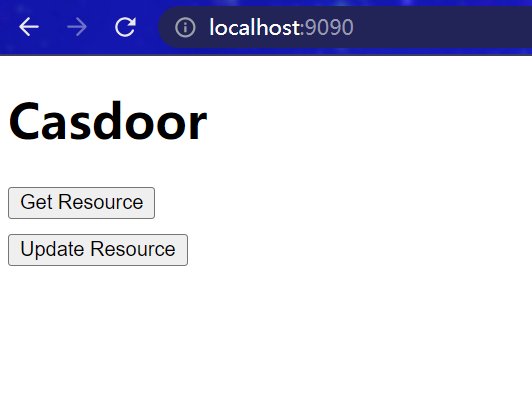
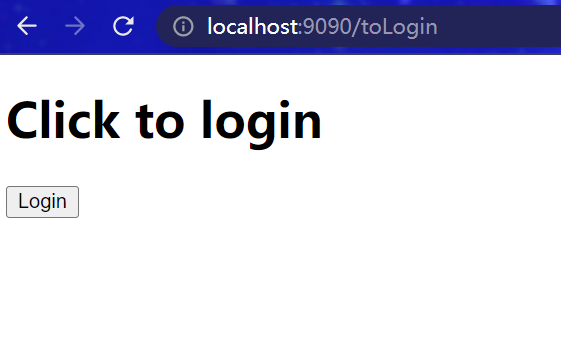
The gateway triggers auth; unauthenticated users are redirected to the login page. Click Login.
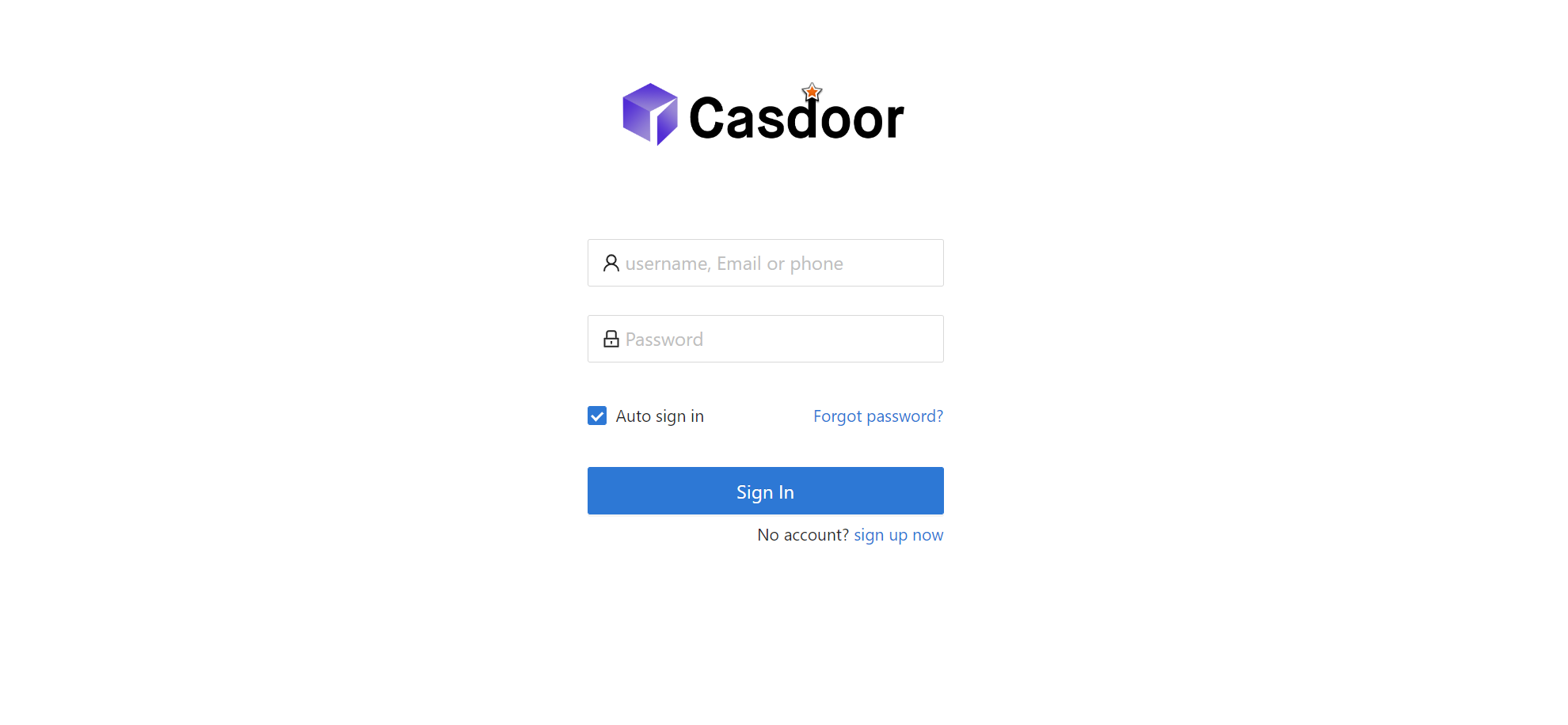
The Casdoor login page is shown.
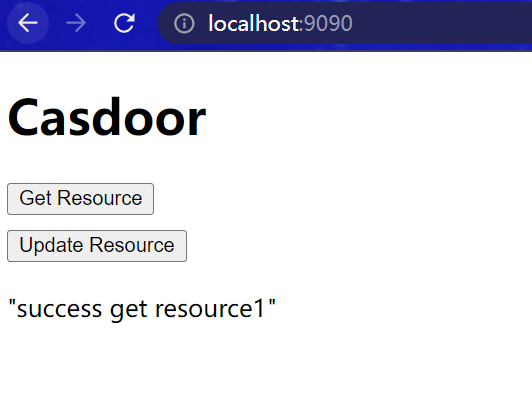
After login, you are redirected to the main interface; you can proceed to use the app.
さらに
For more on Java integration, see the following projects and docs.