应用程序配置
部署Casdoor并创建组织后,配置应用程序及其身份验证设置。
本页将介绍如何使用 Casdoor 来配置应用程序身份验证。
Example: Configuring a forum application using Casnode.
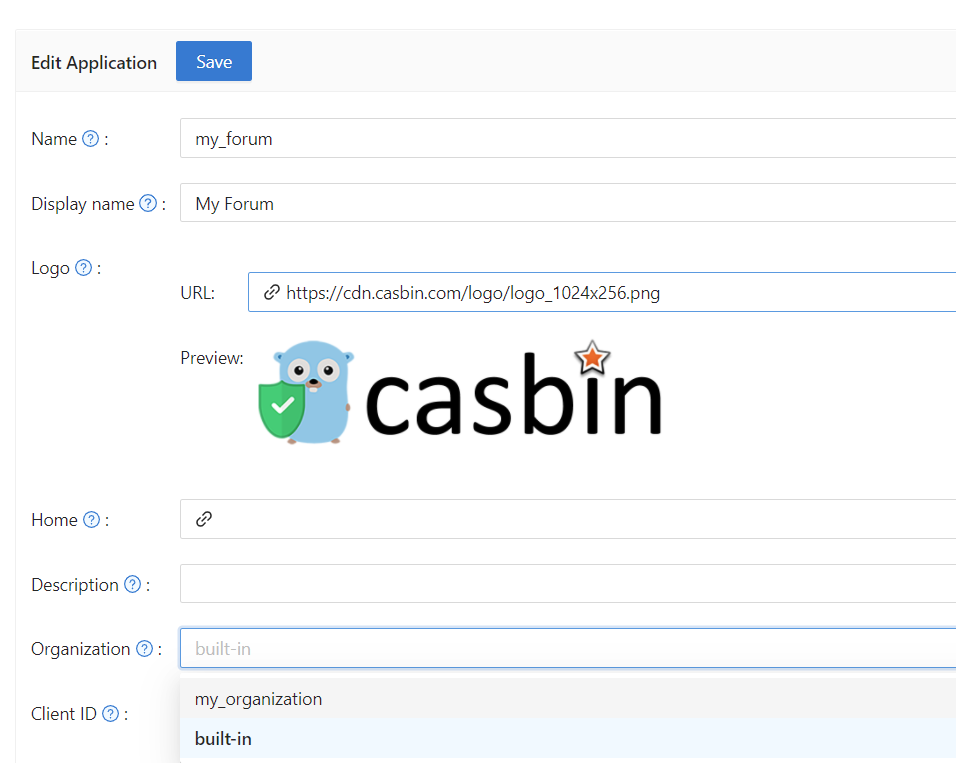
Create an application and fill in the required configuration.
Select the organization you created so that users in that organization can access this application.

If your organization is named my_organization, select it from the drop-down menu.
To allow users to authenticate via Casdoor when they sign up, set the Redirect URL to your application’s callback URL (e.g. https://your-site-url.com/callback).
Callback URL vs Redirect URL
- The callback URL configured in the provider (e.g. GitHub, Google) must be Casdoor’s callback URL:
http://your-casdoor-url.com/callback. - The Redirect URL configured in Casdoor must be your application’s callback URL:
http://your-site-url.com/callback.
How the flow works
- The user initiates sign-in and is sent to Casdoor.
- Casdoor uses the application’s Client ID and Client Secret to authenticate with the provider (e.g. GitHub, Google).
- After successful authentication, the provider redirects back to Casdoor. The provider’s callback URL must be Casdoor’s callback:
http://your-casdoor-url.com/callback. - Casdoor then redirects to your application with the auth result. Casdoor’s Redirect URL must be your app’s callback:
http://your-site-url.com/callback.
Verification Code Settings
Use Code resend timeout to control how long users must wait before requesting another verification code (email or SMS). The value is in seconds (default: 60) and sets the countdown shown on the login page. Set to 0 to use the global default.
For finer control over sign-in methods (e.g. disabling or enabling specific methods), see Sign-in methods.