Restrict sign-in by user tags
This guide explains how to restrict an application to users with certain tags. Only a user who has at least one of the tags of the application can sign in to it.
Learning outcomes
- Add tags to an application.
- Understand how Casdoor matches the tags of users.
What you need
- An application
- Users with tags
Add tags to the application
-
In the Casdoor admin console, open the edit page of the application.
-
In Tags, add the tags whose users may sign in.
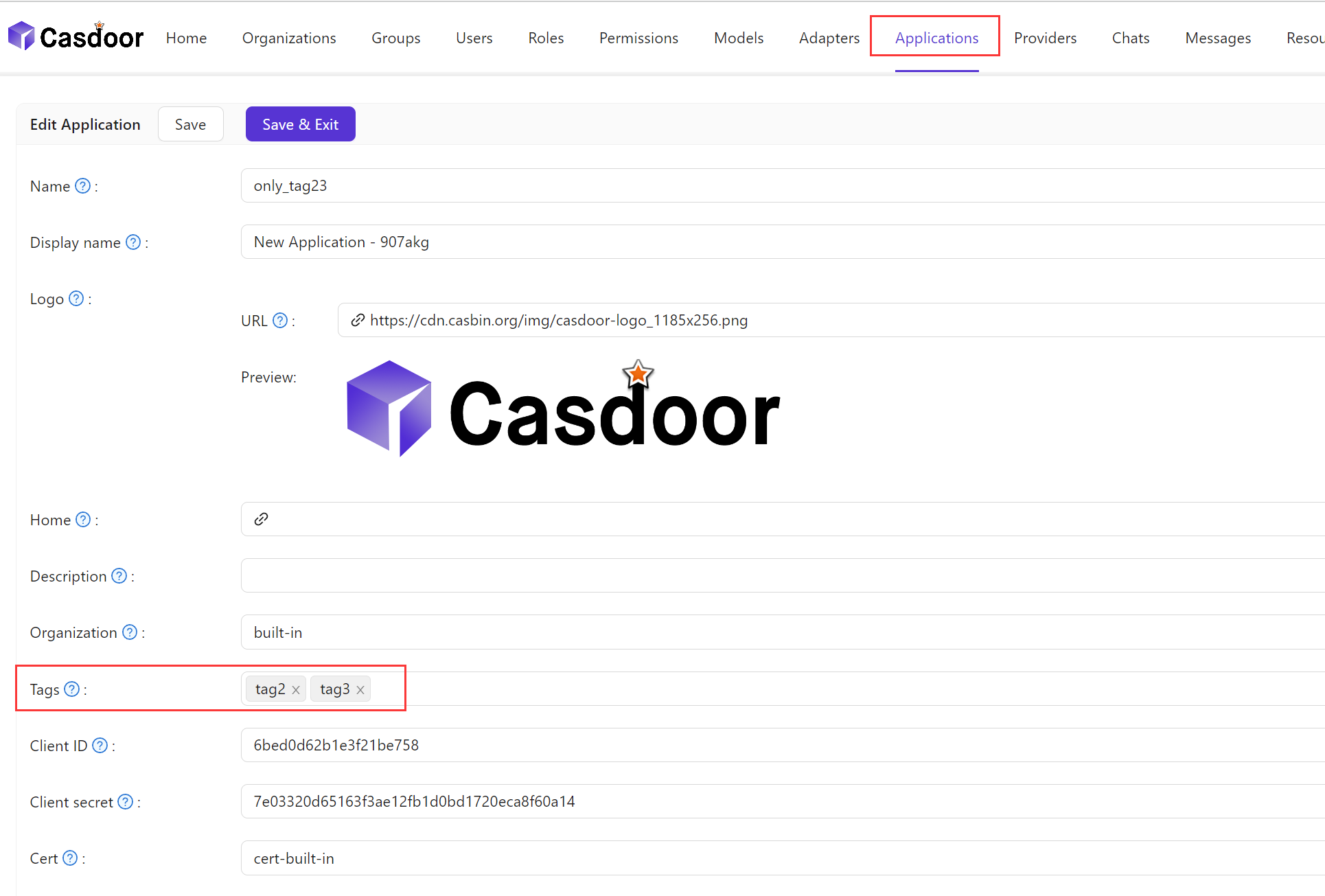
-
Save the application.
How Casdoor matches tags
The tag of a user can hold several tags, separated by commas, for example dev,qa,staging. Casdoor splits the value and allows the sign-in if any one of the tags is a tag of the application.
For example, an application has the tags dev and staging. Users with dev, with staging, or with dev,qa can sign in. A user with prod can't.
The following users aren't restricted:
- Administrators of the organization and global administrators
- Users and applications of the
built-inorganization
The tag guest-user is reserved for guest users. A guest user receives the tag normal-user after setting a username or a password.