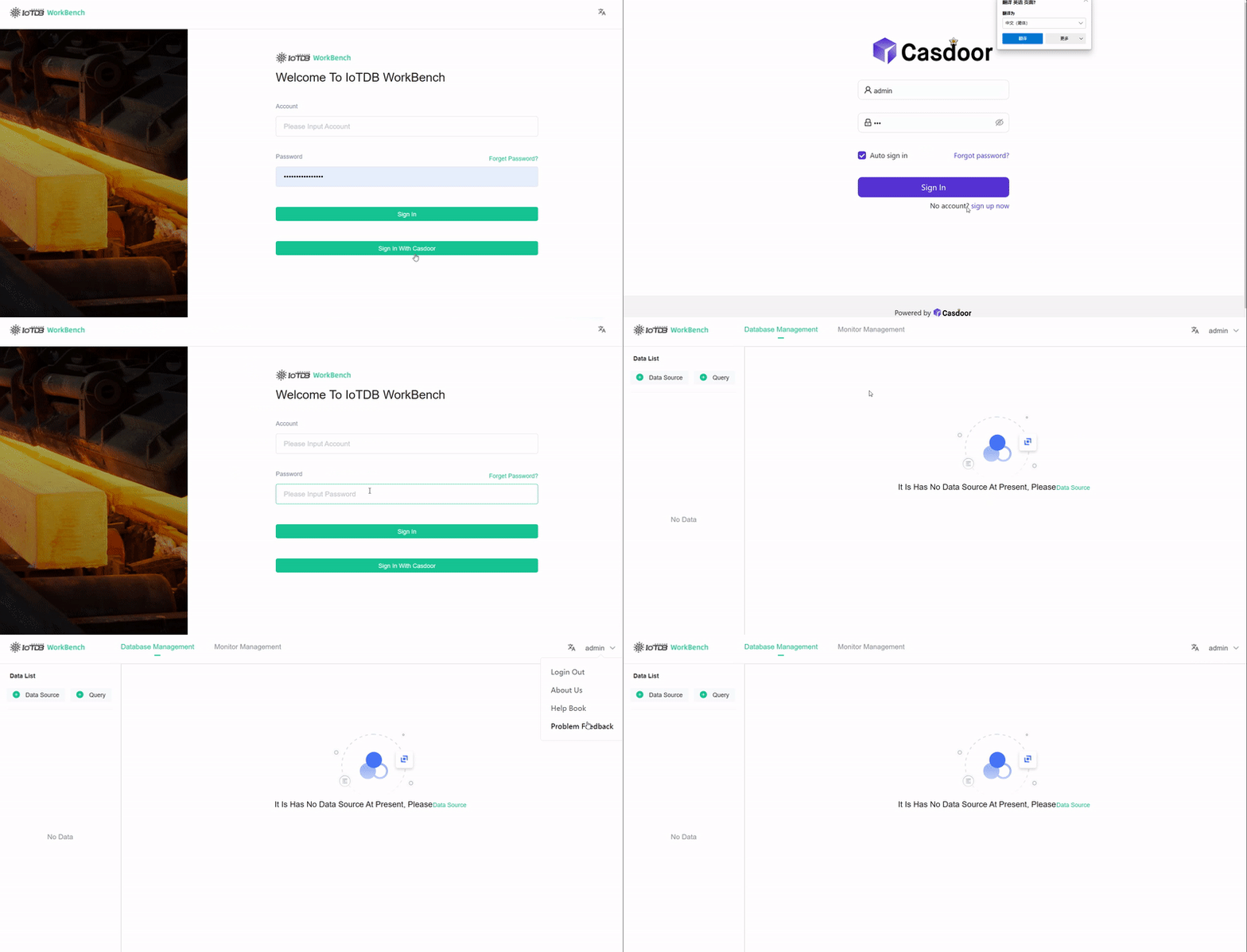
Apache IoTDB
Casdoor可以轻松连接到Apache IoTDB。
Apache IoTDB Web Workbench already includes Casdoor support. Configure the backend application.yml and enable the front-end switch.
步骤1:部署Casdoor
Deploy Casdoor. See Server installation. Ensure the server is running and you can sign in at the Casdoor login page.
步骤2:配置Casdoor
Create an organization and an application in Casdoor (see Application and Organization).
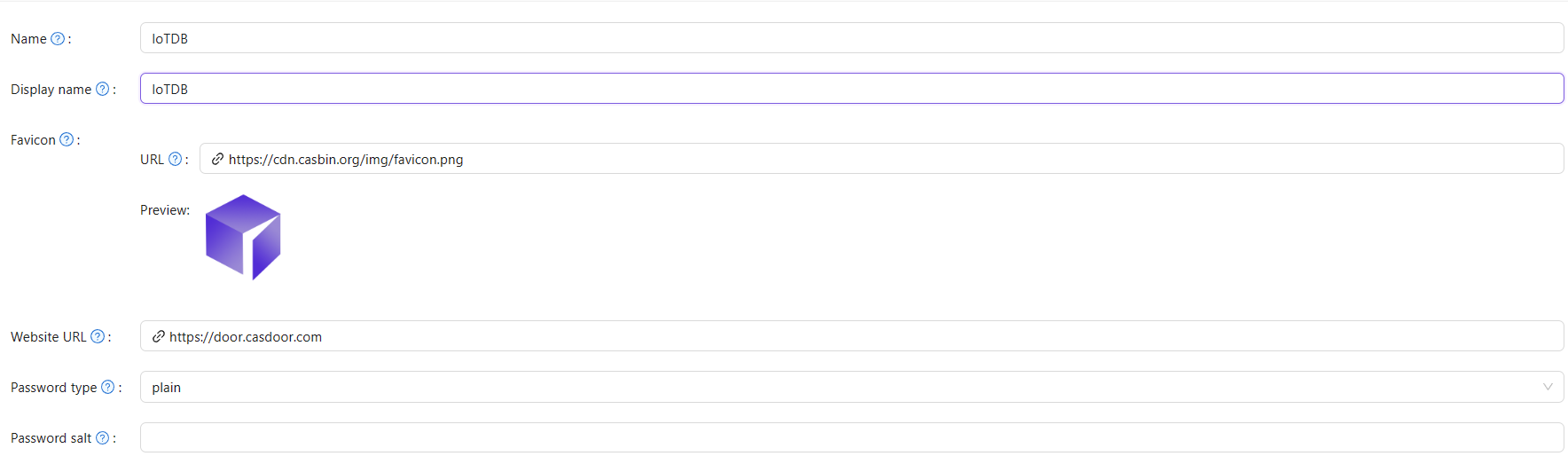
2.1 创建一个组织
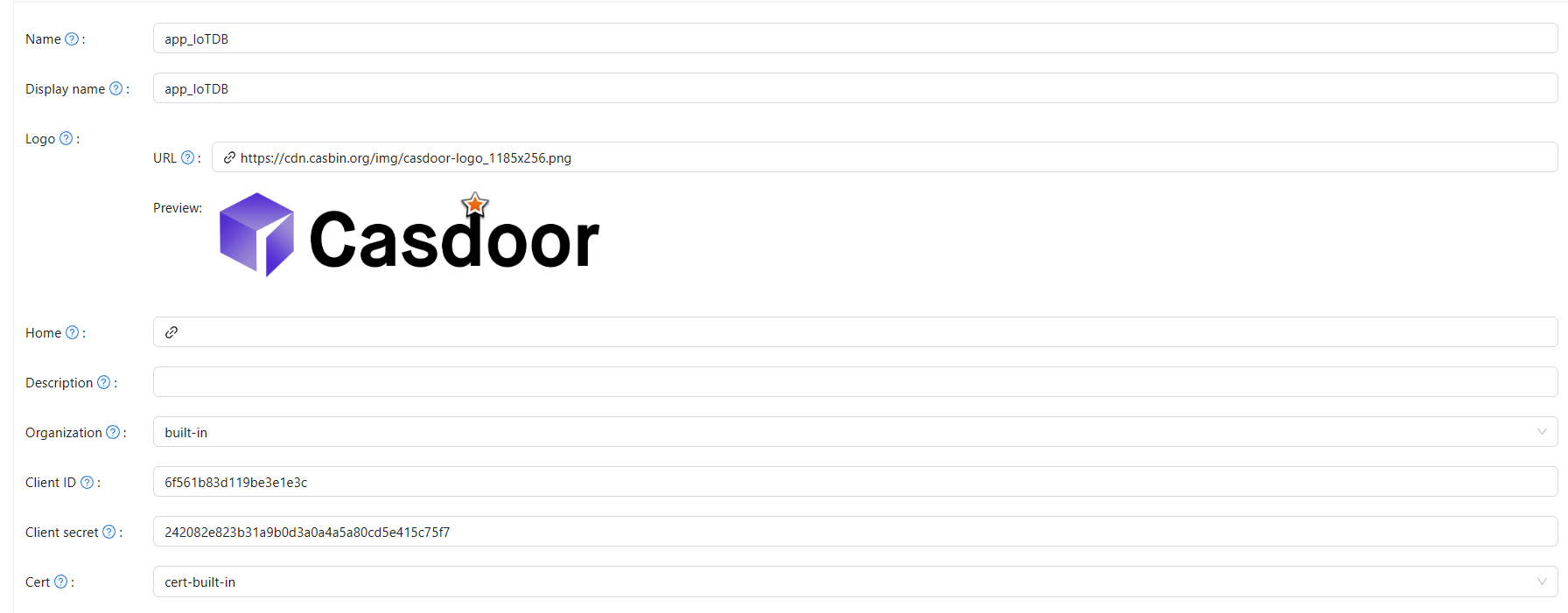
2.2 创建一个应用
步骤3:激活Apache IoTDB Web Workbench前端开关
打开此开关以将代码和状态发送到后端。
此开关可以在iotdb-web-workbench/fronted/.env文件中找到。

步骤4:配置后端代码
Configure Casdoor in iotdb-web-workbench/backend/src/main/resources/application.properties.
casdoor.endpoint = http://localhost:8000
casdoor.clientId = <client id from previous step>
casdoor.clientSecret = <client secret from previous step>
casdoor.certificate=<client certificate from previous step>
casdoor.organizationName=IoTDB
casdoor.applicationName=app-IoTDB
结果