Sign users in to a React Native app
This guide explains how to run the Casdoor example for React Native and how to add Casdoor sign-in to your own app with casdoor-react-native-sdk.
Learning outcomes
- Run the example app on iOS and Android.
- Install and initialize casdoor-react-native-sdk.
- Sign a user in and read the user from the token.
What you need
- A React Native development environment, with an emulator or a connected device
- An application in Casdoor
Sample code
Run the example
-
Clone the example and install its dependencies:
git clone git@github.com:casdoor/casdoor-react-native-example.git
cd casdoor-react-native-example
yarn install
cd ios/ && pod install && cd .. -
Start an emulator or connect a device.
-
Start the app.
- On iOS: Run
react-native start, and thenreact-native run-ios. - On Android: Run
react-native start, and thenreact-native run-android.
iOS Android 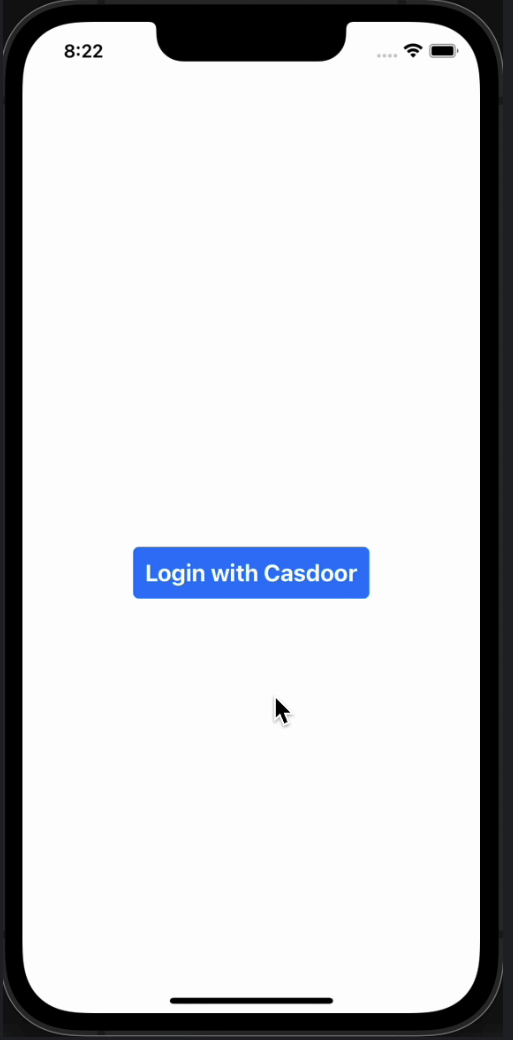
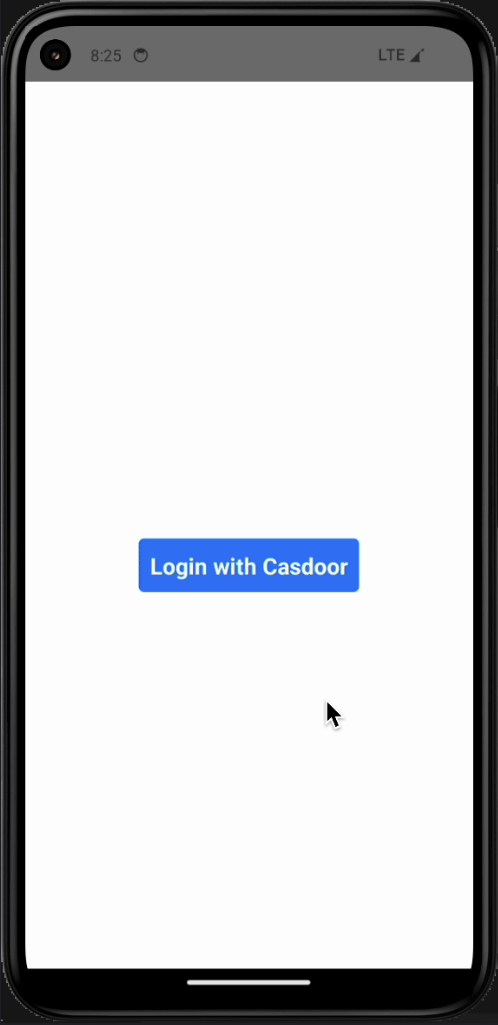
- On iOS: Run
-
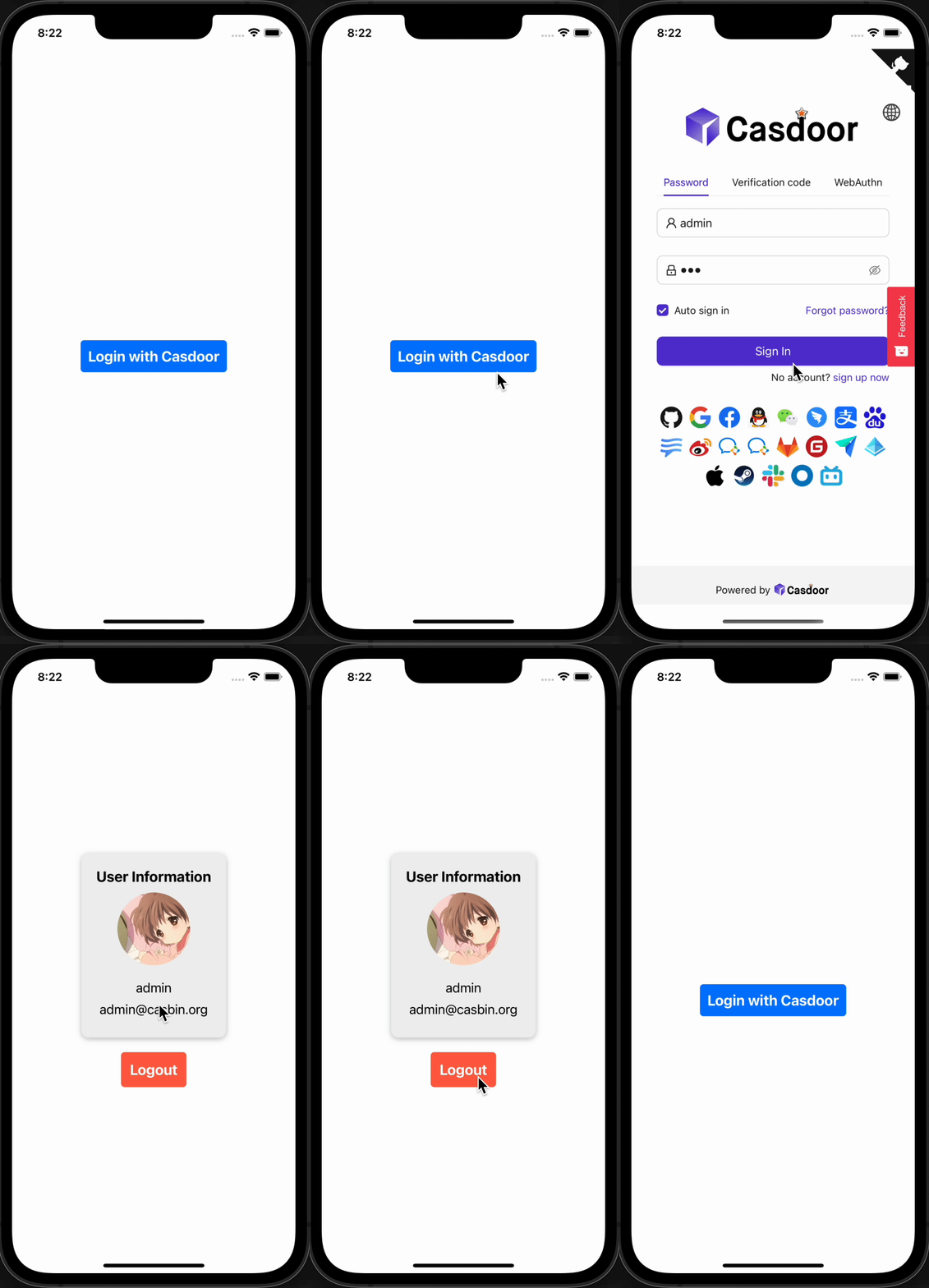
Click Login with Casdoor. The Casdoor sign-in screen opens.
iOS Android 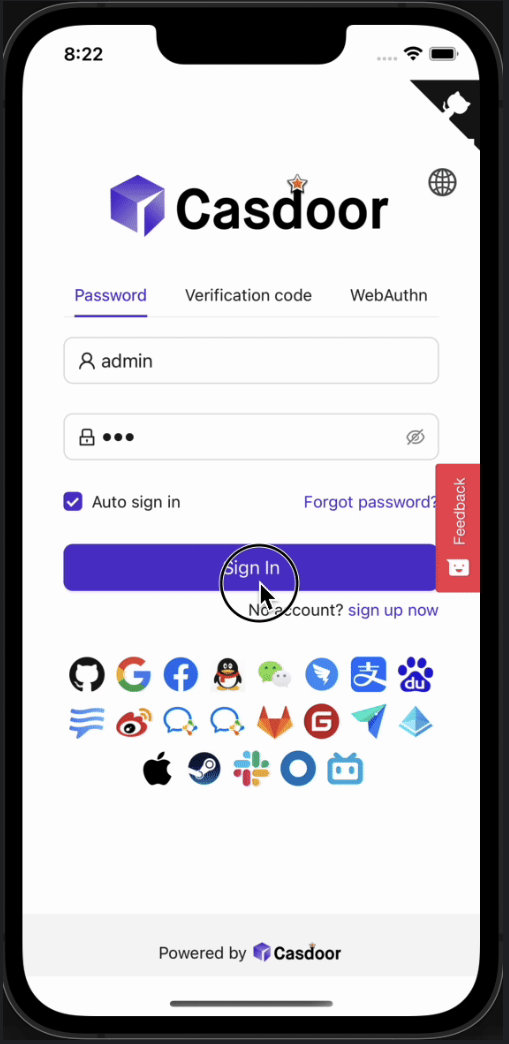
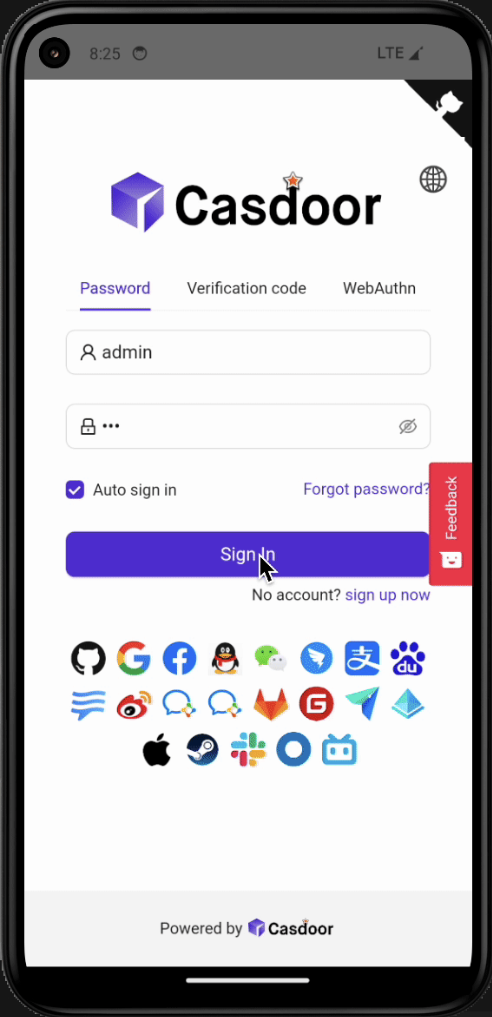
-
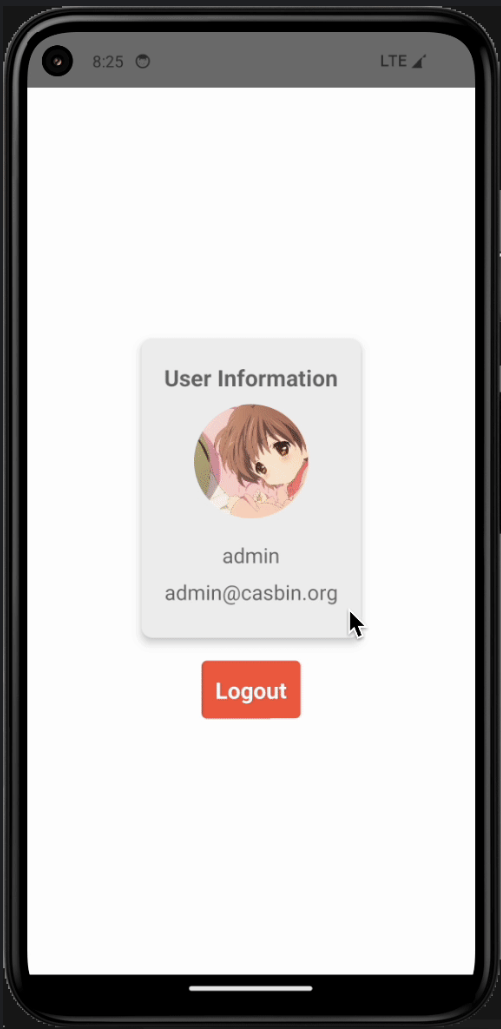
Sign in. The app shows the profile of the user.
iOS Android 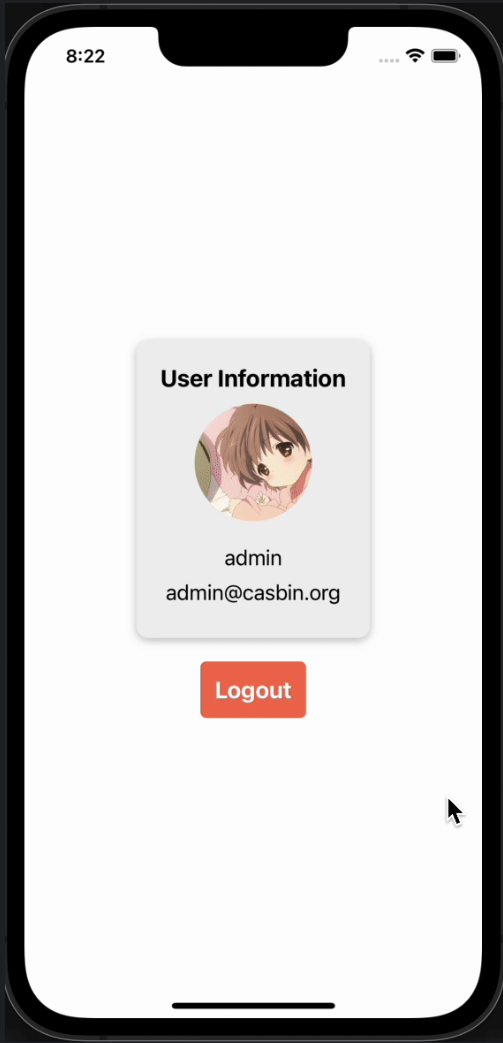
| iOS | Android |
|---|---|
 | 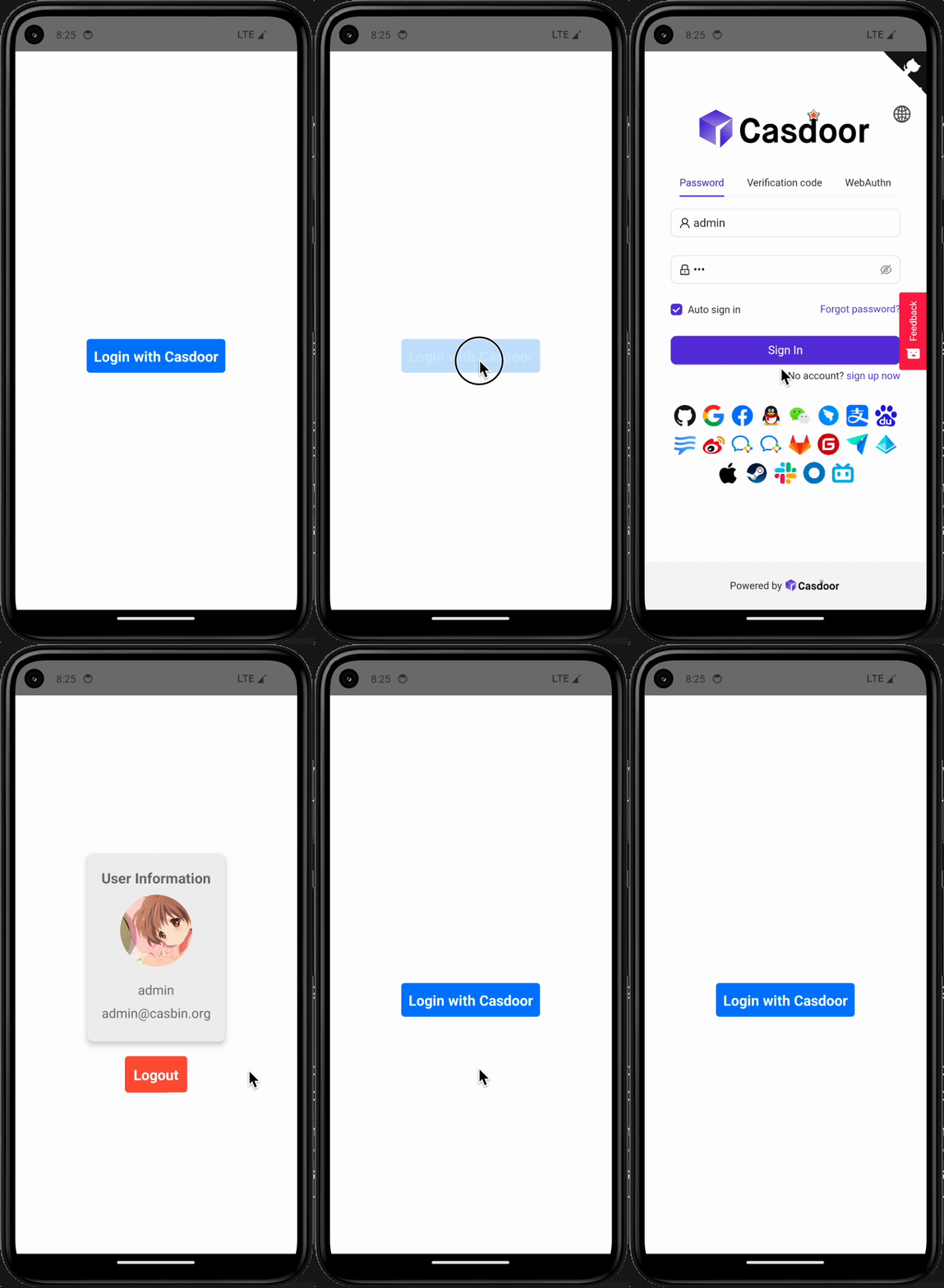 |
Add sign-in to your app
-
Install the SDK:
# NPM
npm i casdoor-react-native-sdk

# Yarn
yarn add casdoor-react-native-sdk -
Initialize the SDK. The settings are strings.
Name (in order) Must Description serverUrl Yes your Casdoor server URL clientId Yes the Client ID of your Casdoor application appName Yes the name of your Casdoor application organizationName Yes the name of the Casdoor organization connected with your Casdoor application redirectPath No the path of the redirect URL for your Casdoor application, will be /callbackif not providedsigninPath No the path of the signin URL for your Casdoor application import SDK from 'casdoor-react-native-sdk'
const sdkConfig = {
serverUrl: 'https://door.casdoor.com',
clientId: 'b800a86702dd4d29ec4d',
appName: 'app-example',
organizationName: 'casbin',
redirectPath: 'http://localhost:5000/callback',
signinPath: '/api/signin',
};
const sdk = new SDK(sdkConfig) -
Call the SDK to sign the user in and to read the user:
// get the signin url
getSigninUrl()

// get Access Token
getAccessToken(redirectUrl); // http://localhost:5000/callback?code=b75bc5c5ac65ffa516e5&state=gjmfdgqf498

// decode jwt token to get user info
JwtDecode(jwtToken)
For the complete API, see the casdoor-react-native-sdk repository.