Sign users in to a React Native app
This guide explains how to run the Casdoor example for React Native and how to add Casdoor sign-in to your own app with casdoor-react-native-sdk.
Learning outcomes
- Run the example app on iOS and Android.
- Install and initialize casdoor-react-native-sdk.
- Sign a user in and read the user from the token.
What you need
- A React Native development environment, with an emulator or a connected device
- An application in Casdoor
Sample code
运行示例
-
Clone the example and install its dependencies:
git clone git@github.com:casdoor/casdoor-react-native-example.git
cd casdoor-react-native-example
yarn install
cd ios/ && pod install && cd .. -
Start an emulator or connect a device.
-
Start the app.
- On iOS: Run
react-native start, and thenreact-native run-ios. - On Android: Run
react-native start, and thenreact-native run-android.
iOS Android 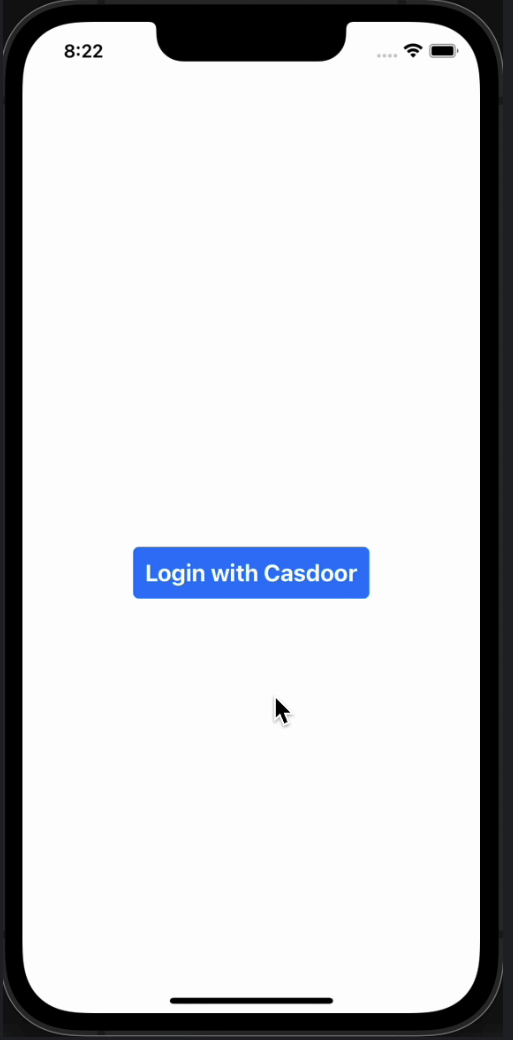
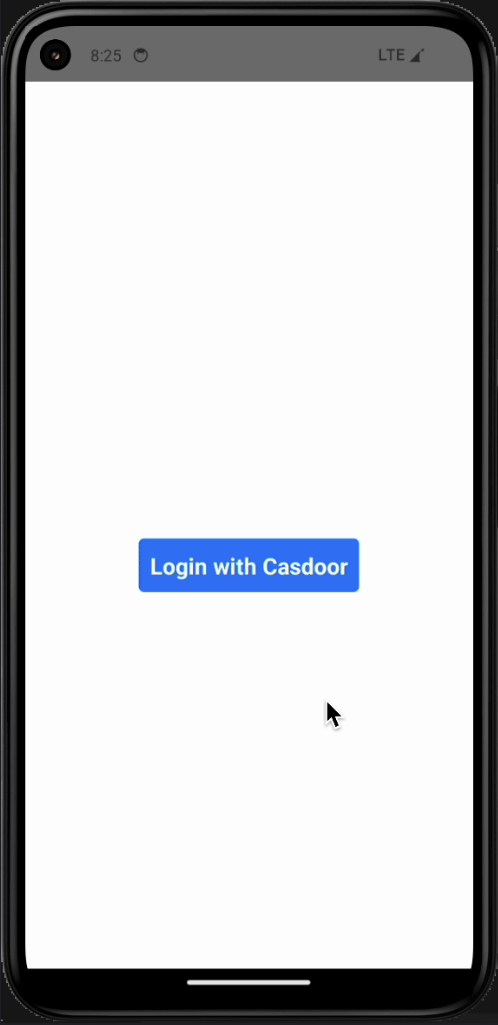
- On iOS: Run
-
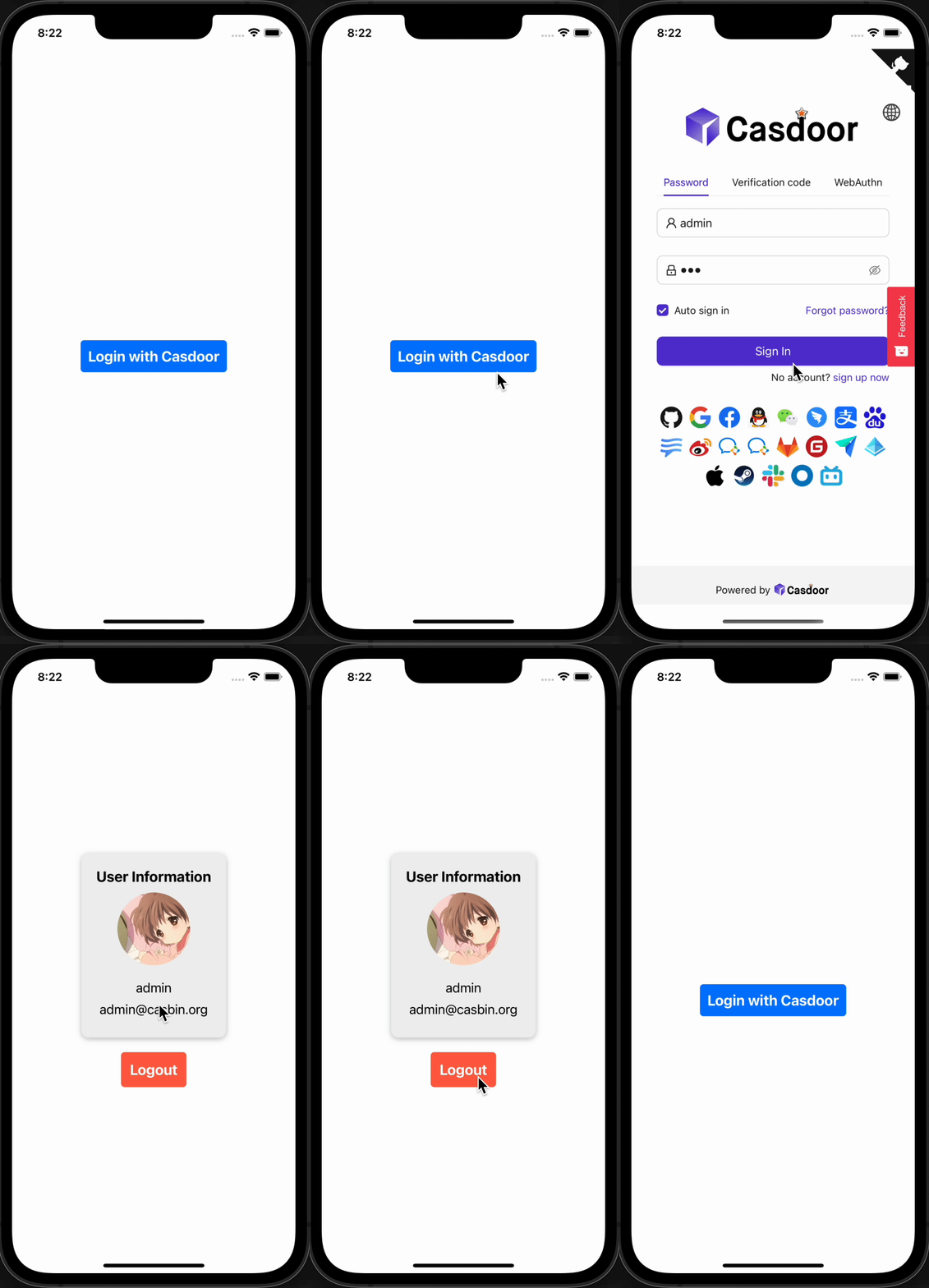
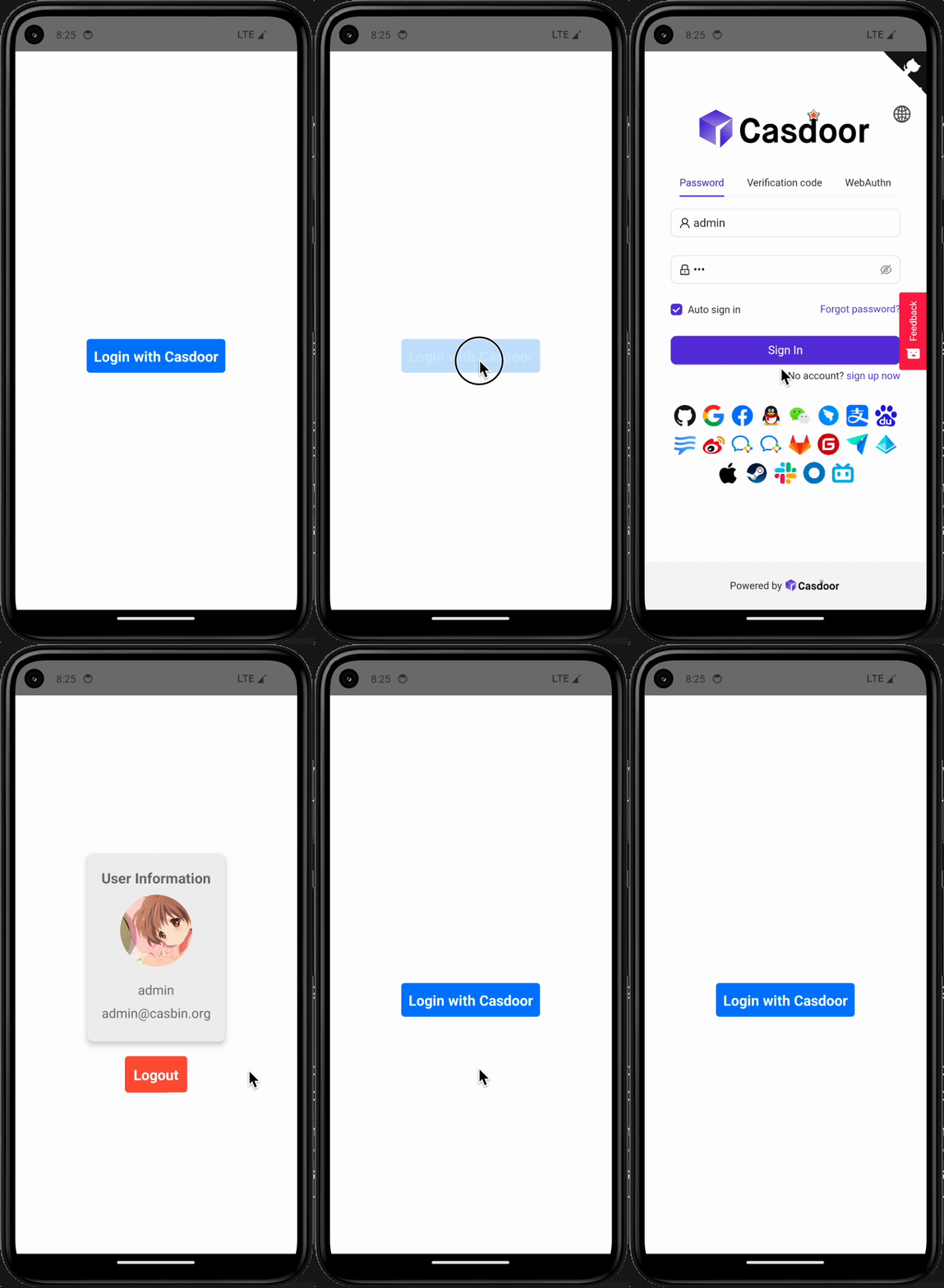
Click Login with Casdoor. The Casdoor sign-in screen opens.
iOS Android 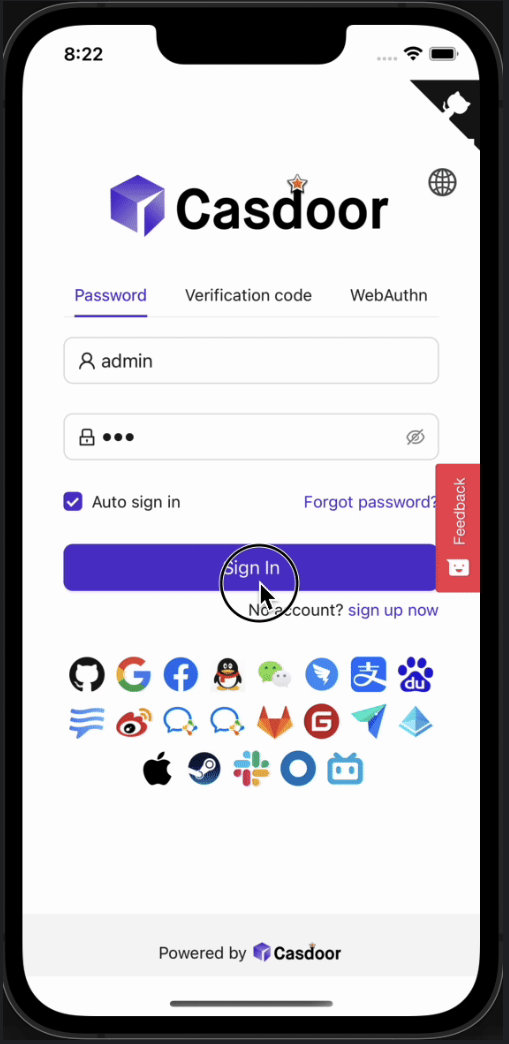
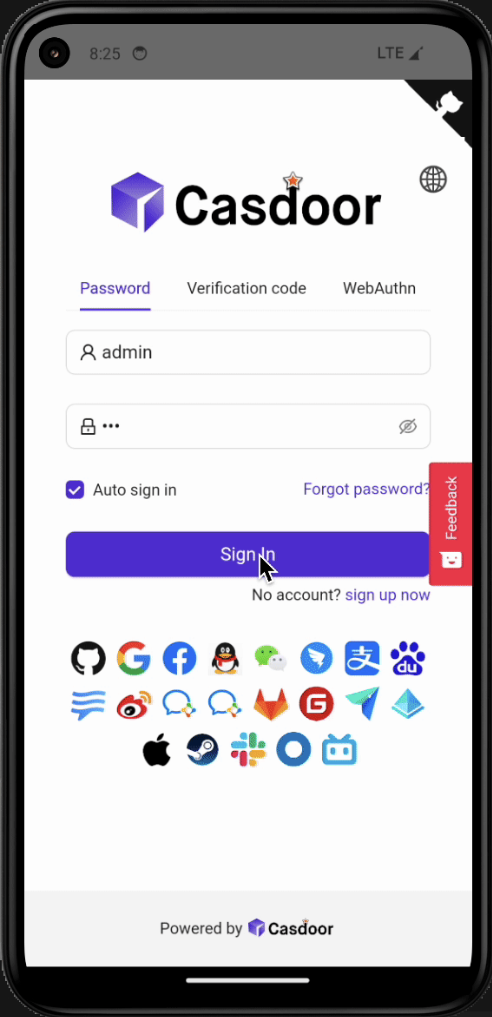
-
Sign in. The app shows the profile of the user.
iOS Android 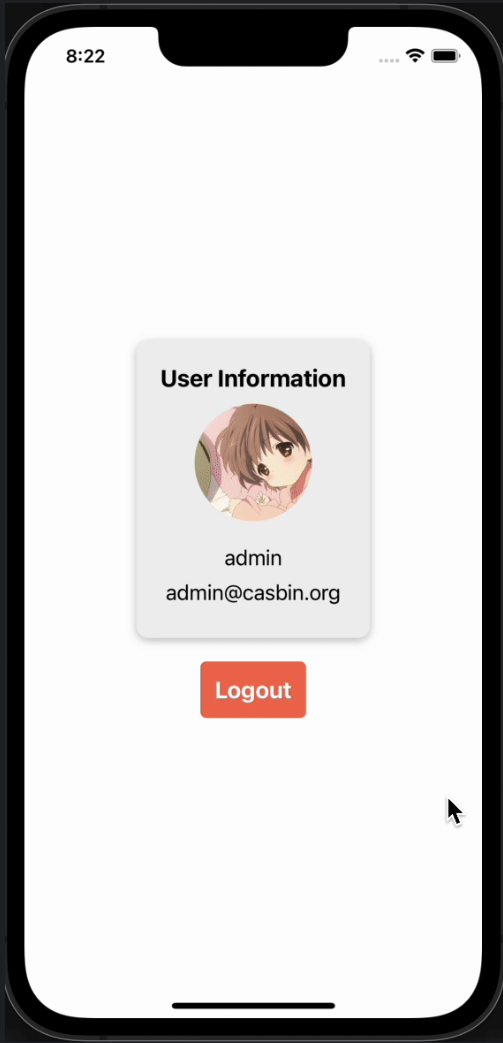
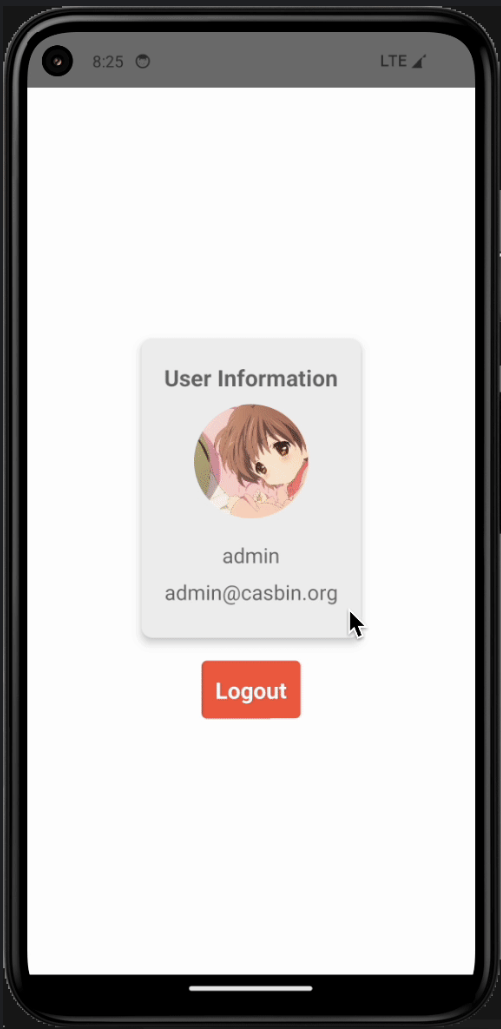
| iOS | Android |
|---|---|
 |  |
Add sign-in to your app
-
Install the SDK:
# NPM
npm i casdoor-react-native-sdk

# Yarn
yarn add casdoor-react-native-sdk -
Initialize the SDK. The settings are strings.
名称(按顺序) 必须 描述 serverUrl Yes 你的Casdoor服务器URL clientId 是 你的Casdoor应用的客户端ID 应用程序名称 是 你的Casdoor应用的名称 organizationName 是 与你的Casdoor应用关联的Casdoor组织的名称 redirectPath 不 Casdoor 应用回调地址的路径,不填时为 /callbacksigninPath 不 你的Casdoor应用的登录URL的路径 import SDK from 'casdoor-react-native-sdk'
const sdkConfig = {
serverUrl: 'https://door.casdoor.com',
clientId: 'b800a86702dd4d29ec4d',
appName: 'app-example',
organizationName: 'casbin',
redirectPath: 'http://localhost:5000/callback',
signinPath: '/api/signin',
};
const sdk = new SDK(sdkConfig) -
Call the SDK to sign the user in and to read the user:
// get the signin url
getSigninUrl()

// get Access Token
getAccessToken(redirectUrl); // http://localhost:5000/callback?code=b75bc5c5ac65ffa516e5&state=gjmfdgqf498

// decode jwt token to get user info
JwtDecode(jwtToken)
For the complete API, see the casdoor-react-native-sdk repository.