Payment providers
A payment provider lets users pay for the products that you sell in Casdoor. You add one or more payment providers to a product, and users choose one at checkout.
Supported types
| Type | Service |
|---|---|
Stripe | See Stripe |
PayPal | See PayPal |
Alipay | See Alipay |
WeChat Pay | See WeChat Pay |
AirWallex | See AirWallex |
Adyen | See Adyen |
Paddle | See Paddle |
Polar | See Polar |
FastSpring | See FastSpring |
Lemon Squeezy | See Lemon Squeezy |
Balance | Pays from the account balance of the user. See Balance |
Dummy | Simulates payments for tests. See Dummy |
Add a payment provider
-
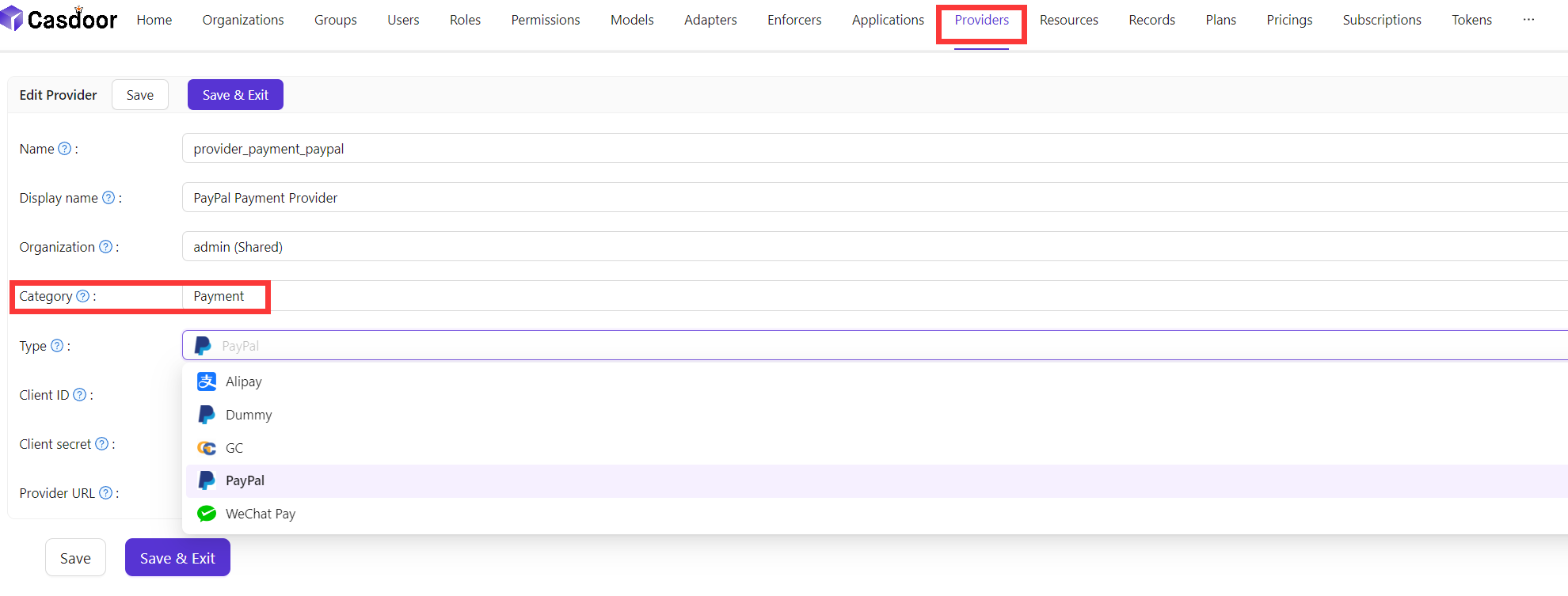
In the Casdoor admin console, go to Identity > Providers and add a provider.
-
Set Category to
Paymentand select the Type. -
Fill in the credentials of the service. The page of each service lists the fields.
-
Save the provider.
-
Open the product and add the provider to its Payment providers.
-
Save the product.