Set password complexity rules
This guide explains how to enforce rules for the passwords of the users of an organization.
Learning outcomes
- Choose the password rules of an organization.
- Know where Casdoor checks the rules.
What you need
- Administrator access to the organization in the Casdoor admin console
Password rules
| Option | A password must |
|---|---|
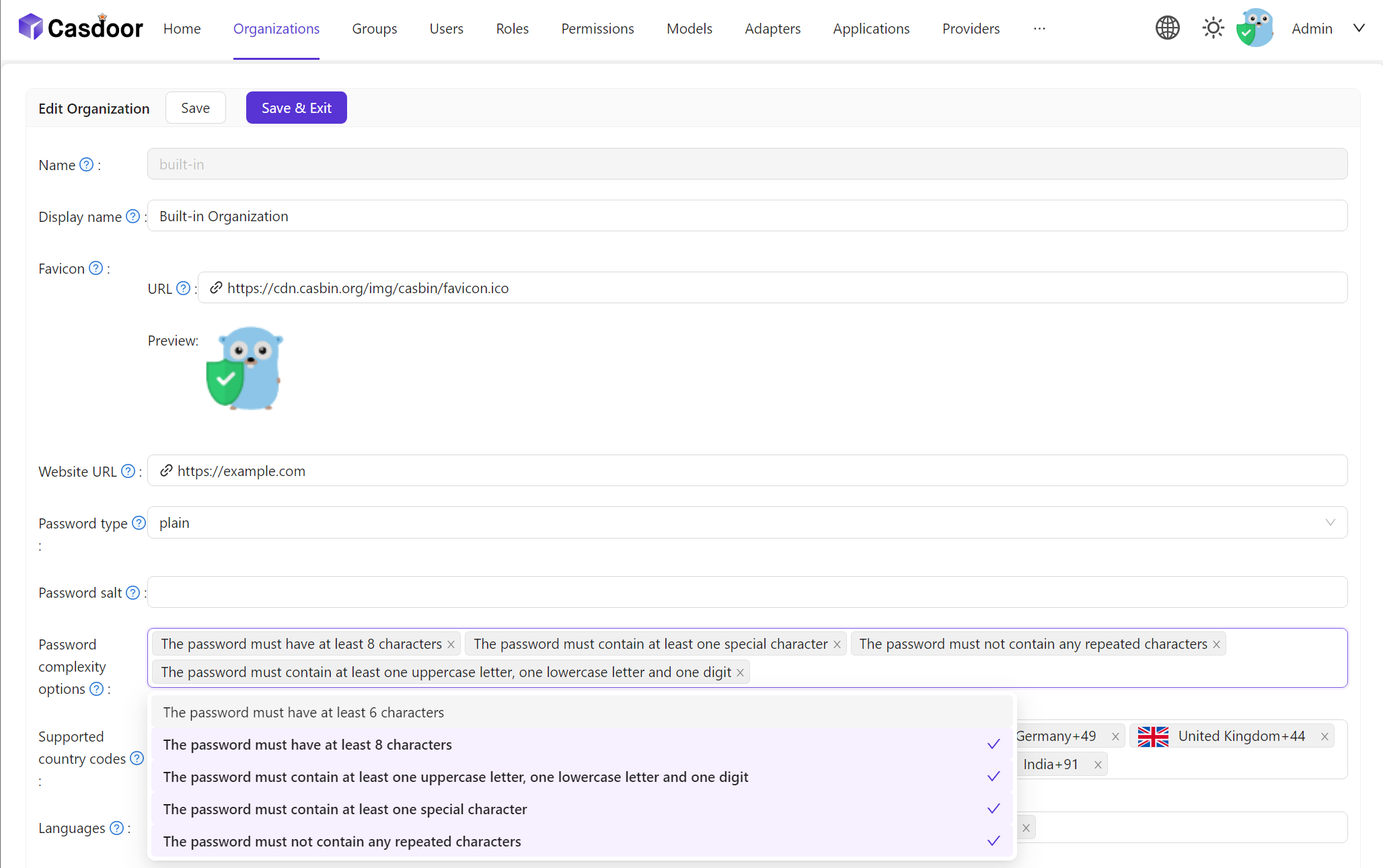
AtLeast6 | Have at least 6 characters |
AtLeast8 | Have at least 8 characters |
Aa123 | Contain at least one uppercase letter, one lowercase letter, and one digit |
SpecialChar | Contain at least one special character |
NoRepeat | Contain no repeated characters |
You can select several options. A password must then satisfy all of them.
Set the rules
-
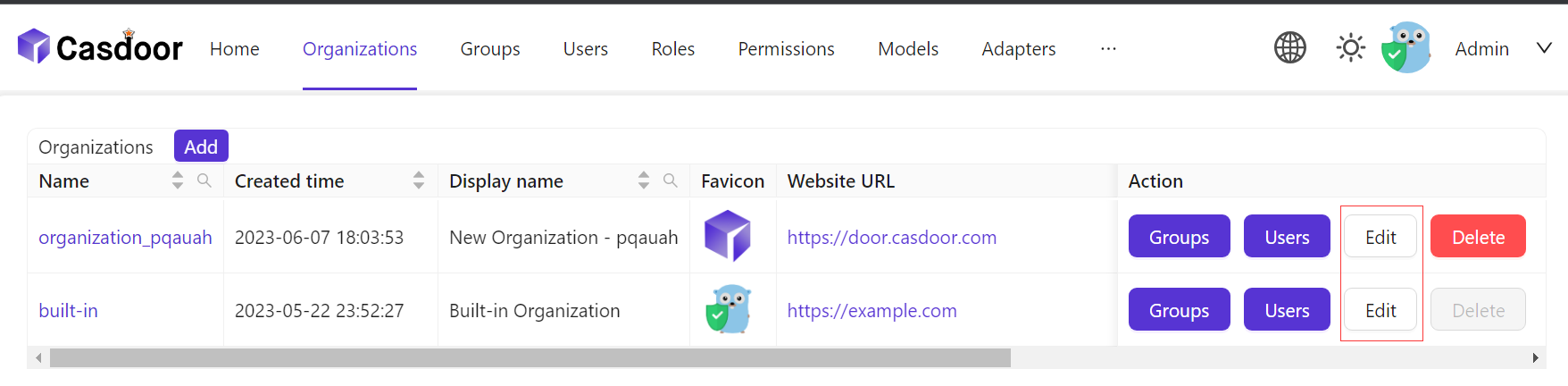
In the Casdoor admin console, go to User Management > Organizations and open the organization.
-
In Password complexity options, select the options.
-
Save the organization.
Verify the result
Casdoor checks new passwords against the rules in three places.
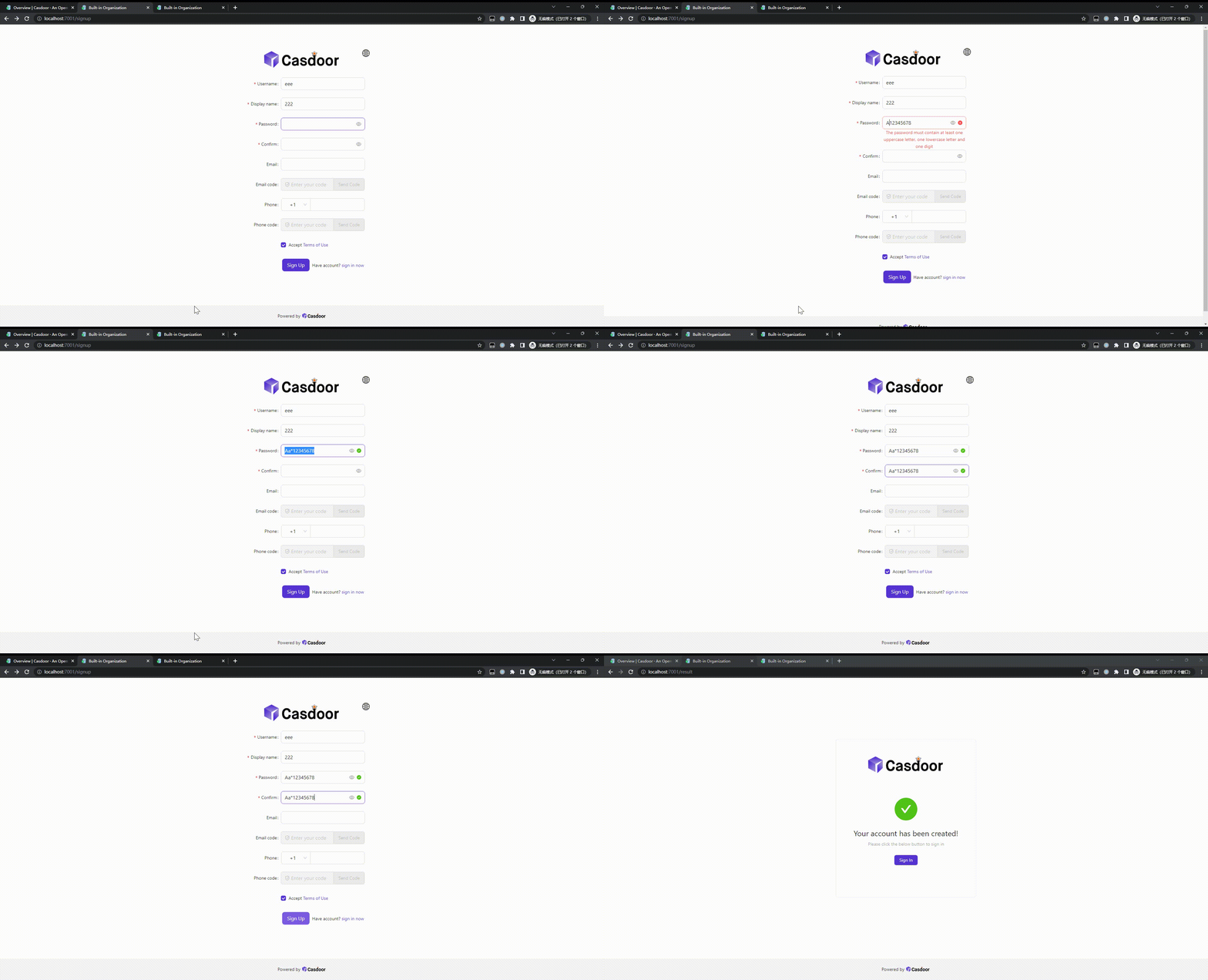
On the sign-up page:
On the forgot-password page:
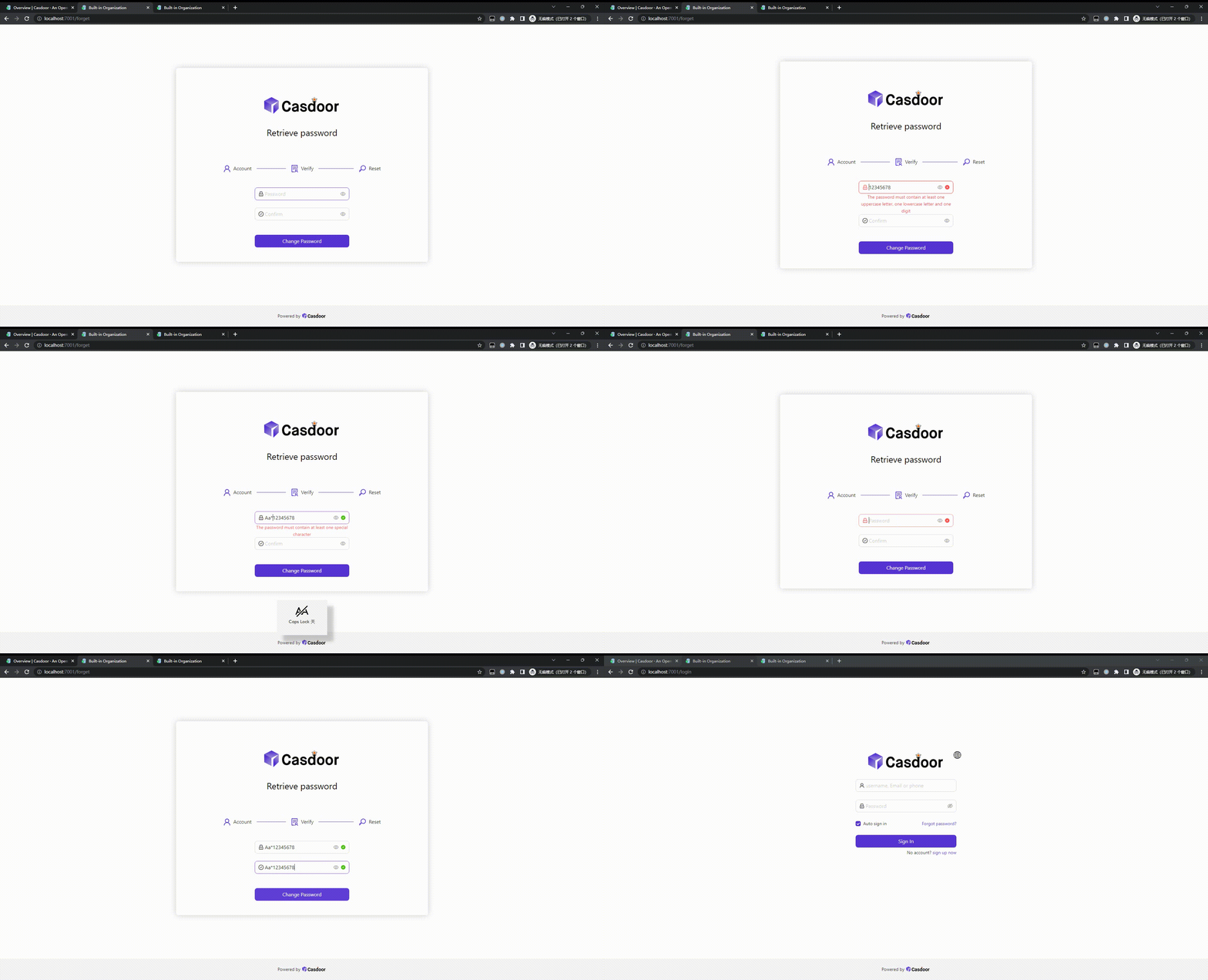
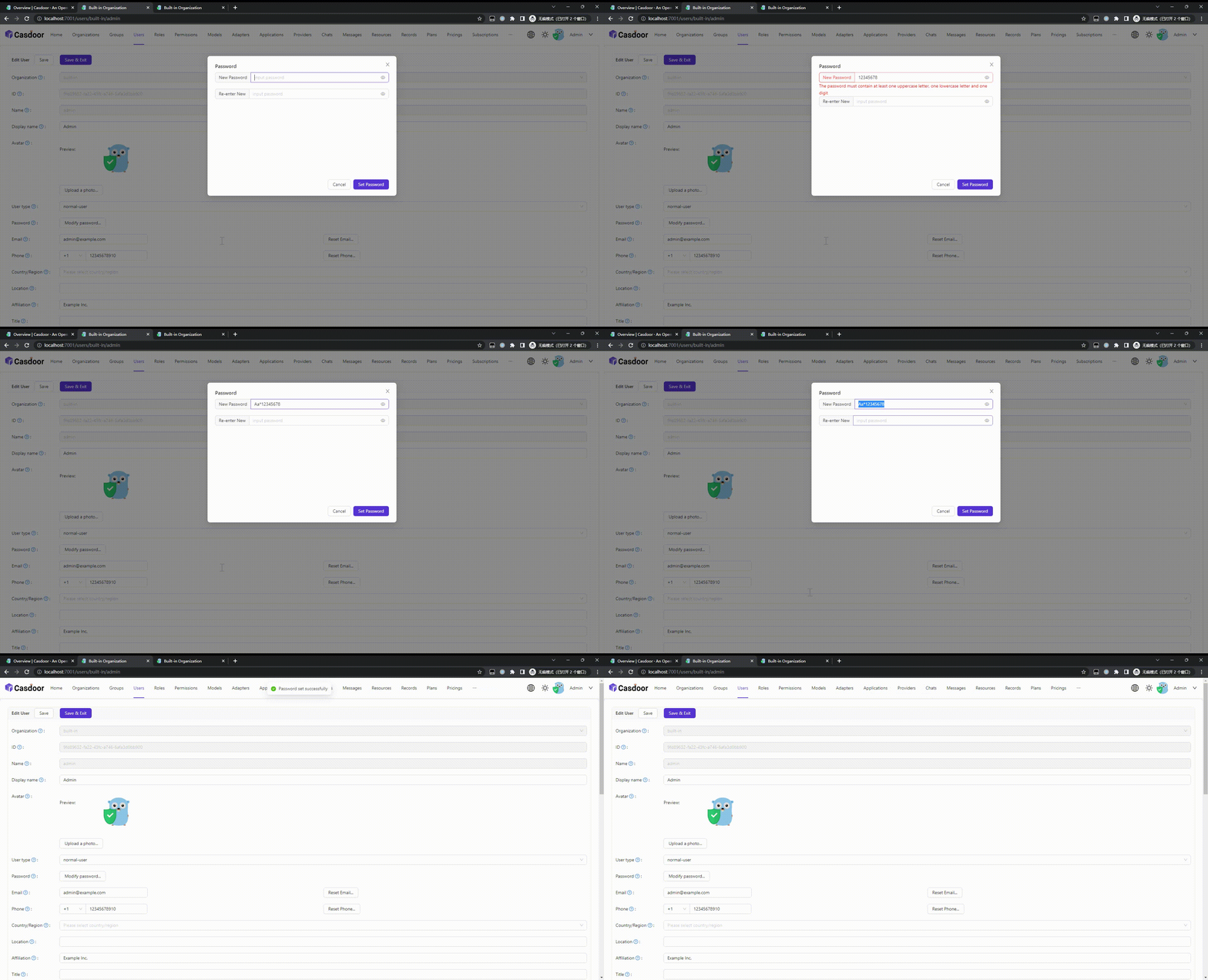
On the edit page of a user, when the password is changed: