Customize the theme
This guide explains how to match the Casdoor pages to your brand by setting the primary color and the border radius.
Learning outcomes
- Understand the three levels of themes.
- Set the theme of an organization.
- Set the theme of a single application.
What you need
- Administrator access to the Casdoor admin console
Theme levels
| 层级 | Where you set it | Where it applies |
|---|---|---|
| 全局 | In the source code only, in web/src/Conf.ts | Every organization that has no theme of its own |
| 选择组织 | Edit page of the organization | All pages of the admin console for members of the organization, and the entry pages (sign-in, sign-up, forgot password, and so on) of the applications that follow the organization theme |
| 可以访问的应用 | Edit page of the application | The entry pages of that application only |
Set the theme of an organization
- In the Casdoor admin console, open the edit page of the organization.
- In Theme, set the primary color and the border radius.
- Save the organization.
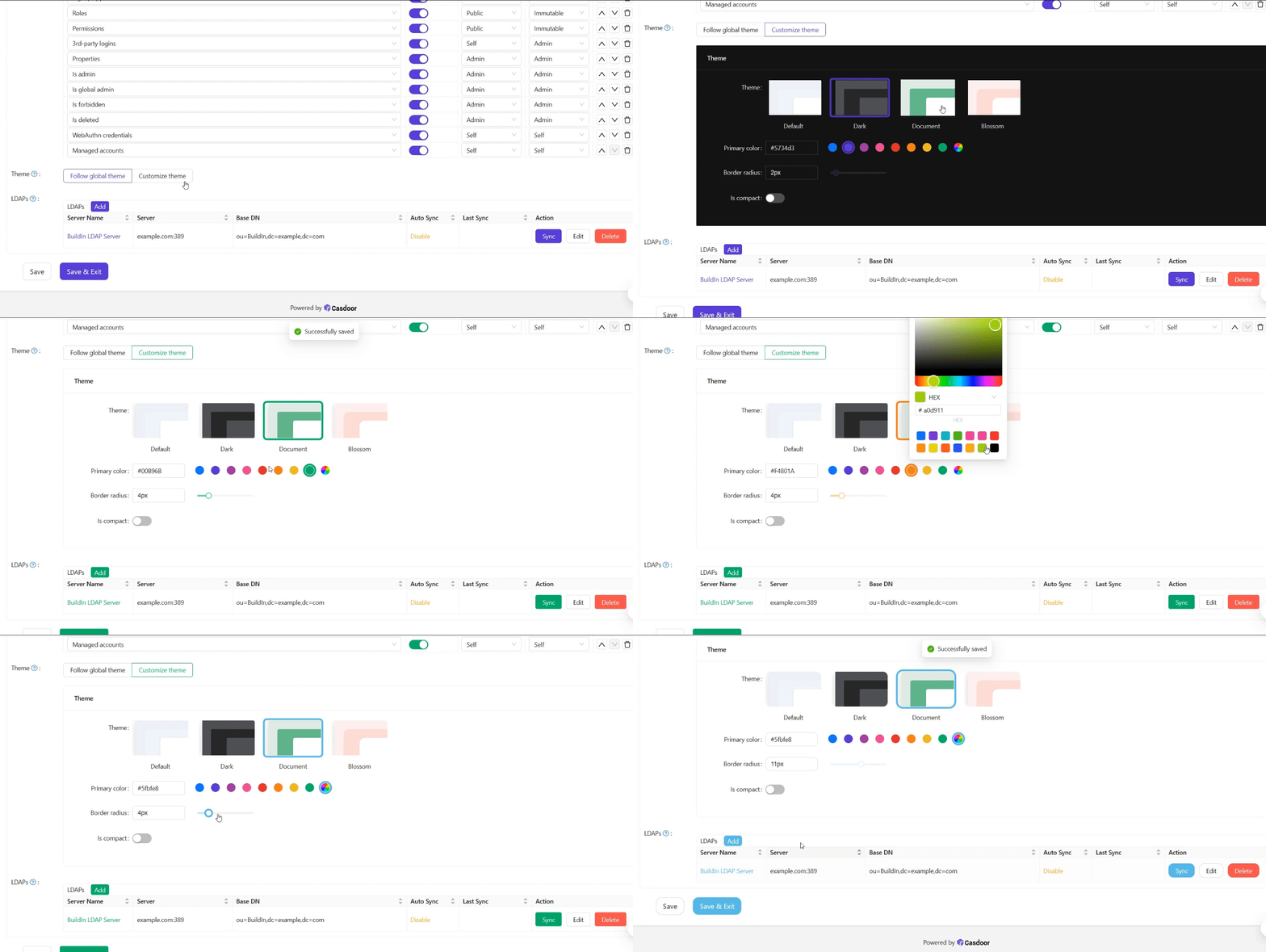
If you edit the organization that you are signed in to, the change applies at once. Otherwise, sign in to that organization to see the theme.
Set the theme of an application
-
Open the edit page of the application.
-
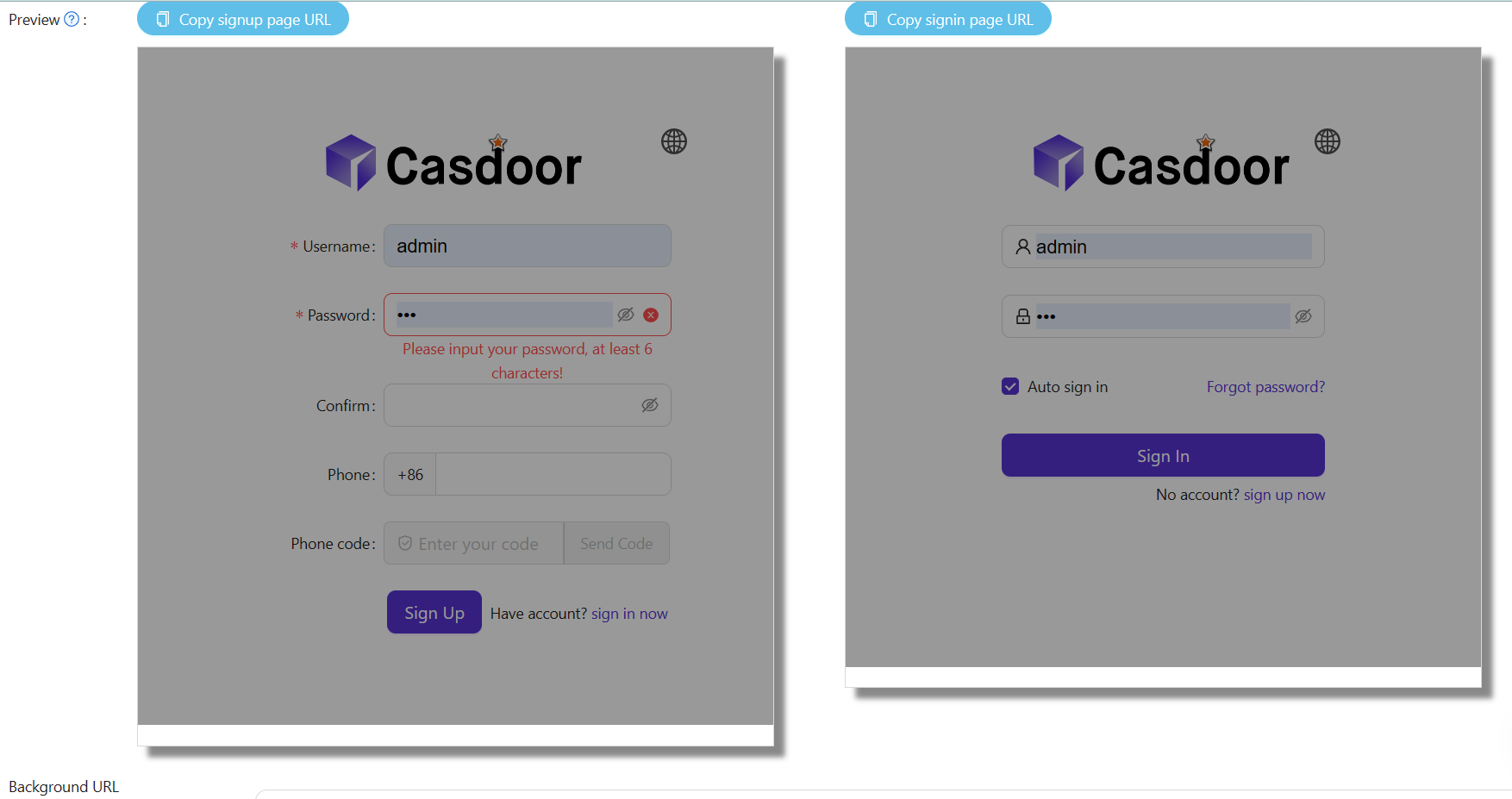
Turn off Follow organization theme, and set the primary color and the border radius in the theme editor.
-
Check the result in the preview panel of the application.
-
Save the application.