Sign users in to a Qt desktop app
This guide explains how to run the Casdoor example for Qt and how to add the same sign-in flow to your own C++ app with casdoor-cpp-sdk. The example shows the Casdoor sign-in page in an embedded browser.
Learning outcomes
- Configure and run the example app.
- Create a Casdoor client in C++.
- Open the sign-in page, catch the callback, and verify the token.
What you need
- Qt 6 with the Qt WebEngine module. On Windows, use the MSVC build of Qt.
- CMake 3.16 or later and a C++17 compiler
- OpenSSL 1.1.1 or 3.x
- An application in Casdoor
CMake downloads casdoor-cpp-sdk when it configures the project. You don't install the SDK yourself.
Sample code
Run the example
-
In the Casdoor admin console, add
http://localhost:8080/callbackto the Redirect URLs of the application. Nothing has to listen on that port, because the example catches the redirect inside its embedded browser. -
Clone casdoor-cpp-qt-example and set the following values:
Name Beschreibung Datei kCasdoorEndpoint Your Casdoor server URL, like http://localhost:8000config.hkClientId Die Client-ID Ihrer Casdoor-Anwendung config.hkClientSecret Das Client-Geheimnis Ihrer Casdoor-Anwendung config.hkCertificate The public certificate of the cert your application uses config.hkOrganizationName Der Name Ihrer Casdoor-Organisation config.hkApplicationName Der Name Ihrer Casdoor-Anwendung config.hkRedirectUri The redirect URL, http://localhost:8080/callbackconfig.h -
Build and start the app.
-
In Qt Creator: Open
CMakeLists.txtand pressCtrl + R. -
On the command line:
cmake -S . -B build -DCMAKE_PREFIX_PATH=/path/to/Qt/6.x/<compiler>
cmake --build build
./build/casdoor-cpp-qt-example
On Windows, if CMake can't find OpenSSL, add
-DOPENSSL_ROOT_DIR="C:/Program Files/OpenSSL-Win64".
-
-
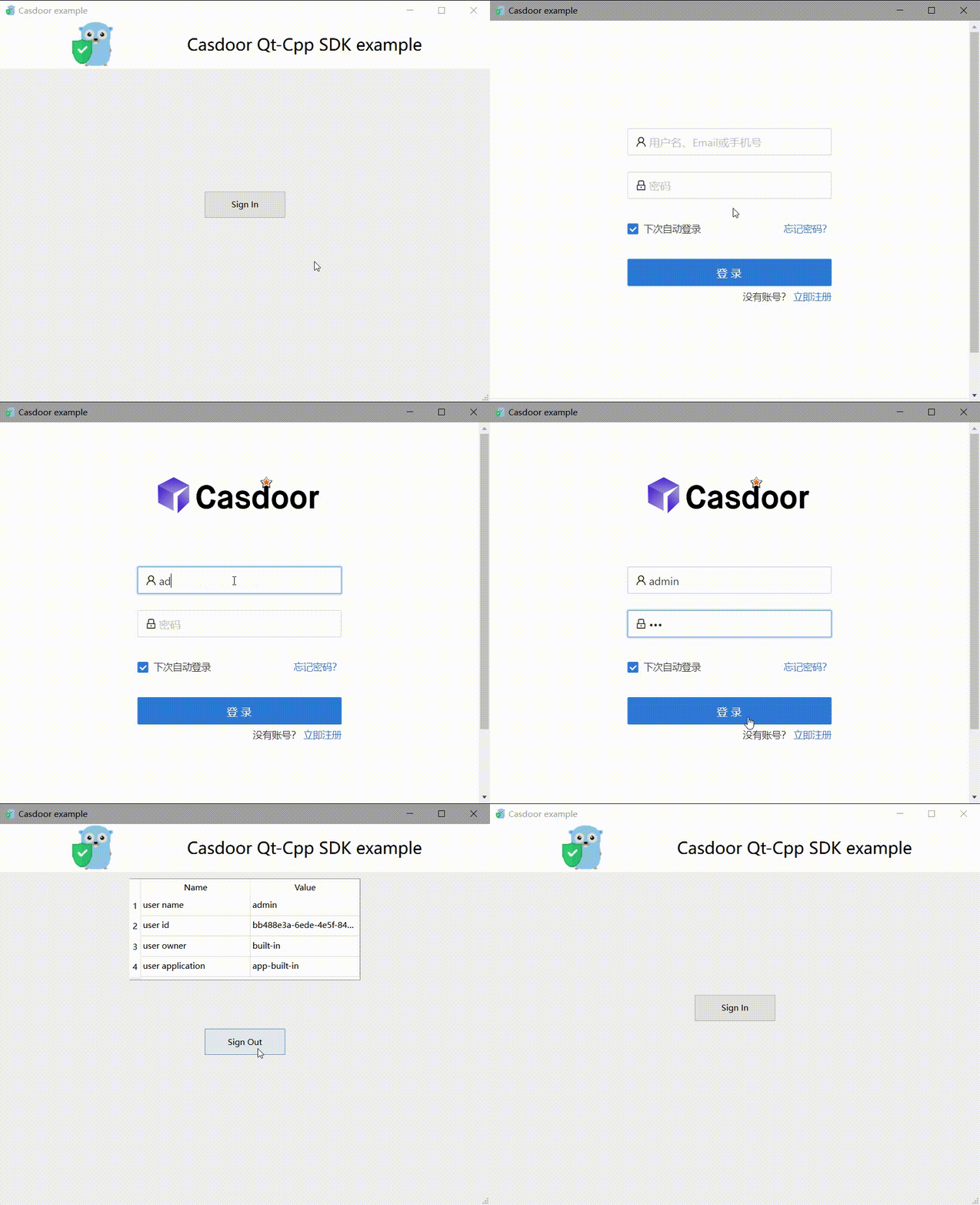
In the app window, click Sign In.
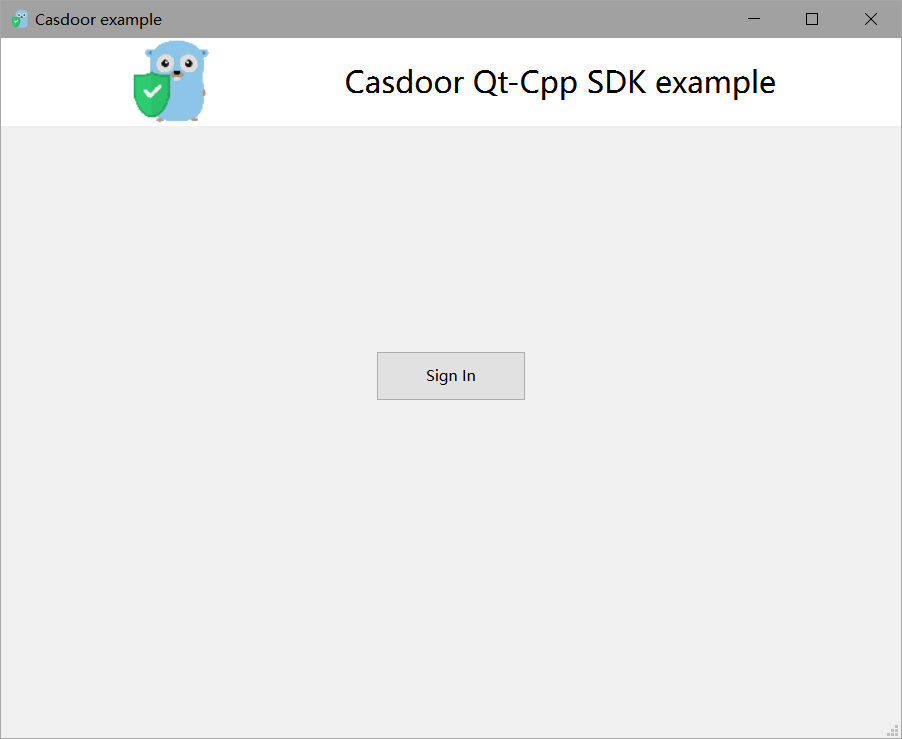
The Casdoor sign-in page opens in a window.
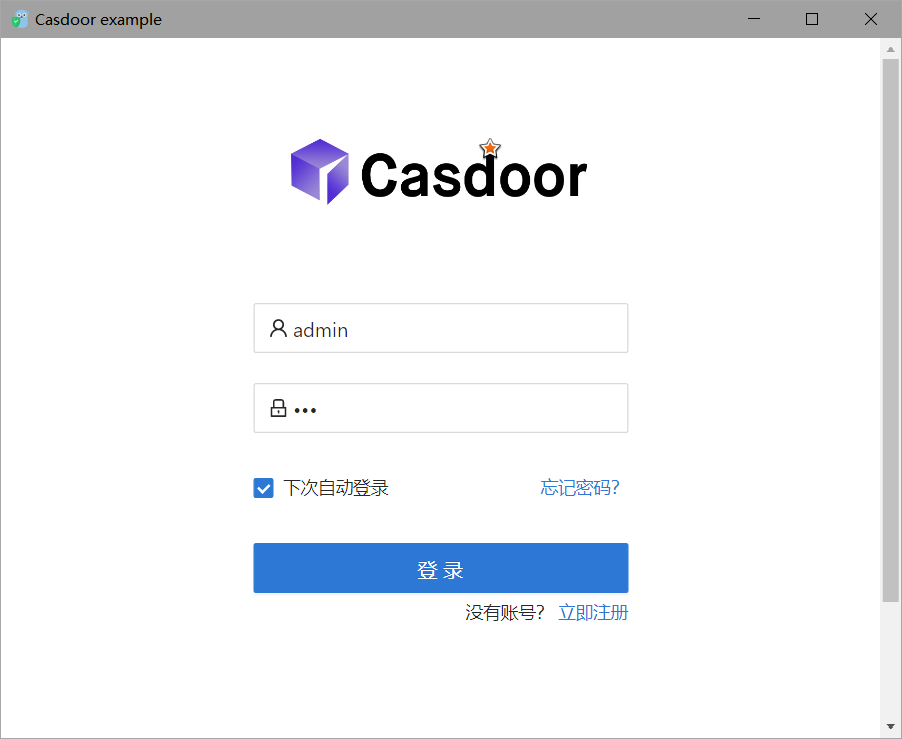
-
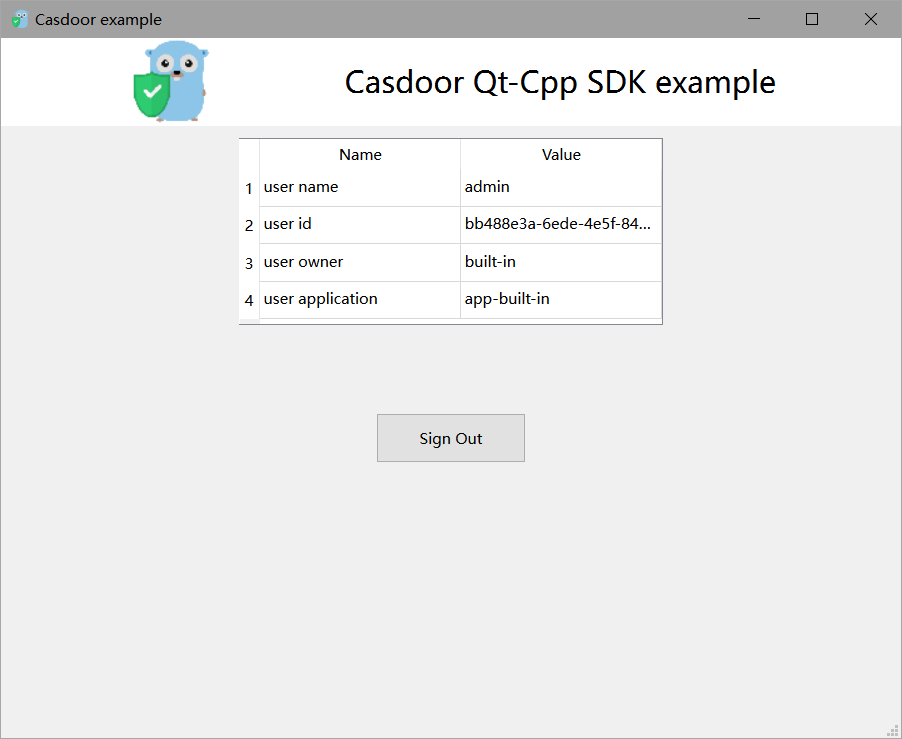
Sign in. The app shows the profile of the user.
Add sign-in to your app
Create the client
#include <casdoor/casdoor.h>

casdoor::Config config;
config.endpoint = kCasdoorEndpoint;
config.client_id = kClientId;
config.client_secret = kClientSecret;
config.certificate = kCertificate;
config.organization_name = kOrganizationName;
config.application_name = kApplicationName;

casdoor::Client casdoor(config);
Open the sign-in window
Generate a random state, build the sign-in URL, and load it in the embedded browser:
// A random state ties the callback to this sign-in attempt
m_state = QUuid::createUuid().toString(QUuid::WithoutBraces);
std::string signinUrl = m_casdoor.GetSigninUrl(kRedirectUri, m_state.toStdString());

m_webview->load(QUrl(QString::fromStdString(signinUrl)));
m_webview->show();
Catch the callback
After the user signs in, Casdoor redirects to the redirect URL with code and state. A subclass of QWebEnginePage stops the embedded browser from loading that URL and hands the URL to the app:
bool CallbackPage::acceptNavigationRequest(const QUrl& url, NavigationType type, bool isMainFrame)
{
    if (isMainFrame && url.adjusted(QUrl::RemoveQuery | QUrl::RemoveFragment) == m_redirectUri) {
        emit callbackReceived(url);
        return false;
    }
    return QWebEnginePage::acceptNavigationRequest(url, type, isMainFrame);
}
Get the user from the code
Check state, exchange the code for a token, and verify the token with the certificate:
QUrlQuery query(url);
QString code = query.queryItemValue("code", QUrl::FullyDecoded);
QString state = query.queryItemValue("state", QUrl::FullyDecoded);
if (code.isEmpty() || state != m_state) {
    return;
}

try {
    casdoor::Token token = m_casdoor.GetOAuthToken(code.toStdString());
    casdoor::Claims claims = m_casdoor.ParseJwtToken(token.access_token);
    // claims.name, claims.display_name, claims.email, claims.owner, claims.payload ...
} catch (const casdoor::Error& e) {
    QMessageBox::warning(this, "Sign in failed", e.what());
}
ParseJwtToken throws casdoor::Error if the signature, the expiry, or the audience of the token is invalid.
Next steps
casdoor-cpp-sdk also refreshes tokens and manages users. See the casdoor-cpp-sdk repository.