Sign users in to an Electron app
This guide explains how to run the Casdoor example for Electron and how to add the same sign-in flow to your own app. The user signs in in the system browser, and the browser hands the result back to the app through a custom protocol.
Learning outcomes
- Configure, run, and package the example app.
- Register a custom protocol for your app.
- Open the Casdoor sign-in page in the browser and receive the authorization code.
- Exchange the code for a token and read the user.
What you need
- Node.js with npm or Yarn
- An application in Casdoor. Without one, the example uses the Casdoor demo site and its application app-casnode.
Sample code
Run the example
-
Clone casdoor-electron-example and install its dependencies.
-
Set the following values. All of them are strings.
Назва Опис Шлях serverUrl URL вашого сервера Casdoor src/App.jsclientId Client ID вашого застосунку Casdoor src/App.jsappName Назва вашого застосунку Casdoor src/App.jsredirectPath Шлях URL перенаправлення для вашого застосунку Casdoor, буде /callback, якщо не наданоsrc/App.jsclientSecret Client Secret вашого застосунку Casdoor src/App.jscasdoorServiceDomain Your Casdoor server URL public/electron.js -
Build and start the app with
npm run devoryarn dev. -
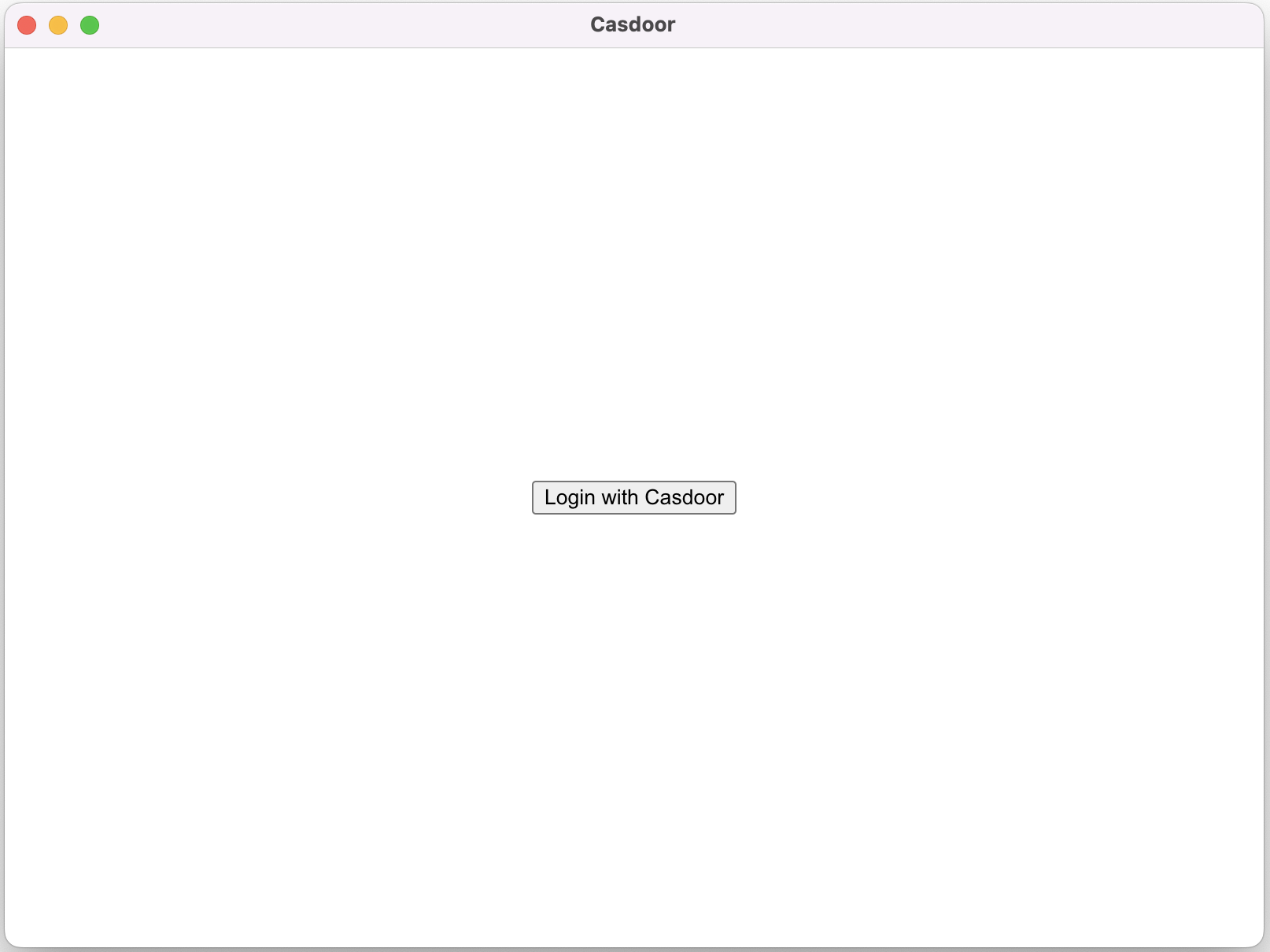
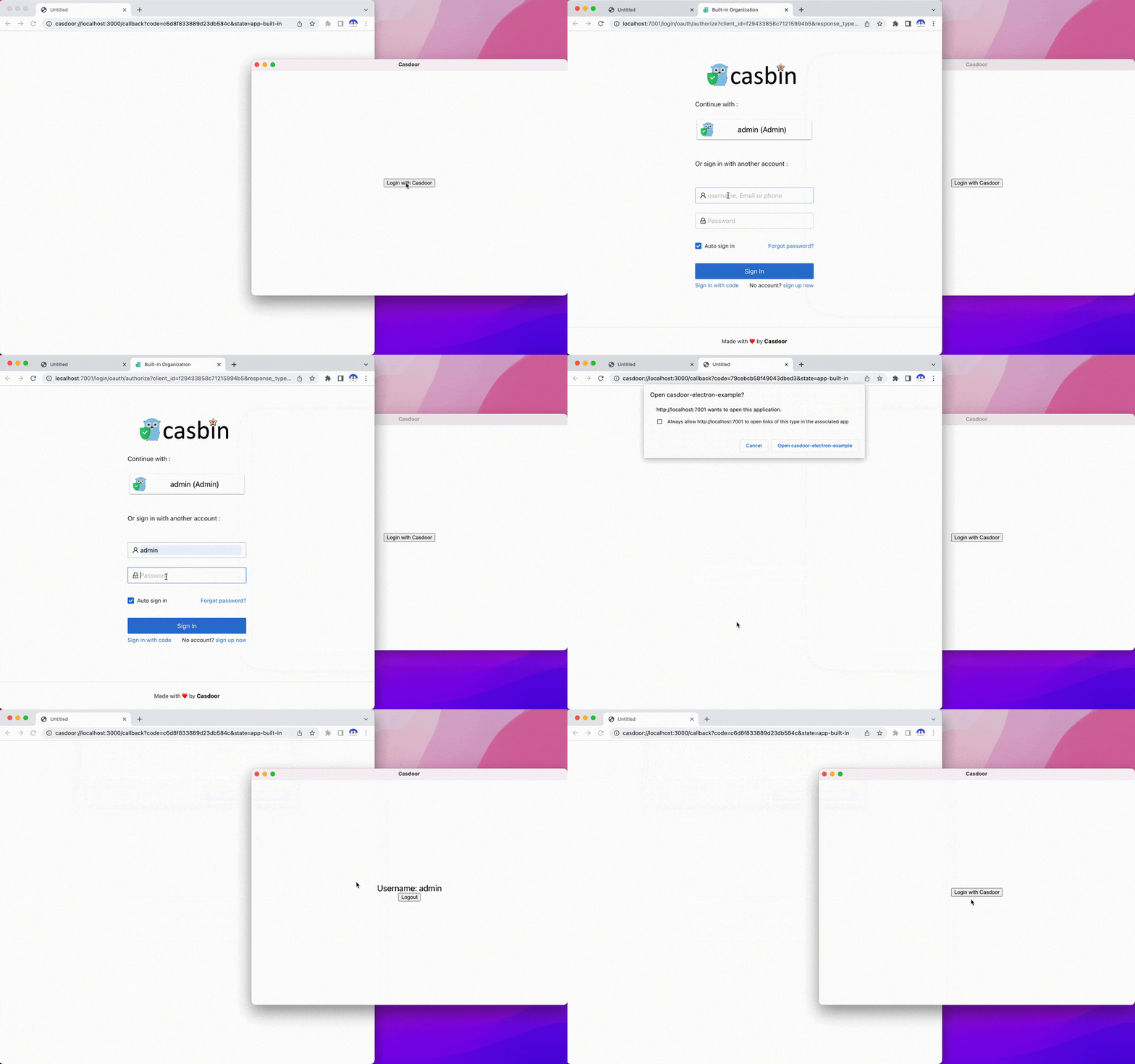
In the app window, click Login with Casdoor.
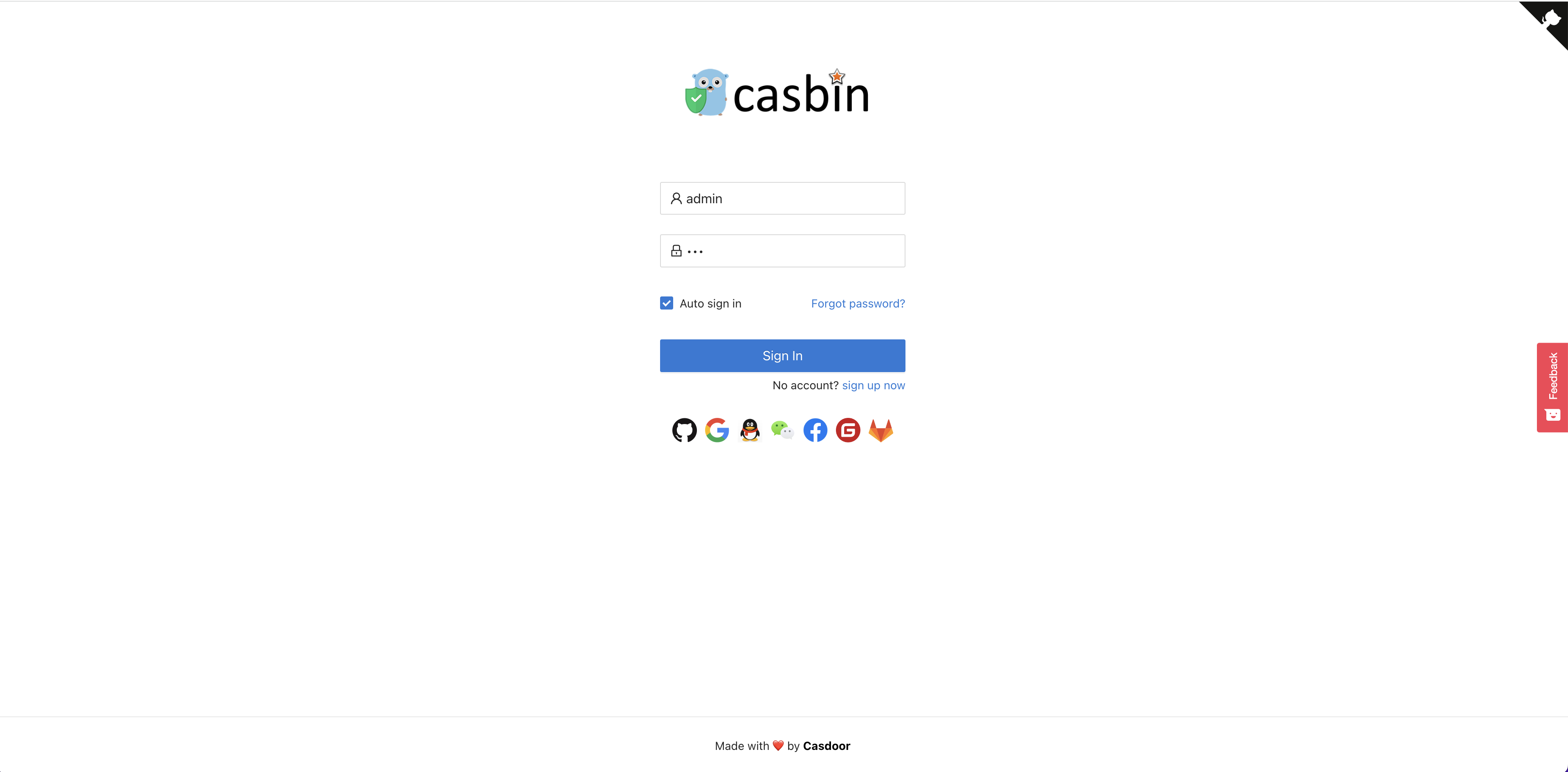
The Casdoor sign-in page opens in your browser.
-
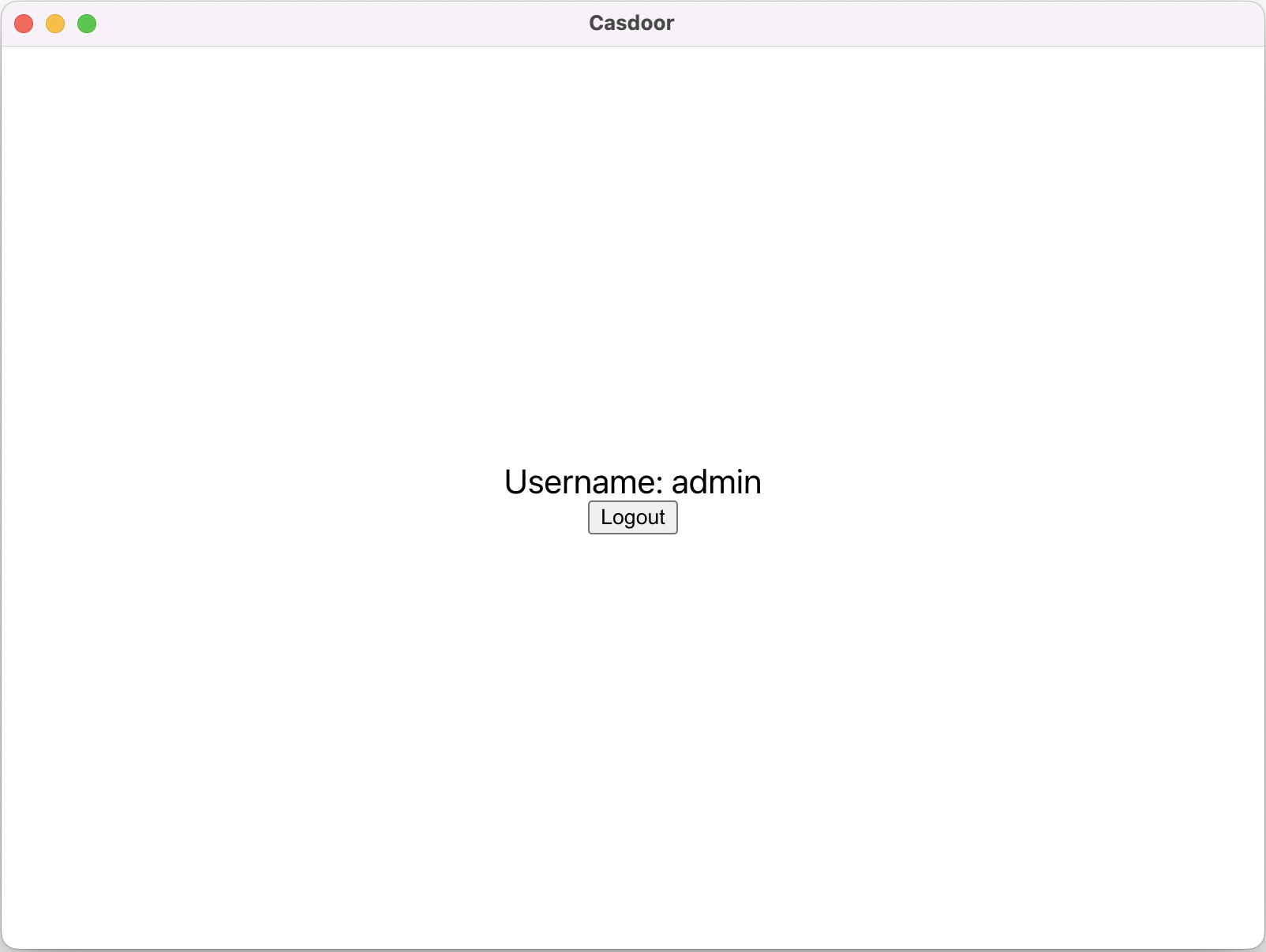
Sign in. The browser opens the app again, and the app shows your username.
Package the example
To package the app for distribution, run npm run make or yarn make. The command creates the out folder with the package:
// Example for macOS out/
├── out/make/zip/darwin/x64/casdoor-electron-example-darwin-x64-1.0.0.zip
├── ...
└── out/casdoor-electron-example-darwin-x64/casdoor-electron-example.app/Contents/MacOS/casdoor-electron-example
Add sign-in to your app
Register the custom protocol
Register the casdoor protocol, so that the browser can open your app and pass the authorization code to it:
const protocol = "casdoor";

if (process.defaultApp) {
  if (process.argv.length >= 2) {
    app.setAsDefaultProtocolClient(protocol, process.execPath, [
      path.resolve(process.argv[1]),
    ]);
  }
} else {
  app.setAsDefaultProtocolClient(protocol);
}
Open the sign-in page in the browser
Build the sign-in URL and open it in the system browser. Change the first five variables to the values of your Casdoor instance.
const serverUrl = "https://door.casdoor.com";
const appName = "app-casnode";
const redirectPath = "/callback";
const clientId = "014ae4bd048734ca2dea";
const clientSecret = "f26a4115725867b7bb7b668c81e1f8f7fae1544d";

const redirectUrl = "casdoor://localhost:3000" + redirectPath;

const signinUrl = `${serverUrl}/login/oauth/authorize?client_id=${clientId}&response_type=code&redirect_uri=${encodeURIComponent(redirectUrl)}&scope=profile&state=${appName}&noRedirect=true`;

shell.openExternal(signinUrl); //Open the login url in the browser
Receive the authorization code
After the user signs in, the browser opens your app through the custom protocol. Listen for that event:
const gotTheLock = app.requestSingleInstanceLock();
const ProtocolRegExp = new RegExp(`^${protocol}://`);

if (!gotTheLock) {
  app.quit();
} else {
  app.on("second-instance", (event, commandLine, workingDirectory) => {
    if (mainWindow) {
      if (mainWindow.isMinimized()) mainWindow.restore();
      mainWindow.focus();
      commandLine.forEach((str) => {
        if (ProtocolRegExp.test(str)) {
          const params = url.parse(str, true).query;
          if (params && params.code) {
            store.set("casdoor_code", params.code);
            mainWindow.webContents.send("receiveCode", params.code);
          }
        }
      });
    }
  });
  app.whenReady().then(createWindow);

  app.on("open-url", (event, openUrl) => {
    const isProtocol = ProtocolRegExp.test(openUrl);
    if (isProtocol) {
      const params = url.parse(openUrl, true).query;
      if (params && params.code) {
        store.set("casdoor_code", params.code);
        mainWindow.webContents.send("receiveCode", params.code);
      }
    }
  });
}
The authorization code is in casdoor_code or in params.code.
Exchange the code for the user
async function getUserInfo(clientId, clientSecret, code) {
  const { data } = await axios({
    method: "post",
    url: authCodeUrl,
    headers: {
      "content-type": "application/json",
    },
    data: JSON.stringify({
      grant_type: "authorization_code",
      client_id: clientId,
      client_secret: clientSecret,
      code: code,
    }),
  });
  const resp = await axios({
    method: "get",
    url: `${getUserInfoUrl}?accessToken=${data.access_token}`,
  });
  return resp.data;
}

ipcMain.handle("getUserInfo", async (event, clientId, clientSecret) => {
  const code = store.get("casdoor_code");
  const userInfo = await getUserInfo(clientId, clientSecret, code);
  store.set("userInfo", userInfo);
  return userInfo;
});
For the requests behind this flow, see OAuth 2.0.