Adapters
This guide explains adapters. In Casbin, an adapter loads and saves policy rules, for example from a database table. In Casdoor, you configure an adapter in the admin console and then view and edit its policies there.
Learning outcomes
- Connect an adapter to a database table.
- Load the policies and add, edit, and delete them.
What you need
- A database that Casdoor can reach
Configure the adapter
-
In the Casdoor admin console, open the Adapters page and add an adapter.
-
Fill in the fields:
Field Description Type Kind of adapter. Only Databaseis availableHost, Port, User, Password Connection to the database Database type MySQL, PostgreSQL, SQL Server, Oracle, or SQLite 3 Database Name of the database Table Name of the table. Casdoor creates it if it doesn't exist 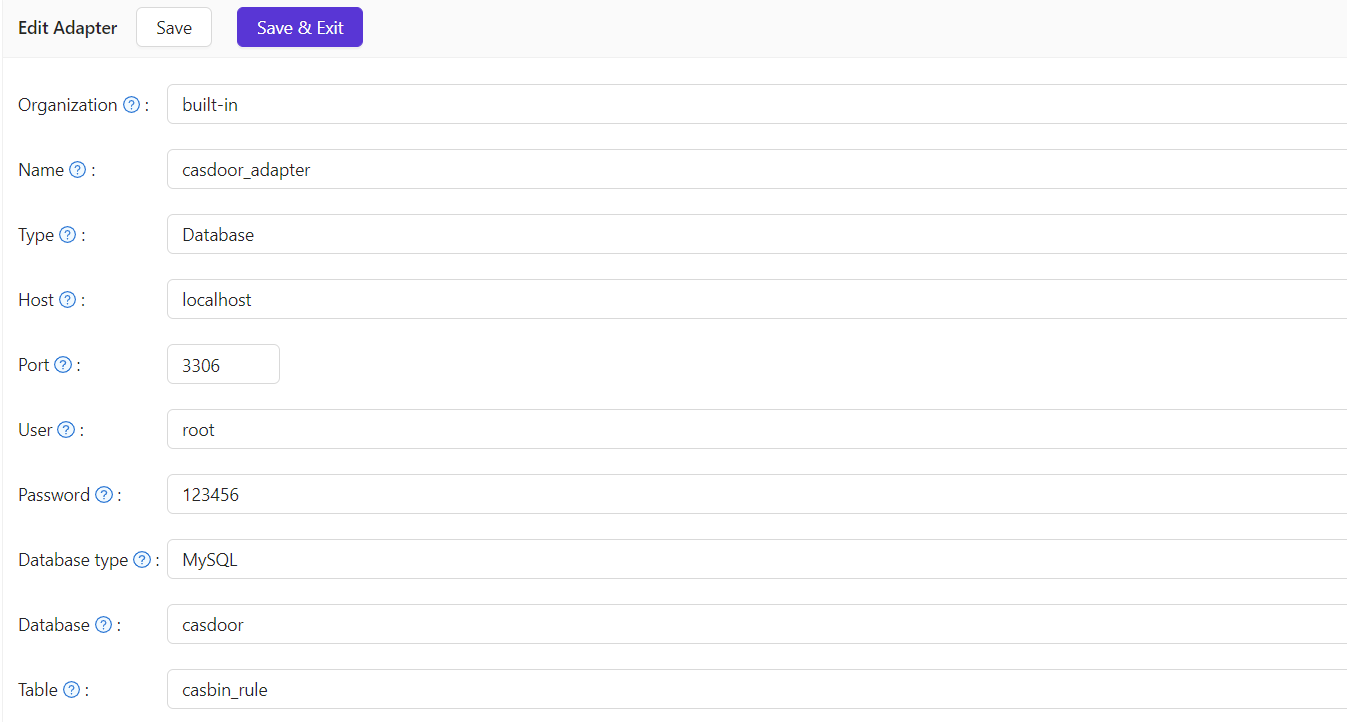
-
Save the adapter.
-
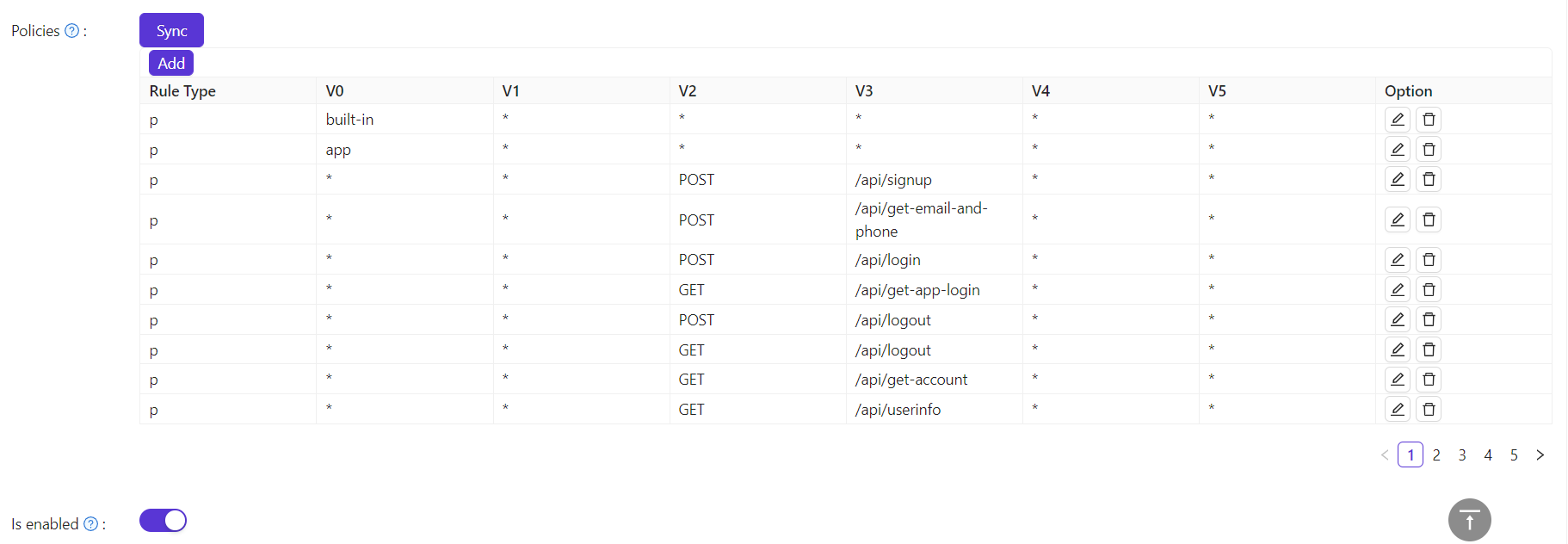
Click Sync to load the policies into the table on the page.
Edit the policies
Add a policy, one at a time:
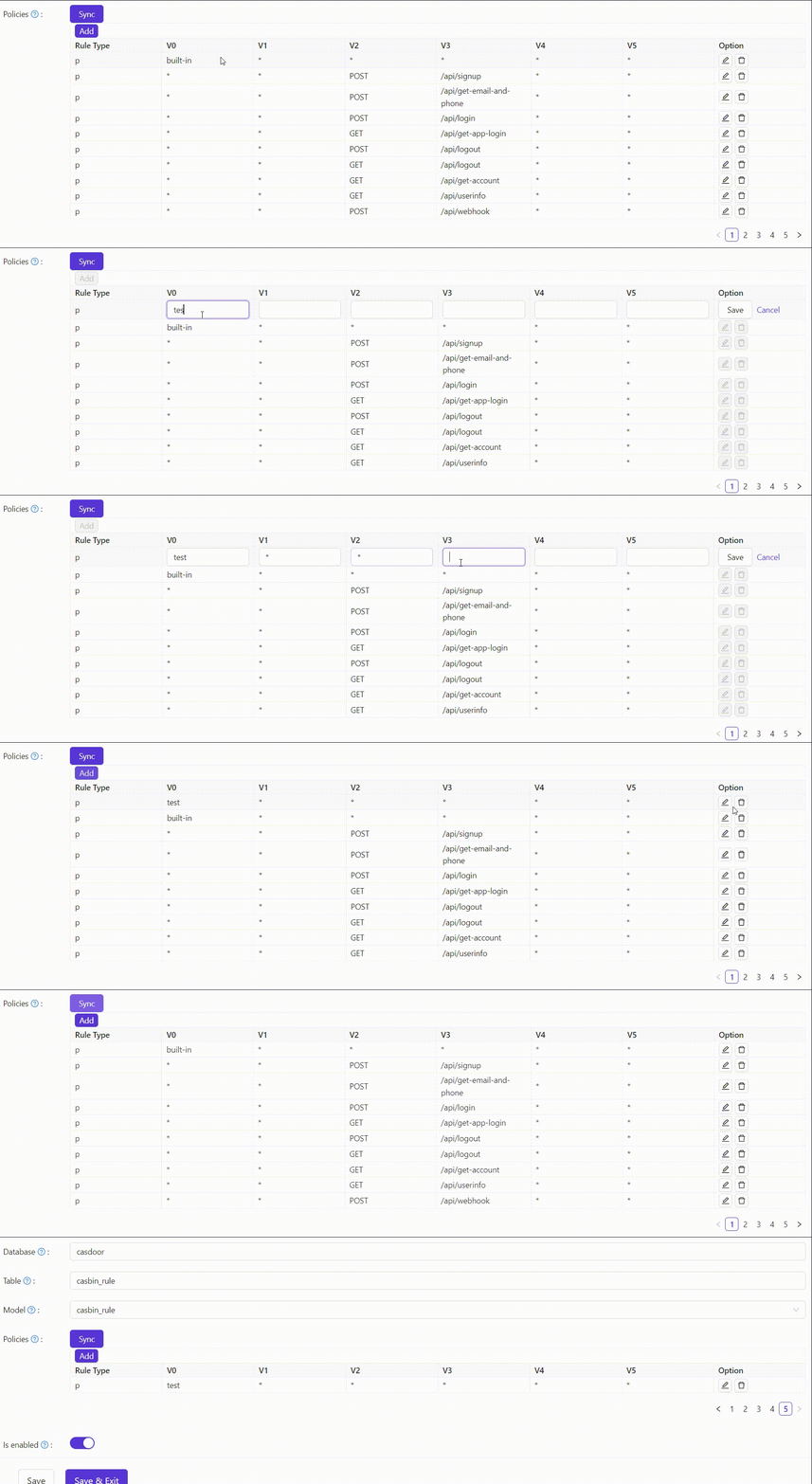
A new policy appears at the top of the table but is stored at the end. After the next sync, it appears in the stored order.
Edit a policy:
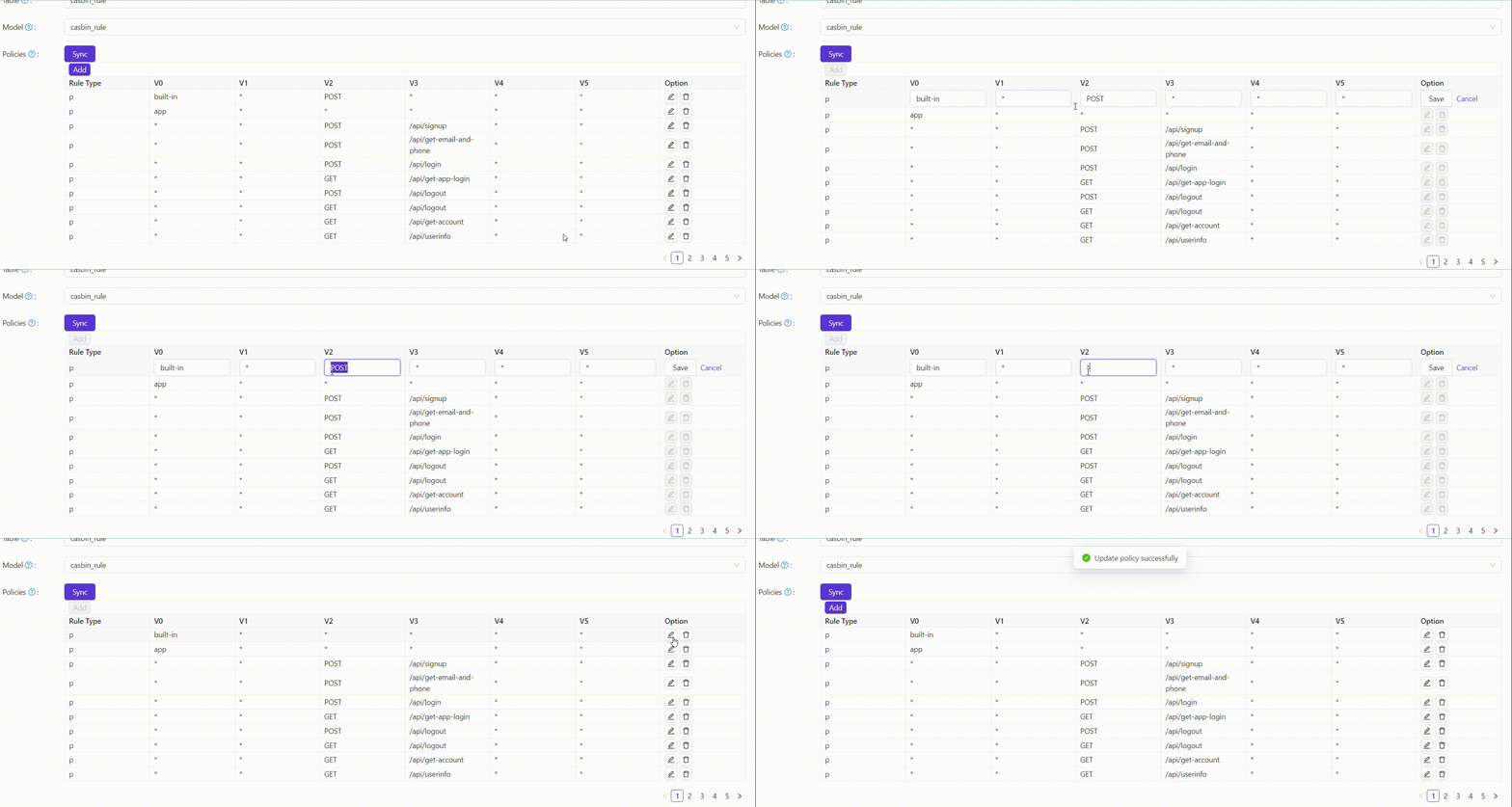
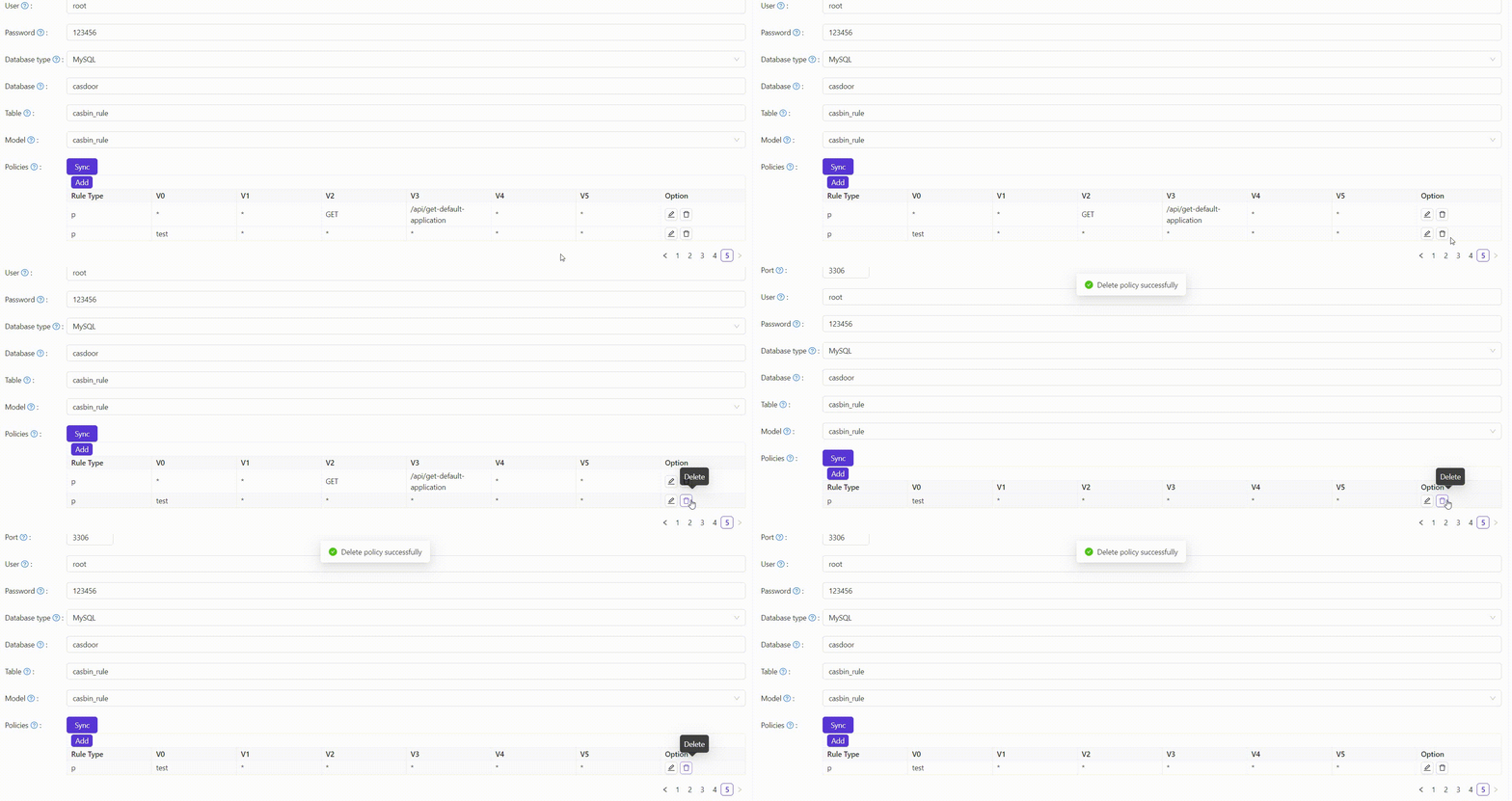
Delete a policy: